Setting up an ASIC mining rig starts with the exact machine, power supply and site. This guide takes a complete miner from the box to verified pool work: check its electrical requirements, prepare cooling and networking, secure its controller, configure a pool and record a stable baseline.
A Bitcoin ASIC is a specialised SHA-256 device. It is different from a GPU or CPU mining rig: buying graphics cards, building a motherboard frame and installing a desktop operating system are not normal setup steps for a complete Bitcoin ASIC. An ASIC designed for a different algorithm cannot simply be switched to Bitcoin.
Before you power on: match the miner to the site
Identify the unit: record the exact model, hashrate bin, serial number, PSU model, cooling type and firmware version. Use its nameplate and manufacturer manual, including any revision notes.
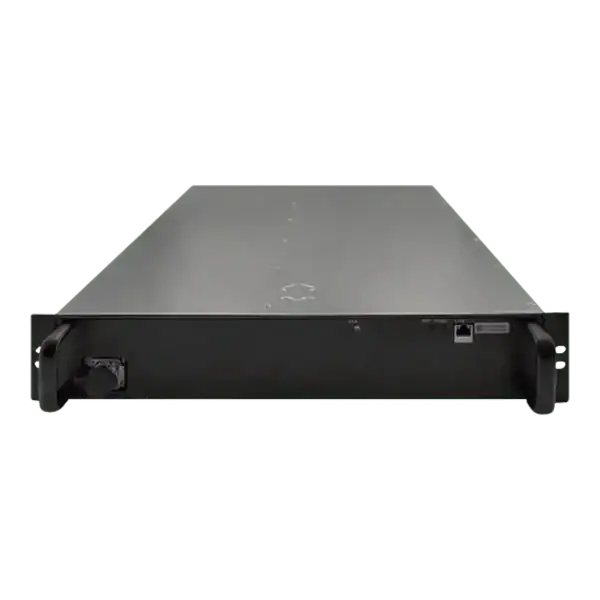
Check the electrical input: confirm AC or DC, voltage range, phase, connectors and supplied adapter. A Nano 3 or Nano 3S uses a supported 28V DC adapter connection; that is different from its adapter’s mains input. An industrial air-cooled model can have different requirements again. Do not infer supply type from the word “ASIC”.
Check the complete circuit: miner wattage alone does not specify a plug, cable, PDU or breaker. Ask a competent electrician to assess the actual continuous load, earthing, protection and local installation. Do not adapt a three-phase or industrial connection to a domestic socket.
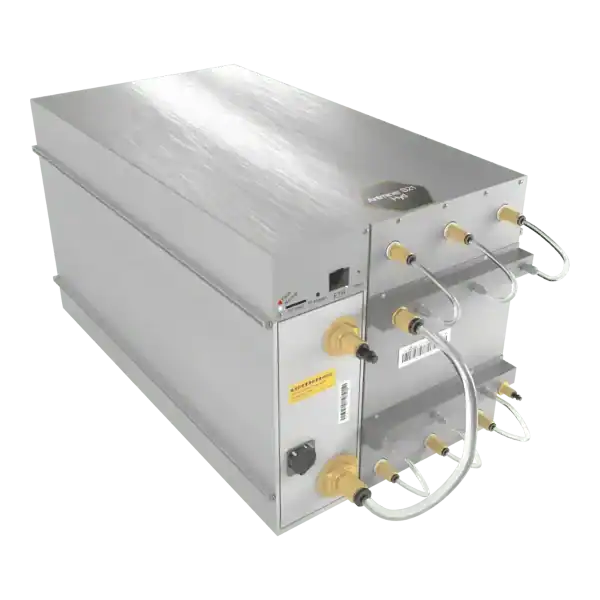
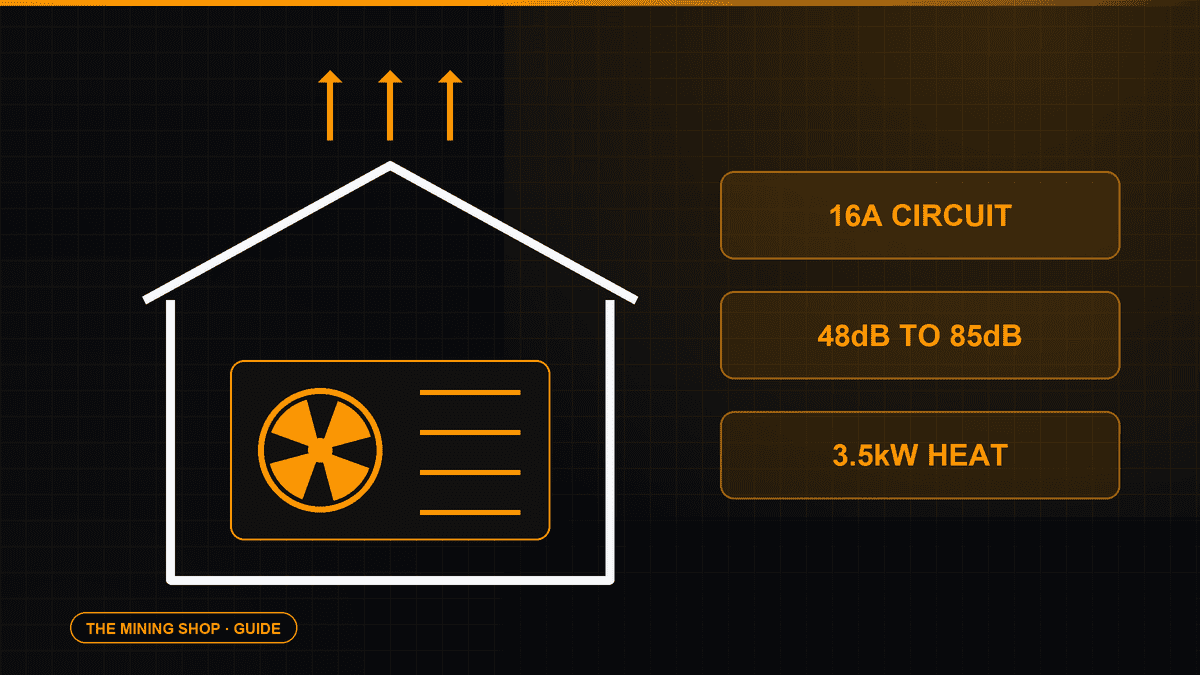
Plan heat and sound: keep the intake clear and prevent hot exhaust recirculating. Follow the model’s ambient limits. Hydro and immersion machines need their specified cooling infrastructure before operation. A stated laboratory noise level is not a prediction of sound in your room.
Prepare a trusted network: provide the connection the model supports. Ethernet is common on industrial units; home models may use Wi-Fi or a supplied USB module. Keep management access on a trusted local network.
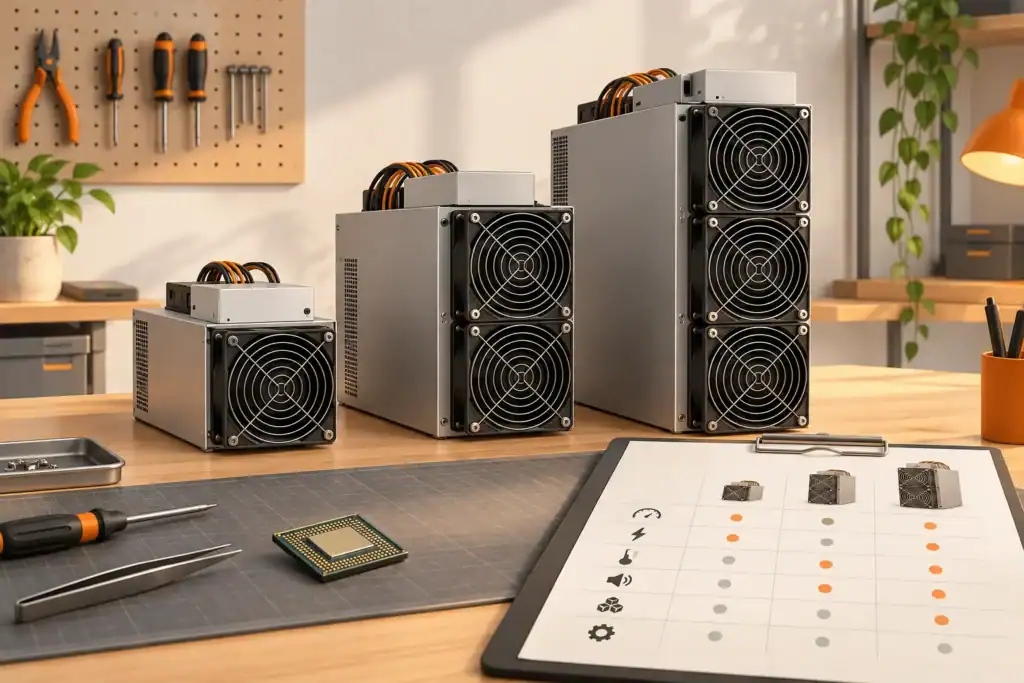
Conceptual illustration of comparing ASIC hardware, power and operating requirements.
Set up the ASIC in eight steps
Inspect the delivery. Check the enclosure, connectors, fans, included parts and model against the order. Photograph damage and resolve it before energising. Do not open the PSU or modify internal wiring.
Place and connect the equipment. Follow the exact manufacturer instructions for orientation, clearances, cooling connections and power leads. Keep the equipment dry and stable. Connect the supported network interface and approved supply after the site checks above.
Find its local address. Use your router’s DHCP client list or the manufacturer’s discovery tool downloaded from its official support site. The controller and your computer must be on a network that permits local access. Do not assume a universal default IP address.
Open and secure the controller. Sign in using the instructions supplied for that exact controller. Change default credentials and store them securely. Keep its management interface off the public internet; do not forward router ports to it. Record the original settings before making changes.
Confirm the firmware. Check the installed version and the manufacturer’s current release notes. If an update is needed, match the exact model and controller and follow its recovery and power requirements. Do not use an unfamiliar download or interrupt an upgrade. Avoid overclocking during initial commissioning.
Configure the pool. Copy the current endpoint and port from the pool’s own instructions for your algorithm. Enter the required worker or account identifier, and any worker password it specifies. Set backup endpoints if supported. Account-based pools and address-based pools use different formats; never enter a wallet seed phrase into a miner or pool.
Save and observe startup. Allow the manufacturer’s startup and tuning sequence to finish. Check the controller for detected boards or chips, fan status, temperatures, connection errors and accepted work. Leave stock fan and power settings in place for the baseline.
Verify at the pool and record the baseline. Confirm that the intended worker is visible and submitting accepted work. Compare a stable average with the expected stock rating, allowing for the pool’s averaging window. Record measured wall power, ambient conditions, firmware and settings for later comparisons.
First-run acceptance checklist
The exact input voltage, phase and connector requirements match the installed supply.
Intake and exhaust remain clear; cooling and temperatures meet the model’s requirements.
The controller is reachable locally and its default password has been changed.
The configured algorithm, pool, worker and payout destination belong to you.
The miner and pool both show accepted work; persistent errors are investigated.
A suitably rated meter or managed PDU provides a wall-power reading where available.
You have saved the initial settings, firmware details and manufacturer support links.
A pool dashboard can lag behind the local display. A short hashrate spike, a successful login or spinning fans alone do not establish stable operation. Record observations over the period recommended for the machine and pool.
Calculate electricity cost before judging profitability
Daily electricity cost = wall power in kW × hours running × your price per kWh. For an illustrative 140W input over 24 hours at £0.25/kWh: 0.14 × 24 × £0.25 = £0.84/day. If your measurement is at the device side, measure mains consumption too: adapter losses can make the wall reading higher. Cooling, network equipment and site charges may add further costs.
Use the Bitcoin mining cost and profitability calculator with your own tariff and measured watts. Revenue varies with network conditions, fees and coin price; a working rig does not guarantee a profit. For solo operation, the solo mining calculator explains the probability of finding a block over a chosen period.
Troubleshoot the symptom before changing settings
No power or repeated restarts: stop and check the correct supply, adapter and connections against the manual. If protection trips, connectors overheat or damage is visible, stop using the unit and have the cause assessed.
Controller cannot be found: check link or Wi-Fi status, router leases and local network access. Use the exact model’s discovery or recovery instructions. A factory reset can erase settings; document them first.
No accepted shares: check algorithm compatibility, endpoint, port, worker format, DNS and the controller log. Confirm the pool service is available. Do not change the payout destination to an unfamiliar address to test it.
Low or unstable hashrate: compare stable averages, then inspect temperatures, rejected work and board status. Check airflow or the specified coolant system. Return to supported stock settings before drawing conclusions about hardware failure.
Unexpected pool or worker changes: disconnect the affected equipment from untrusted networks, preserve the logs and follow the manufacturer’s recovery guidance. Change compromised credentials and verify the destination before restarting.
ASIC setup FAQ
Do I need a graphics card or a separate operating system for a Bitcoin ASIC?
A complete Bitcoin ASIC normally contains its own controller and firmware. It does not need a GPU rig, motherboard assembly or a separate Windows installation. Follow the instructions for its exact model and controller.
Can I plug every ASIC into an ordinary UK socket?
No. Check the exact miner and power-supply input, connectors and continuous load. Desktop devices with external adapters differ from industrial air, hydro and immersion machines. Have the circuit and protective equipment assessed for the actual installation.
Why does the miner show hashrate but my pool shows no worker?
Confirm the selected algorithm, current pool endpoint, port and worker identifier. Check the miner log for connection errors and accepted shares, then allow the pool dashboard time to update. A local hashrate figure alone does not prove the pool is accepting work.
Does solo mining provide a regular Bitcoin income?
No. A solo setup may operate correctly for a long time without finding a block. Pool and solo choices have different reward variability; use the solo calculator to explore probability rather than assuming regular payouts.
Use the current instructions for the exact machine and PSU revision. These references support the setup principles above; their model-specific settings are not universal defaults.
Darren Waggott has mined Bitcoin and worked with ASIC hardware since 2011. He writes about miner selection, running costs, hosting and repairs for The Mining Shop.
Membership helps us protect the discussion from spam and keep answers useful.
ASIC MINING SUPPORT
Need Help Choosing an ASIC Miner?
Tell us what you want to mine, your electricity cost and where the machine will run. We can help you compare hardware, power requirements, hosting and repairs.
We use necessary cookies to run the shop and optional analytics cookies to understand how visitors use the site and improve shopping and checkout. You can accept analytics, use only necessary cookies, or choose settings. You can change your choice at any time.
Functional
Always active
The technical storage or access is strictly necessary for the legitimate purpose of enabling the use of a specific service explicitly requested by the subscriber or user, or for the sole purpose of carrying out the transmission of a communication over an electronic communications network.
Preferences
The technical storage or access is necessary for the legitimate purpose of storing preferences that are not requested by the subscriber or user.
Statistics
The technical storage or access that is used exclusively for statistical purposes.The technical storage or access that is used exclusively for anonymous statistical purposes. Without a subpoena, voluntary compliance on the part of your Internet Service Provider, or additional records from a third party, information stored or retrieved for this purpose alone cannot usually be used to identify you.
Marketing
The technical storage or access is required to create user profiles to send advertising, or to track the user on a website or across several websites for similar marketing purposes.





Join the ASIC Mining Discussion
Members can read and join the discussion
Log in to read comments from other miners. Create a free account if you would like to ask a question or share your experience.
Membership helps us protect the discussion from spam and keep answers useful.