
Pre-order
Overall ranking

Overall rank#1of 163AvailableAll: #3 / 836
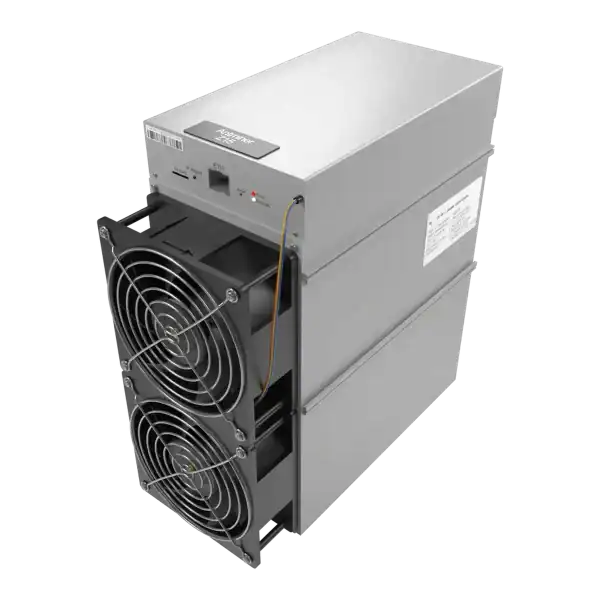

Pre-OrderFree Shipping
Hashrate
525KSOL
Efficiency
4.73W/KSOL
Power
2483W
Earns/kWh
£0.331
Compare Avalon Nano 3 and Nano 3S hashrate, power, noise and UK running costs. Check adapters, networking and home heat use before choosing.
Compare the Avalon Nano 3 and Nano 3S using current listed specifications and stock, clearly labelled electricity examples, and manufacturer setup references.
The Nano 3S offers a higher headline hashrate at the same 140W maximum reference power as the Nano 3. Choose by complete kit cost, support, intended power mode and room fit.
Compare the exact listings below for current ratings and stock. The published Nano 3S reference offers more hashrate at the same maximum power than the Nano 3; that is more mining work, not more heat. Choose an operating mode and setup you can support.
Compare current prices, listed specifications and availability. Open the exact model for its condition, included equipment and delivery terms.
Last checked: 9 Nov 2026, 17:54:56 UTC. Prices and stock update every 30 seconds while this page is open.
Scroll sideways on a small screen to see every model.
| Compare | Avalon Nano 3 | Avalon Nano 3S |
|---|---|---|
| Price for 1 miner | £1,000.00 ex VAT | £380.00 ex VAT |
| Listed hashrate | 4TH/s | 6TH/s |
| Listed power | 140W | 140W |
| Listed device input | 28V DC | 28V DC |
| Listed efficiency | 35W/TH | 23.33W/TH |
| Energy over 24 hours at listed power | 3.36kWh | 3.36kWh |
| Electricity at £0.25/kWh for 24 hours | £0.84/day | £0.84/day |
| Availability | Out of stock - Contact us for availability | In stock - Ready to ship |
Prices are for one miner. Quantity discounts, options and delivery terms may differ on the product page. An out-of-stock price is a reference; confirm availability and price before ordering.
The device input is separate from the external adapter’s mains input. Check the matching adapter, cable and regional mains lead for your exact unit.
Electricity example: £0.25/kWh and 24 hours of operation are fixed assumptions. The energy and cost rows use the listed watts; actual consumption depends on mode and setup. Include any extra adapter or auxiliary load when it is outside that rating. These rows show electricity cost, not mining income or useful room heat.
Enter your own tariff, fees and operating assumptions in the Bitcoin mining calculator. Assess how much paid heating is replaced in the heat-reuse guide.
Load current specifications into the calculator: Nano 3 · Nano 3S. Then enter your own costs and running time.
| Reference | Nano 3 | Nano 3S |
|---|---|---|
| Published sound range | 33–36dB in Canaan’s laboratory reference | 33–40dB on Canaan’s shop specification |
| Published operating ambient range | −5 to 35°C | −5 to 30°C |
Manufacturer references checked 29 October 2026: Canaan Nano 3, Canaan Nano 3S shop specification and Nano 3S features and test notes. These are published ratings, not measurements from The Mining Shop. The comparison’s efficiency is the listed product value. Its energy and cost rows are arithmetic examples, not measured consumption or guaranteed operating results.
Canaan’s Nano 3S feature page advertises 30–40 dB and identifies 30 dB as a low-mode test at 25°C; its shop lists 33–40 dB. The Nano 3 laboratory range uses different published conditions. These figures do not establish which machine is quieter in your room. Ask for sound measured at a stated distance and power mode, including the adapter and background noise.
The Nano 3S uses a supplied USB Wi-Fi module, with limited support for some USB-to-RJ45 adapters. Canaan does not guarantee every adapter or USB hub. A generic industrial-miner Ethernet specification is not proof of a built-in Ethernet socket on this device. Match the exact unit and firmware to its manufacturer setup instructions.
Confirm the adapter, compatible cable and UK mains lead included with your particular order. The required 28V PD supply should not be confused with an arbitrary phone charger. Manufacturer package descriptions do not establish what is included in every reseller bundle.
Use the model-specific calculator links above to load the current listed hashrate and power, then enter your actual electricity rate, fees and running time. Measured wall power and operating mode can differ from a listed rating. For solo mining, use the solo mining calculator; a small average expected payout does not mean a regular solo payout.
Check the current Nano 3 listing and Nano 3S listing for availability and order terms. For a larger heat source, see the separate Nano 3S, Mini 3 and Avalon Q comparison and the home heating cost example.
A Nano turns a modest electrical load into heat while attempting SHA-256 mining work. Check the exact Nano generation and operating mode; larger Avalon machines have different power and room requirements.
Match the adapter’s output, cable and connector to the exact miner, then check its mains input and regional lead. A familiar-looking USB connector alone does not establish compatibility.
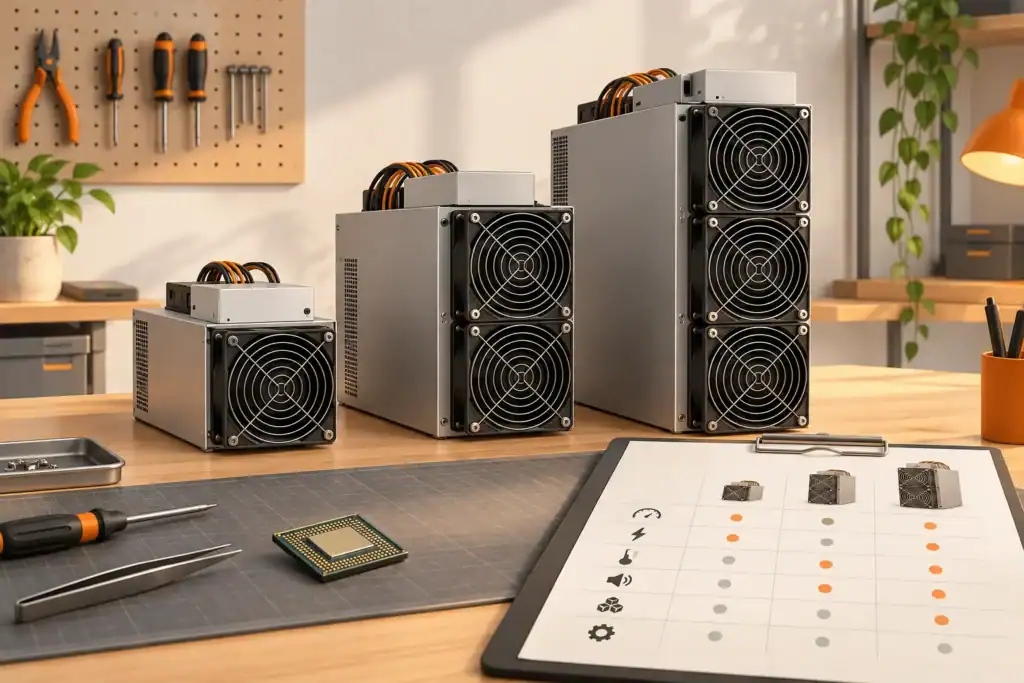
A manufacturer name tells you who made a machine. It does not tell you whether that machine suits your power supply, cooling system, noise limit or mining plan. Two models from the same brand can have very different needs.
Write down the full model name and rated version. Check the algorithm, hashrate, wall power and efficiency. Then compare those figures with the seller’s description and current manufacturer information.
Hashrate is the amount of mining work attempted each second. Efficiency shows how much electricity is used for that work. A higher hashrate can still be a poor choice if the power cost is too high.
Use measured wall power when it is available. A chip or test-mode figure may leave out fans, pumps or power-supply losses. Test worse conditions as well as the headline setting.
ASIC miners are continuous electrical loads. Confirm voltage, current, plug, cable, isolation, earthing and protective devices before installation. A competent electrician should assess the real circuit and duty cycle.
Do not choose a miner first and hope the room can support it later. Electrical work, cooling and noise control can change the true project cost.
Nearly all electricity used by a miner becomes heat. The room needs a safe path for cool air to enter and hot air to leave. Hydro and immersion systems still need pumps, heat exchangers and a place to reject heat.
Noise data also needs context. Fan speed changes with temperature and load. Test the machine in conditions similar to the planned site.
Use firmware from a trusted source. Match it to the exact control board and hardware revision. Keep a record of the original version and the steps needed to recover the machine.
Change default passwords. Restrict dashboard access. Check the pool address and payout wallet before the full test. Watch accepted shares, rejects, temperature, fan speed and restarts.
Read the written warranty instead of relying on a sales headline. Check the length of cover, exclusions, shipping responsibility and the evidence needed for a claim. Ask how repairs are handled in the UK.
Spare-part access matters after the warranty ends. Confirm whether fans, power supplies, control boards and hashboards can be identified and tested.
Imagine two miners with similar hashrate. One uses less electricity, but needs expensive electrical and cooling work. The other uses more power, but already fits the site. The better choice depends on the complete installed cost and expected running cost.
Now test lower revenue, higher difficulty and downtime. If the plan fails after a small change, it has little room for error.
The Nano 3S has a 6 TH/s reference hashrate versus up to 4 TH/s for the Nano 3. Both have a published 140W maximum. Compare the complete kit, operating mode and setup requirements as well as hashrate.
At a constant 140W, 24 hours uses 3.36 kWh. An illustrative £0.25/kWh rate gives £0.84/day. Use your actual tariff and measured wall power; this does not establish mining profit.
It can attempt mining through a compatible solo setup, but a successful block is very unlikely over short periods at this hashrate. Use the solo calculator for probability, and check the selected pool’s current rules and fees.
Around 140W is a small supplementary heat source. Whether any heat is useful depends on the room’s losses, existing heating and operating hours. Do not assume a kilowatt-scale heating effect.
The comparison uses each product page’s stock message and checks again every 30 seconds while the page is visible, with another check when you return to the tab. Check the displayed time and current order terms before buying. If a refresh fails, previous values are hidden.
No. The miner’s DC device input and the external adapter’s AC mains input are different requirements. Use an adapter, cable and connector compatible with the exact miner, and check the regional mains lead and supply. Do not choose a charger from wattage or connector appearance alone.
Yes. The model links above load the current listed hashrate and watts into the Bitcoin mining calculator. Enter your own electricity rate, pool fee, uptime and other costs, then check the market timestamp. A listed rating and an estimate are not measurements or a payout promise.
The published figures use different conditions and do not establish a direct room comparison. Fan mode, temperature, placement, background sound and distance affect what you hear. Check the exact manufacturer conditions and assess the intended operating position before relying on either in a sound-sensitive room.
Canaan Avalon Home: Noise, Heat and Setup should help you compare a specific machine. Check the model, power, efficiency, site needs, firmware, support and full cost. A brand name by itself is never enough.
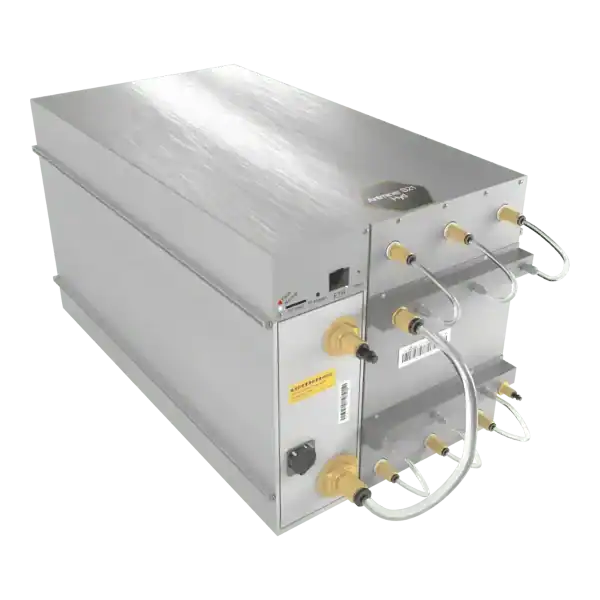
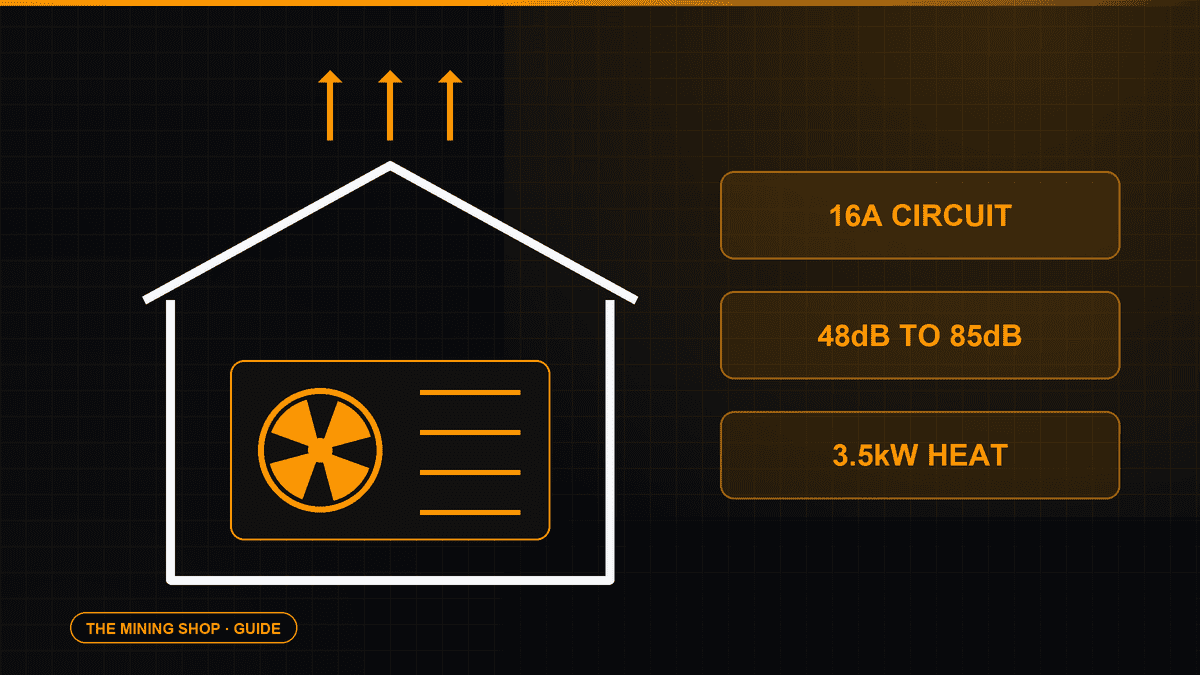
Plan home Bitcoin mining around the exact miner, AC or DC supply, heat, sound, network and electricity cost. Compare compact setups with full-size ASICs.
ASIC fleet management software: Create an exact model-by-function matrix because reading telemetry, changing pools, tuning and updating firmware can have.
Complete an IceRiver AE0 setup with the correct 19 to 20V supply, Ethernet, private interface, Aleo pool, accepted-proof checks and official firmware controls.

Join the ASIC Mining Discussion
Members can read and join the discussion
Log in to read comments from other miners. Create a free account if you would like to ask a question or share your experience.
Membership helps us protect the discussion from spam and keep answers useful.