

Sealminer A4 Ultra Hydro
Bitcoin & Bitcoin Cash ASIC Miner
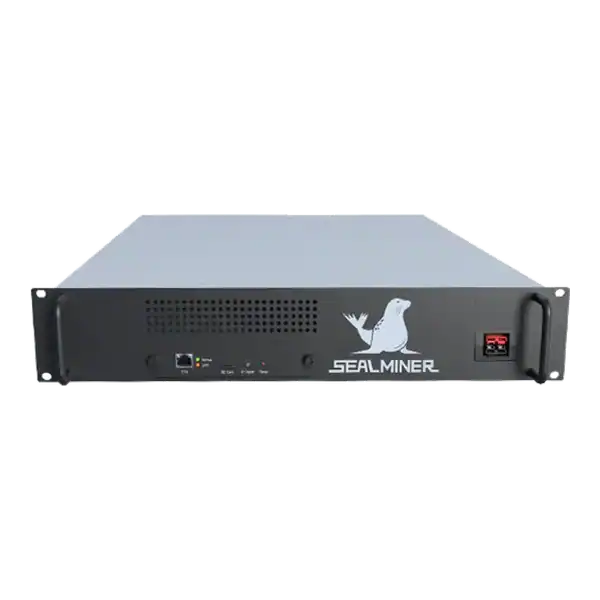

886TH
HASHRATE
9.45W/TH
EFFICIENCY
8373W
POWER
£884.60
EST. MONTHLY
NO PAYBACK
EST. ROI
Complete an IceRiver AE0 setup with the correct 19 to 20 V supply, Ethernet, private interface, Aleo pool, accepted-proof checks and official firmware controls.
A reliable IceRiver AE0 setup begins by confirming the final 60 MH/s Aleo model and its power arrangement. IceRiver currently lists 60 MH/s plus or minus 5 per cent, 100 W plus or minus 10 per cent, Ethernet and 19 to 20 V DC input when the PSU is not included.
Use a suitable manufacturer-approved supply, inspect the compact miner, discover it on a private Ethernet network, configure a verified Aleo proving pool and confirm accepted work before considering firmware or performance changes.
A dependable IceRiver AE0 setup uses current evidence rather than launch-era assumptions. Confirm the 60 MH/s model, provide the correct 19 to 20 V external supply, keep Ethernet management private and configure a verified Aleo proving pool.
A miner is checking IceRiver AE0 setup. Record accepted work, wall power and temperature for a stock 24-hour baseline. For multiple AE0 units, update one healthy representative miner and observe stability before continuing.
Use the current official IceRiver product page and the label on the delivered unit. IceRiver lists the final AE0 at 60 MH/s with plus or minus 5 per cent hashrate tolerance and 100 W with plus or minus 10 per cent power tolerance. Earlier launch material described 50 MH/s. So do not mix pre-production claims with the shipped unit.
The official dimensions are 200 by 194 by 74 mm, net weight 2.5 kg, Ethernet connection and an operating range of 0 to 40 degrees Celsius. The compact size and modest power do not remove the need for airflow, electrical safety and a stable network.
Aleo calls this activity proving. Provers solve Proof of Succinct Work coinbase puzzles using SNARK proofs. Validators include qualifying solutions. The Aleo Foundation does not endorse particular mining equipment. So verify the hardware and pool independently.

Photograph the packaging and check the chassis, fan, guard, power connector and Ethernet port for damage, moisture or loose parts. Record the serial number, model, seller and warranty evidence before power is applied.
IceRiver’s official AE0 page says the PSU is not included. Confirm exactly what arrived. Do not connect an old laptop supply merely because the plug fits. Polarity, voltage, current capability, connector and quality must all match.
| Item | Expected evidence | Stop condition |
|---|---|---|
| Model | AE0 label and 60 MH/s product record | Different or uncertain device |
| Condition | Fan, case and connectors intact | Impact, moisture or loose part |
| PSU | Correct 19 to 20 V DC output for AE0 | Unknown voltage, polarity or rating |
| Network | Private Ethernet and DHCP | Publicly exposed management |
| Pool | Current Aleo endpoint and verified account | Unknown worker or payout route |
The official page distinguishes 100 to 240 V AC with the proper PSU from 19 to 20 V DC at the miner without it. The external supply performs the conversion. Mains must never be connected to the miner’s low-voltage input.
Use IceRiver’s specified 120 W accessory or another explicitly approved supply for the exact AE0. Confirm output voltage, polarity, connector and continuous current capability. At 100 W output, a 20 V supply delivers about 5 A before conversion loss and tolerance. So an underrated supply can overheat or become unstable.
Place the PSU on a ventilated, non-combustible surface. Stop for a hot connector, smell, discolouration, repeated restart, voltage drop or damaged cable. Do not repair a mains PSU unless qualified and authorised.
Connect the AE0 to a private wired network with DHCP. Separate miner administration from business, customer and payment systems. Power the network first, then the approved PSU and miner.
Find the lease in the router or use IceRiver’s current official discovery or batch-processing tool where documented. Match the IP to the AE0 MAC or a one-device commissioning network rather than scanning unrelated business ranges.
Open the local management interface from a trusted computer, replace any default credential and create a DHCP reservation or address record. Do not use public port forwarding for remote control. Use a maintained VPN or management gateway.
Choose a pool that explicitly supports the AE0 and current Aleo proving protocol. Get the hostname, port, account or Aleo address, worker format and optional password from the pool’s current documentation.
Verify the payout account independently and record pool fees, payout method, minimum threshold, reporting delay and jurisdiction. A pool login or worker name is not a private key and the pool should not require the key that controls a customer’s Aleo funds.
Save the first pool and any supported failover only after checking every character. If no proofs are accepted, recheck the protocol, hostname, port, worker, DNS, firewall and time before changing firmware.
Allow the miner to initialise and record local hashrate, fan, temperature, power, uptime and errors. Compare it with the official tolerance only after a stable interval. One instant reading is not a performance test.
Open the pool dashboard and confirm the expected worker submits accepted proofs. Aleo proving rewards depend on valid puzzle solutions and network conditions. A local 60 MH/s display does not promise a fixed token return.
Run a stock baseline for at least 24 hours. Record wall power, accepted pool average, rejects, reconnects, ambient temperature and any restarts. Use this evidence before deciding whether the unit, network or pool has a problem.
IceRiver’s firmware page says model-specific packages must be used, official downloads should be verified against the published MD5 checksum and a functioning miner does not need an update merely because a newer file exists.
Read the release notes and AE0 manual, back up pool settings and maintain power and Ethernet during the update. Unzip only as instructed and select the matching.bgz package. Never use firmware from another IceRiver model or an unofficial seller link.
For multiple AE0 units, update one healthy representative miner and observe stability before continuing. Restore factory settings or contact official support if the exact instructions say to do so after an abnormal update.
Keep firmware, administration password, IP, pool, serial and maintenance records. Remove dust with the miner isolated and follow the manual rather than spinning a fan at damaging speed with compressed air.
Check the fan and vents regularly and avoid recirculating hot exhaust. Do not place the AE0 on carpet, soft furnishing, in moisture or where a cable can be pulled. The small case still contains hot electronic parts.
Reconcile any pool or payout change with an authorised record. Unexpected destination, firmware, credential or network changes should trigger isolation and investigation.
The AE0 can make sense for learning about Aleo proving at much lower power and noise than a multi-kilowatt industrial miner, provided current pool support and projected revenue are verified.
Its value should be judged from accepted proofs, electricity, pool terms and token risk, not just from nominal hashrate.
Do not power the unit with an uncertain PSU, buy from an unverified site, expose its interface publicly or assume old 50 MH/s launch material describes the delivered model.
Do not purchase solely from a fixed profitability screenshot. Network rewards and asset value can change before delivery.
A dependable IceRiver AE0 setup uses current evidence rather than launch-era assumptions. Confirm the 60 MH/s model, provide the correct 19 to 20 V external supply, keep Ethernet management private and configure a verified Aleo proving pool.
Use the current official IceRiver product page and the label on the delivered unit.
Photograph the packaging and check the chassis, fan, guard, power connector and Ethernet port for damage, moisture or loose parts.
The official page distinguishes 100 to 240 V AC with the proper PSU from 19 to 20 V DC at the miner without it.
A dependable IceRiver AE0 setup uses current evidence rather than launch-era assumptions. Confirm the 60 MH/s model, provide the correct 19 to 20 V external supply, keep Ethernet management private and configure a verified Aleo proving pool. Record accepted work, wall power and temperature for a stock 24-hour baseline.
Update firmware only for a documented reason using the exact official package and checksum.
Use The Mining Shop UK’s profitability, security and electrical guidance alongside the current official IceRiver AE0 manual and pool documentation, and contact the team before buying if the PSU, seller or expected proving return is unclear.
The current official product page lists 60 MH/s plus or minus 5 per cent and 100 W plus or minus 10 per cent. Older pre-order pages may still show 50 MH/s or different tolerance figures. The miner is sold without a PSU in some channels.
The official page states 19 to 20 V DC without the PSU and 100 to 240 V AC only when used with the correct external PSU.
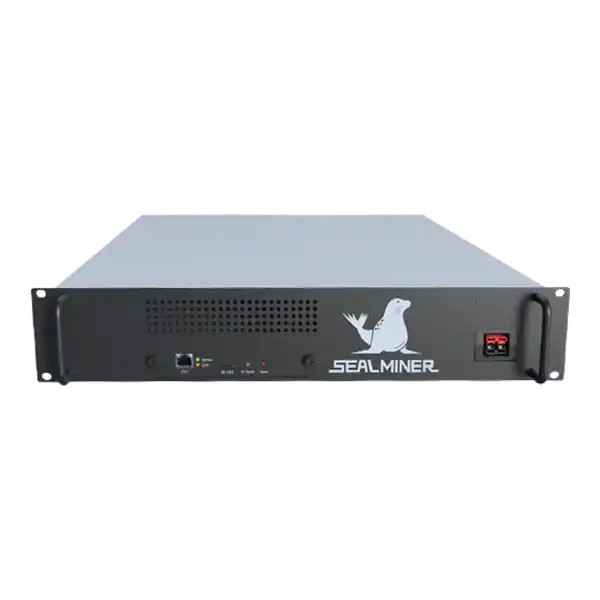

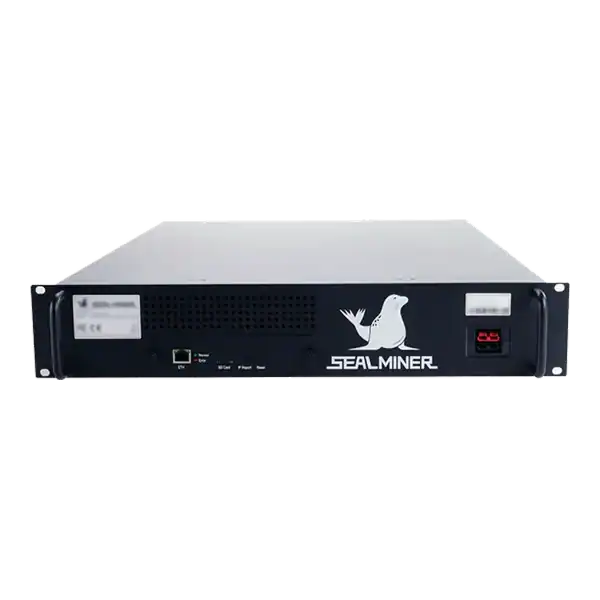
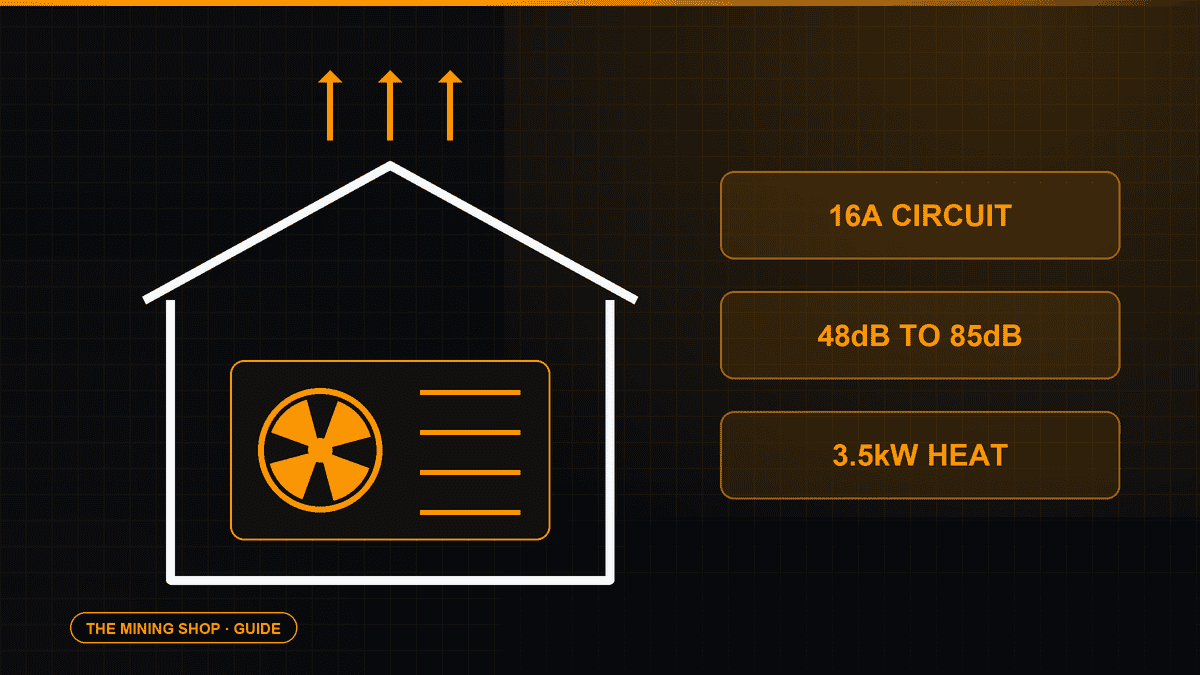
Home Bitcoin mining: A home ASIC needs a suitable dedicated circuit, competent electrical assessment and a safe route for continuous heat and noise.
ASIC fleet management software: Create an exact model-by-function matrix because reading telemetry, changing pools, tuning and updating firmware can have.
Set up ASIC Telegram alerts with a dedicated bot, protected token, private chat, minimal data, actionable thresholds, rate limits, test messages and incident.
Join the ASIC Mining Discussion
Members can read and join the discussion
Log in to read comments from other miners. Create a free account if you would like to ask a question or share your experience.
Membership helps us protect the discussion from spam and keep answers useful.