
Antminer S21 XP Dashboard: Monitoring and Safe Tuning
Read the Antminer S21 XP dashboard correctly, verify chips, hashrate and temperatures, secure access, diagnose faults and tune without bypassing protections.
Read article
Within Blog Posts & Articles
Read the Antminer S21 XP dashboard correctly, verify chips, hashrate and temperatures, secure access, diagnose faults and tune without bypassing protections.
Setting up Antminer L9 safely means checking its power supply, Scrypt pool, network, firmware, heat, noise and measured wall performance.
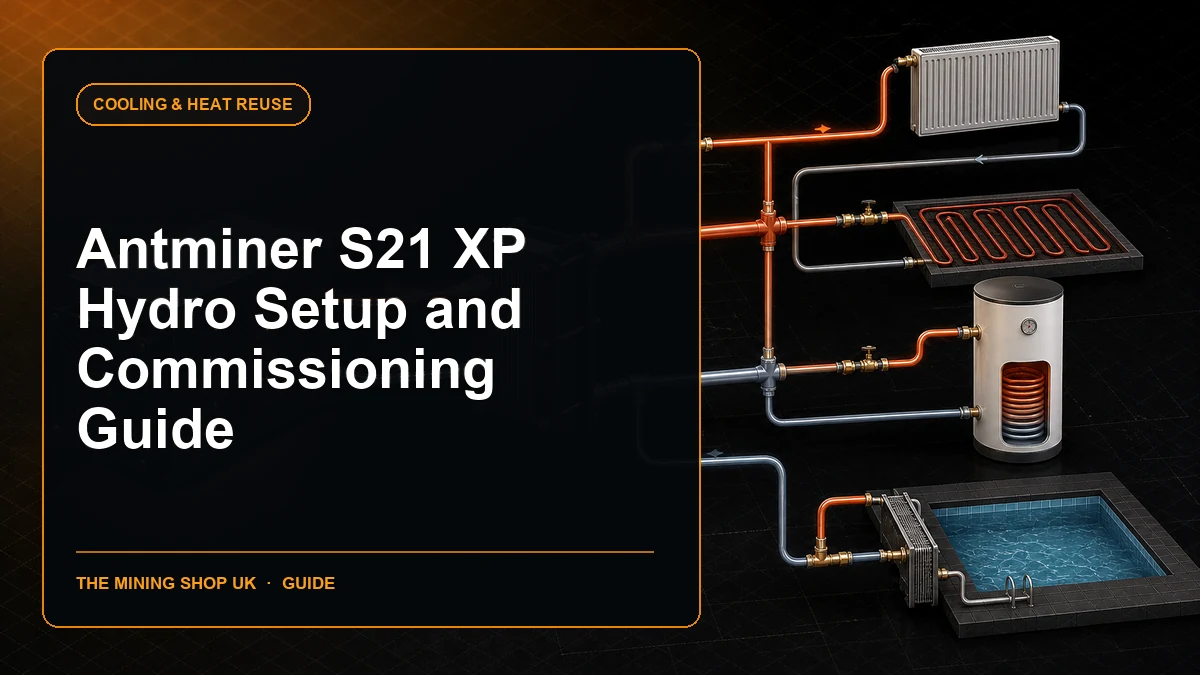
Complete an Antminer S21 XP Hydro setup using the required three-phase supply, liquid temperature, flow, pressure, water quality, network and pool tests.
Complete an Antminer S21 Pro setup safely: verify power and airflow, find its IP address, secure the interface, configure pools and test accepted hashrate.
Follow a starting ASIC mining runbook for circuit approval, ventilation, network isolation, pool setup, stock testing and first-week acceptance.
Complete an IceRiver HiveOS setup for a supported KS3 through ASIC Hub, from host security and discovery to data checks and recovery planning.
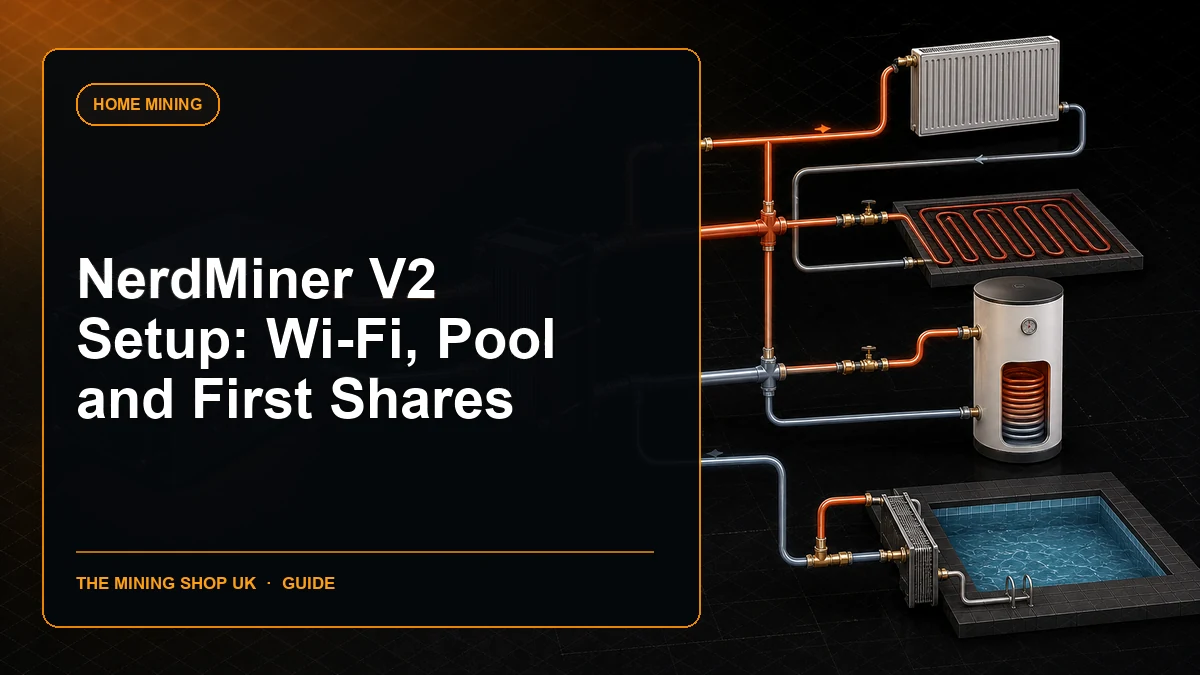
Complete a safe NerdMiner V2 setup: identify the ESP32 board, flash official firmware, configure Wi-Fi, verify pool and address, read shares and recover faults.
ASIC fleet management dashboard: Give every physical miner a stable identity and keep local telemetry separate from pool-accepted work and revenue data.
Antminer K7 commissioning made simple. Compare performance, power, cooling, noise and practical risks before choosing or operating mining hardware.
Plan an ASIC Hub monitoring migration from an existing platform while preserving inventory, alerts, history, credentials, roles and rollback.
Installing an Antminer operating system: Never flash by series name alone. Air, hydro and immersion models, hashrate variants and control boards can require.
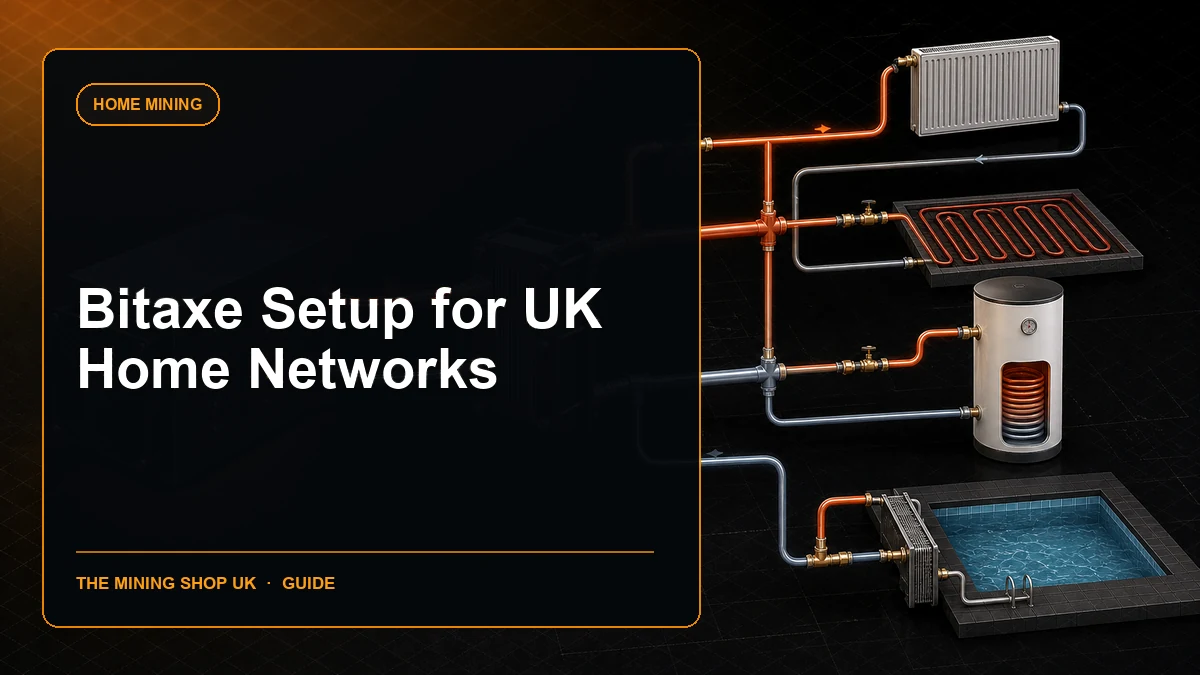
Use this Bitaxe setup UK guide to isolate Wi-Fi, protect AxeOS, verify DNS and pools, manage remote access and monitor a compact miner safely.