

Sealminer A4 Ultra Hydro
Bitcoin & Bitcoin Cash ASIC Miner
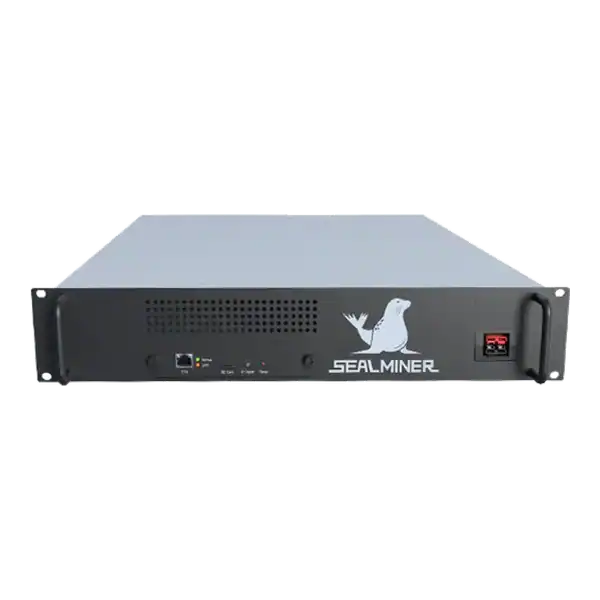

886TH
HASHRATE
9.45W/TH
EFFICIENCY
8373W
POWER
£858.64
EST. MONTHLY
NO PAYBACK
EST. ROI
Installing an Antminer operating system: Never flash by series name alone. Air, hydro and immersion models, hashrate variants and control boards can require.
Installing an Antminer operating system: Never flash by series name alone. Air, hydro and immersion models, hashrate variants and control boards can require.
Installing an Antminer operating system: A safe Antminer operating-system installation is an identity, evidence and recovery task. Match the exact model, cooling variant and control board.
A miner is checking installing an Antminer operating system. When official recovery leaves the same fault, stop flashing and diagnose the hardware. And test one machine through at least 24 hours of pool work.
Antminer downloads normally contain firmware for an embedded control board. The miner boots that firmware, detects hashboards, controls power and fans, exposes administration and connects to pools. It is not interchangeable desktop software.
An online upgrade replaces firmware through the existing web interface. An SD-card image is generally a recovery or control-board flashing route. The file type and process are not interchangeable unless the exact model guidance says so.
Some newer Bitmain packages have security, version or downgrade rules. An older image may be rejected deliberately. Do not disable protection merely to force a package onto the device.

Record the full nameplate, hashrate variant, serial number, cooling type, control-board family, current firmware date and hardware version. Check the installed board physically only after safe isolation when the interface cannot identify it.
S19 Pro, S19j Pro, S19 XP, S19 Pro Hyd and other similarly named models are distinct. The same is true across S19 variants. A firmware page for one does not authorise flashing another.
| Item | Evidence | Stop condition |
|---|---|---|
| Exact model | Nameplate and dashboard | Names or hashrate variants conflict |
| Cooling variant | Air, hydro or immersion | Package is for another thermal design |
| Control board | Interface, board label or official guide | Board family is unknown |
| Current state | Logs, version, pool and IP | Existing fault is not understood |
| Target package | Official model page and checksum where given | Source or filename is ambiguous |
| Recovery | Matching image, media and procedure | No tested rollback or repair route |
Official Bitmain firmware is the normal baseline for compatibility, support and warranty. Download from the exact current model page and retain the source URL, filename, date and checksum where provided.
Custom firmware can add tuning, monitoring or fleet controls. Before installation, document the supplier, supported board, developer fee, update mechanism, pool restrictions, remote services, security record, warranty effect and uninstall route.
Do not accept a seller’s generic claim that custom firmware improves every machine. Silicon quality, cooling, power supply and tariff determine whether a profile is stable or worthwhile.
Export current and historical logs before rebooting. Record pool endpoints, worker, network configuration, firmware version, detected boards and chips, temperature, fan speed, local hashrate, accepted pool hashrate and wall power.
Protect wallet, pool and administration credentials. A screenshot for support should not expose passwords, farm hashes, public IP addresses or customer data.
Keep a known-good recovery image and appropriate SD card or other media. Verify the procedure belongs to the exact control board. A successful download is not a tested recovery.
Use stable power and network, allow the miner to cool and ensure the operator can reach the power isolation. Do not start during a site event, electrical instability or when remote recovery is the only option.
Choose one representative pilot miner rather than the newest or most damaged unit. Bitmain recommends trying a small number first and observing upgraded miners for at least 24 hours before wider deployment.
Define success, failure and rollback: correct board detection, acceptable hashrate, stable temperature, expected power, low rejects, retained or re-entered pool settings and no unexplained network services.
Log into the miner on the trusted local network, open the firmware-upgrade page and recheck that the displayed model matches the target file. Choose whether to retain configuration only after understanding the option.
Bitmain states that keeping configuration preserves pool and network settings. At the same time, an upgrade without it restores those values to defaults. Record the decision because an IP address can change after restart.
Upload once and wait. Do not remove power, close the maintenance path prematurely or send repeated upgrade requests. Bitmain’s current online tutorial says the miner normally restarts after completion. Find its address again if configuration was not retained.
SD-card recovery writes a lower-level image and can restore a control board that no longer accepts a normal upgrade. The card preparation, file layout, boot indication and completion signal vary by board.
Follow the exact official tutorial. Use a known-good card, verify the extracted files, isolate power before fitting it and wait for the documented completion indication. Remove recovery media as instructed before normal boot.
If the board does not show the expected indication, stop. Repeating a mismatched procedure can hide the original fault or damage recoverable configuration.
After boot, change default credentials where applicable and verify time, network, pool, worker and failover. Confirm every expected hashboard and chip appears before judging hashrate.
Compare pool-accepted work over an aligned period, not just the local live tile. Monitor restarts, hardware errors, rejects, temperatures, fan response and measured power.
A firmware release is not proven merely because the dashboard opens. Record the before-and-after results and preserve logs for the selected pilot.
Scale only when the target result is repeatable and the recovery process remains available. Group miners by exact model, board and cooling type. Do not send one job to an unverified mixed fleet.
Roll back when boards disappear, rejects rise, thermal control changes unexpectedly, power exceeds the design, security behaviour is unclear or pool credit falls. Use the approved package and procedure rather than experimenting with older files.
If a hardware fault persists on official firmware and recovery, move to diagnosis or repair. Firmware cannot fix a damaged hashboard, fan, PSU or connector.
Installing an Antminer operating system: A safe Antminer operating-system installation is an identity, evidence and recovery task.
Antminer downloads normally contain firmware for an embedded control board. The miner boots that firmware, detects hashboards, controls power and fans, exposes administration and connects to pools.
Record the full nameplate, hashrate variant, serial number, cooling type, control-board family, current firmware date and hardware version.
Official Bitmain firmware is the normal baseline for compatibility, support and warranty.
A safe Antminer operating-system installation is an identity, evidence and recovery task. Match the exact model, cooling variant and control board. Get the package from an accountable source. Preserve the working baseline. And test one machine through at least 24 hours of pool work.
Scale only when temperature, power, boards, rejects and accepted hashrate remain sound. When official recovery leaves the same fault, stop flashing and diagnose the hardware.
Review The Mining Shop UK’s firmware, security, warranty and repair guidance before changing a production miner, or send the exact model, control board and redacted logs to the team for a safer route.
Never flash by series name alone. Air, hydro and immersion models, hashrate variants and control boards can require different packages. Use official firmware for the lowest-risk route. Treat custom firmware as a separate commercial and security decision involving warranty, developer fees and recovery.

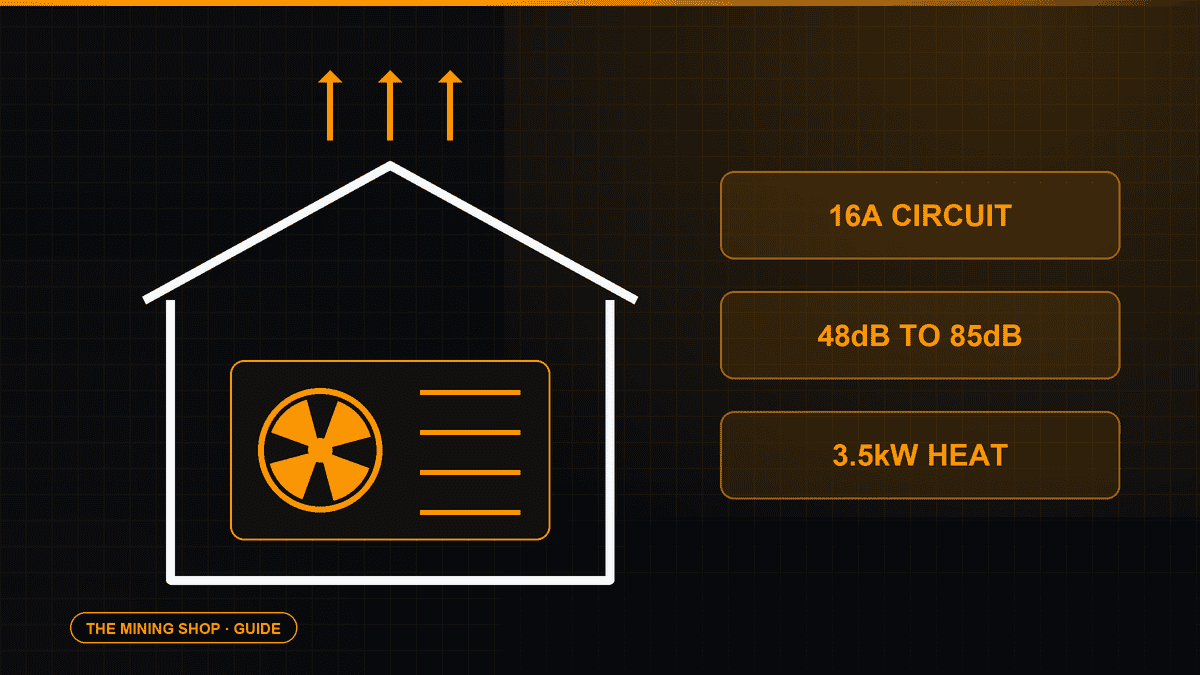
Home Bitcoin mining: A home ASIC needs a suitable dedicated circuit, competent electrical assessment and a safe route for continuous heat and noise.
ASIC fleet management software: Create an exact model-by-function matrix because reading telemetry, changing pools, tuning and updating firmware can have.
Complete an IceRiver AE0 setup with the correct 19 to 20 V supply, Ethernet, private interface, Aleo pool, accepted-proof checks and official firmware controls.
Join the ASIC Mining Discussion
Members can read and join the discussion
Log in to read comments from other miners. Create a free account if you would like to ask a question or share your experience.
Membership helps us protect the discussion from spam and keep answers useful.