

Sealminer A4 Ultra Hydro
Bitcoin & Bitcoin Cash ASIC Miner
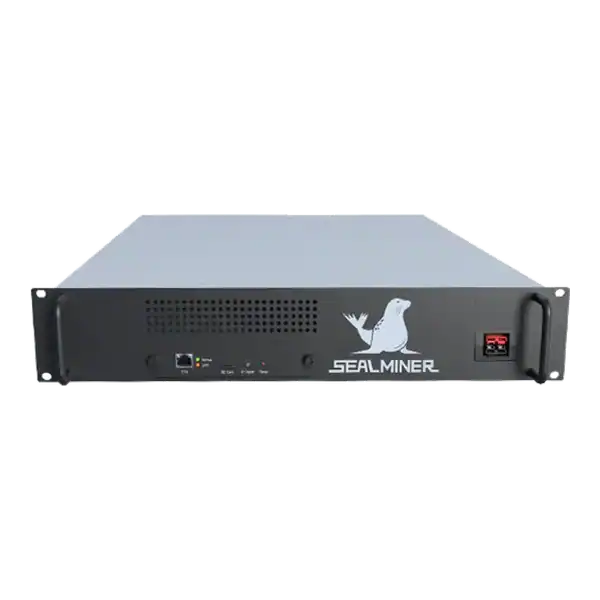

886TH
HASHRATE
9.45W/TH
EFFICIENCY
8373W
POWER
£898.19
EST. MONTHLY
NO PAYBACK
EST. ROI
Complete an IceRiver HiveOS setup for a supported KS3 through ASIC Hub, from host security and discovery to data checks and recovery planning.
An IceRiver HiveOS setup should not assume that every IceRiver model is supported. Confirm the exact model and firmware against Hiveon's published ASIC Hub list before installation. The Hub runs on a separate Windows, Linux, virtual or Raspberry Pi host, discovers miners on the local network and links them to a Hiveon OS farm.
Start with one verified device, protect the farm hash and miner credentials, confirm telemetry and preserve direct local access.
A reliable IceRiver HiveOS setup is a controlled KS3 monitoring deployment, not a generic claim for every IceRiver miner.
A miner is checking IceRiver HiveOS setup. The first IceRiver HiveOS setup check is the exact miner model. Record the model label, firmware version, IP address, MAC address, pool settings and local login.
The first IceRiver HiveOS setup check is the exact miner model. Treat Hiveon’s supported-model page as a live compatibility register and save the version or screenshot used for the installation decision.
Do not infer support because a device uses kHeavyHash or resembles another KS model. Telemetry, authentication and control endpoints can differ by model and firmware.
Record the model label, firmware version, IP address, MAC address, pool settings and local login. Check the live Hiveon list again on the installation date because support can expand or change.
| Check | Required evidence | Reason |
|---|---|---|
| Exact model | Exact IceRiver model label | Compatibility evidence |
| Firmware | Version and official source | API and login behaviour can change |
| Network | Static reservation or known DHCP record | Reliable discovery |
| Credentials | Unique local administrator account | Authenticated monitoring |
| Pool baseline | Accepted hashrate and rejects | Independent result check |
| Recovery | Direct local login and configuration backup | Hub outage or removal |

Hiveon documents Windows, 64-bit Linux, virtual-machine and Raspberry Pi options. Its current requirements state that a dedicated host with two CPU cores and appropriate memory can handle a large fleet. But size the host for the real site and avoid combining it with unrelated risky workloads.
Place the host on a management segment that can reach only the ASIC ranges and internet services required. Do not give it unrestricted access to office, payment or customer systems.
Patch the operating system, use a named administrator, protect remote access with multi-factor authentication where supported and retain system logs. The Hub is a privileged bridge between local miners and a cloud account.
Use the official Hiveon installer and verify the current operating-system support. Avoid packages from forums, messages or unofficial mirrors.
Follow the current Hiveon Windows or Linux installation page for the chosen host. The Windows version runs as a service. At the same time, Linux uses the documented package and service arrangement.
Hiveon documents a local web interface at port 8800 and a hubctl command-line tool. Restrict the interface to trusted administrators and do not publish it directly to the internet.
At first setup, enter the Hiveon OS farm hash for the correct farm. Hiveon uses this value to register the Hub. Treat it as a credential and do not place it in screenshots, public tickets or article text.
Confirm that the Hub appears in the expected farm before scanning miners. Name it by site and purpose so an administrator can distinguish production, test and retired connectors.
Start the IceRiver HiveOS setup with one test miner. In the local Hub interface, add the exact IP, a narrow CIDR or a limited range rather than scanning unrelated networks.
Enter the KS3 local credentials through the Hub’s credential function. Use a unique miner password and do not reuse the Hiveon account password or a wallet secret.
Hiveon also supports CSV import. But a manual pilot is easier to verify. Confirm the Hub recognises the device as the correct model and attaches it to the intended farm.
If the miner uses DHCP, create a reliable reservation or use the documented ARP tracking only after understanding its effect. Hiveon recommends disabling ARP scanning where all ASICs have static addresses to reduce router load.
Compare Hiveon OS with the KS3 local page and pool. Check hashrate, temperatures, fan state, pools, uptime and error status. Not every platform can read every power or sensor field from every brand.
Use pool accepted hashrate as the commercial result. A management dashboard can show local performance while network, pool or rejected-share problems reduce credited work.
Observe at least a full operating cycle before setting alert thresholds. A short window may create false low-hashrate alarms during startup or pool variance.
Document fields that are unavailable or estimated. Do not label an inferred power value as a measured reading. Hiveon’s public Hub FAQ says consumption reading availability varies by supported brand and compatible firmware.
Group miners by site, rack, customer or operating role rather than mixing unlike devices. Use names that help an operator find the physical machine without exposing personal data.
Give each person the minimum access required. Separate farm ownership, configuration, repair work and read-only monitoring where the account supports it.
Set alerts for offline state, sustained low hashrate, high temperature and repeated faults only after the baseline is known. Route them to a monitored business channel with an escalation owner.
Test one alert by controlled interruption and confirm it clears after recovery. An untested notification route is not an incident process.
ASIC Hub is intended to monitor and manage stock or custom-firmware miners without replacing the miner firmware itself. Hiveon states that one device should use either ASIC Hub or Hiveon ASIC firmware, not both at once.
Before changing pools, wallets, flight sheets or restart schedules, confirm the exact field and the resulting configuration on the pilot KS3. Keep payout ownership under the intended customer or business control.
Use approval and a change record for any fleet action. A wrong pool setting applied to many miners can redirect work immediately.
Retain direct access to the KS3 and its previous configuration. Do not make cloud availability the only route to safe shutdown or recovery.
The Hub host holds miner credentials and a farm registration value. Restrict local files, backups and administrative access, and remove access promptly when staff or contractors leave.
Keep ASICs on a segmented network and block direct public web access. Use a managed VPN, outbound connector or other authenticated route for remote local administration.
Review outbound destinations, update servers and logs. Hiveon’s configuration reference documents API, dashboard, update and monitoring settings, including the local HTTP listener.
Protect the Hiveon account with a unique password and multi-factor authentication. Do not share an owner account for daily monitoring.
Record the Hub version, host configuration, farm assignment, device list and alert rules. Keep a protected copy of the KS3 pool and network configuration separately.
Review Hiveon release notes before updating. Pilot a Hub update where monitoring or control is operationally important, and verify all fields and actions afterwards.
Test host restart, internet loss and Hiveon account loss. Confirm the KS3 continues with the intended pool configuration and remains locally accessible.
For removal, revoke the Hub registration and credentials, uninstall the service, remove obsolete API or farm access and confirm the miner still operates under its recorded local settings.
A supported KS3 fleet needs central monitoring, named workers, consistent alerts and controlled pool or restart actions without replacing stock firmware.
It can also reduce manual checking across several racks when the Hub host and account are securely operated.
The exact IceRiver model is not on the current support list, the site cannot protect a management host or the operator only has one miner and already has adequate local and pool monitoring.
Do not proceed when the farm hash, miner credentials, network segmentation or recovery ownership is unclear.
A reliable IceRiver HiveOS setup is a controlled KS3 monitoring deployment, not a generic claim for every IceRiver miner.
The first IceRiver HiveOS setup check is the exact miner model. Treat Hiveon’s supported-model page as a live compatibility register and save the version or screenshot used for the installation decision.
Hiveon documents Windows, 64-bit Linux, virtual-machine and Raspberry Pi options.
Follow the current Hiveon Windows or Linux installation page for the chosen host.
A reliable IceRiver HiveOS setup is a controlled KS3 monitoring deployment, not a generic claim for every IceRiver miner. The two variables most likely to change the result are live model support and the accuracy of the telemetry available from the exact firmware. Verify both, secure the Hub host and farm access, pilot one miner and keep direct local and pool evidence throughout.
If the IceRiver model, firmware or ASIC Hub fields do not match the current support list, send The Mining Shop UK the exact label and version before enrolling the device or applying fleet changes.
IceRiver support varies by exact model and firmware. Check the published ASIC Hub list before installation and do not infer compatibility from the mining algorithm alone. Install ASIC Hub on a controlled host that can reach the miner network, then register it with the intended farm hash and discover one pilot device by a limited IP range.
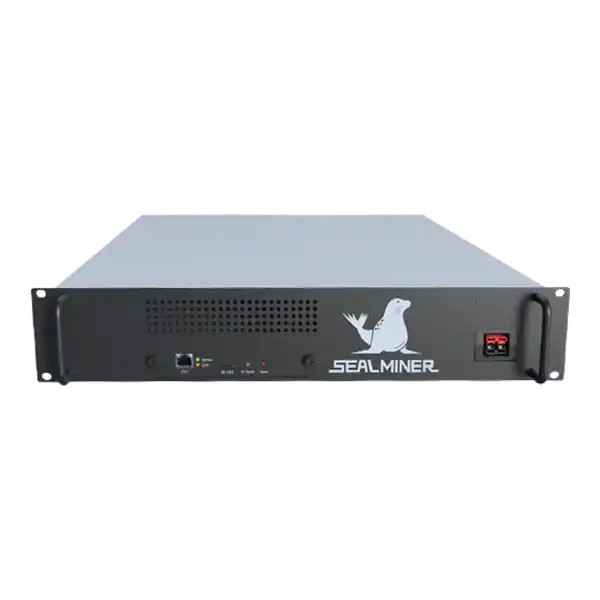

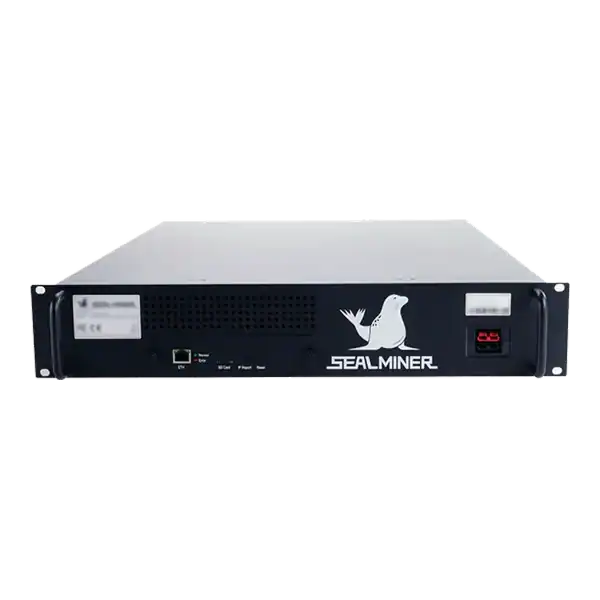
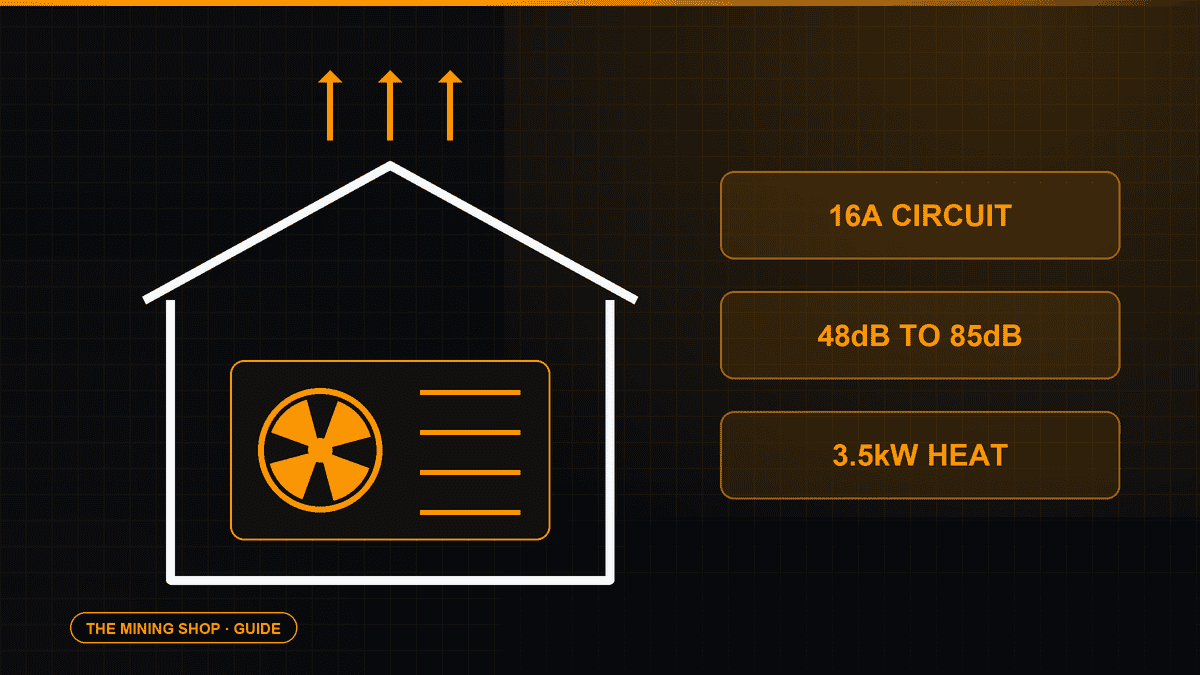
Home Bitcoin mining: A home ASIC needs a suitable dedicated circuit, competent electrical assessment and a safe route for continuous heat and noise.
ASIC fleet management software: Create an exact model-by-function matrix because reading telemetry, changing pools, tuning and updating firmware can have.
Complete an IceRiver AE0 setup with the correct 19 to 20 V supply, Ethernet, private interface, Aleo pool, accepted-proof checks and official firmware controls.
Join the ASIC Mining Discussion
Members can read and join the discussion
Log in to read comments from other miners. Create a free account if you would like to ask a question or share your experience.
Membership helps us protect the discussion from spam and keep answers useful.