

Antminer X9
Monero ASIC Miner
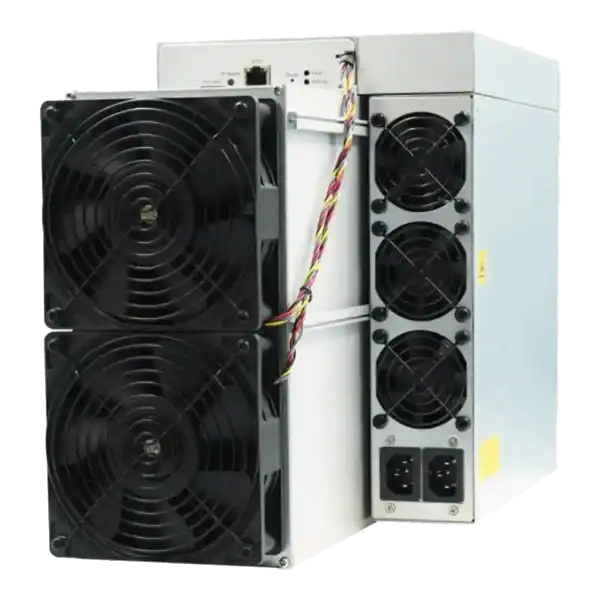

1000KH
HASHRATE
2.47W/KH
EFFICIENCY
2470W
POWER
£1075.20
EST. MONTHLY
5.4
Months
EST. ROI
Compare ASIC firmware customisation benefits with security, stability and warranty risks. Use a safer test, measurement and rollback process before deployment.
Compare ASIC firmware customisation benefits with security, stability and warranty risks. Use a safer test, measurement and rollback process before deployment.
ASIC firmware: Firmware is the software running on an ASIC miner’s control board. It starts the device, manages hashboards and fans, connects to pools and reports operating data.
A mining technician is checking ASIC firmware. Autotuning can test chips individually and seek a stable operating point. Check whether a developer fee is present, how it is disclosed and which pool credentials or telemetry leave the network.
Firmware is the software running on an ASIC miner’s control board. It starts the device, manages hashboards and fans, connects to pools and reports operating data. Manufacturer firmware is designed for supported configurations. Third-party firmware replaces or modifies that software.
Custom firmware is not automatically better or unsafe. The risk depends on the developer, distribution channel, model support, configuration and operator. A reputable project with signed releases, documentation and a recovery path is very different from an unknown image shared through a private message.

Autotuning can test chips individually and seek a stable operating point. Operators may underclock for lower power or tune within supported thermal and electrical limits. Any claimed gain should be verified at the wall, not inferred from a dashboard alone.
Some platforms offer temperature alerts, per-chip information, remote configuration and grouped management. These features can reduce manual work. But remote access also expands the security boundary.
Firmware can improve pool switching and configuration control. Check whether a developer fee is present, how it is disclosed and which pool credentials or telemetry leave the network.
For the related performance question, read overclocking ASIC miners: performance, risk and warranty.
A malicious image can change pool details, create hidden access or send information to an external service. Bitmain advises users not to install firmware from unauthorised sources and documents attacks that changed worker names and redirected mining.
An interrupted or incompatible update can stop a miner booting. Recovery may require an SD-card image, physical access and the correct control-board procedure. A method for one board revision may not suit another.
Higher frequency or voltage can increase wall power, temperature and load on the power supply. A profile that runs briefly is not necessarily stable through warmer ambient conditions. Watch board temperature, fan performance, hardware errors and accepted shares.
Firmware is software supply chain. Record the download source, version and checksum where supplied. Restrict management access, use unique passwords and place miners on an appropriate network segment. See ASIC miner security for mining operations.
Manufacturer and seller terms differ. Bitmain’s security-firmware guidance states that unauthorised third-party firmware that causes malfunction can void warranty coverage. The practical question is not just whether an image was installed. But also what failed, why it failed and which contract applies.
Before changing a miner, read the manufacturer terms, the seller’s warranty policy and any hosting agreement. Keep the original firmware version and configuration record. Do not assume that returning to stock firmware will restore coverage.
If a miner becomes unstable, repeatedly reflashing it can obscure the original fault. Stop, isolate the device and arrange a controlled assessment through ASIC miner diagnostics and repairs.
ASIC firmware: Firmware is the software running on an ASIC miner’s control board. It starts the device, manages hashboards and fans, connects to pools and reports operating data.
Firmware is the software running on an ASIC miner’s control board. It starts the device, manages hashboards and fans, connects to pools and reports operating data.
Autotuning can test chips individually and seek a stable operating point. Operators may underclock for lower power or tune within supported thermal and electrical limits.
A malicious image can change pool details, create hidden access or send information to an external service.
Stock firmware is usually the lowest-risk choice for warranty and manufacturer support. Custom firmware may add autotuning, power profiles and better monitoring.
This article was fact checked on 14 August 2026. Firmware compatibility, security advice and warranty terms can change. Confirm the exact model and current official documentation before installation.
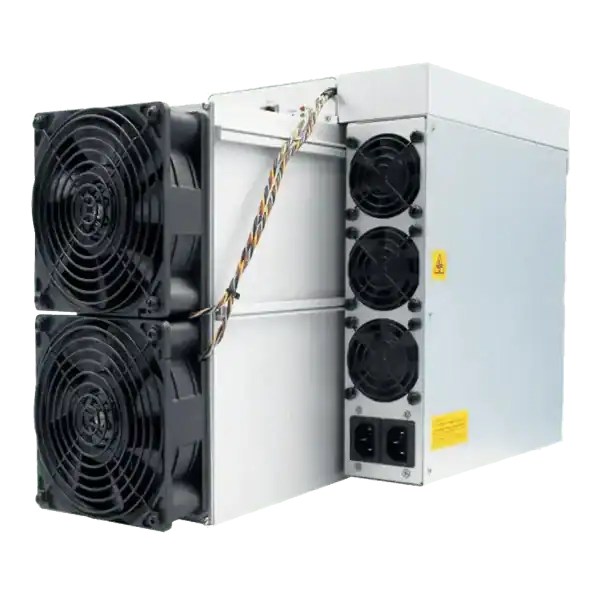

Stock firmware provenance restoration: restore stock firmware provenance before ASIC resale using exact hardware identity, official files, configuration.
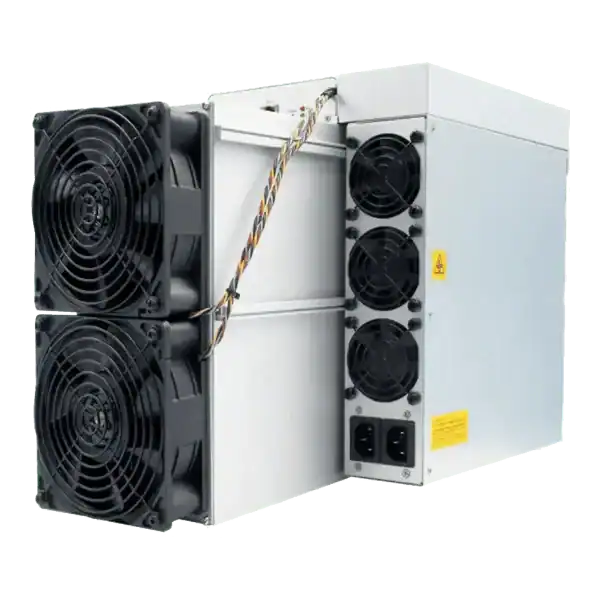
Plan a WhatsMiner batch firmware rollout using model cohorts, WhatsMinerTool, pilot gates, configuration evidence, monitoring and a tested rollback route.
ASICBoost compatibility check: Verify explicit model, firmware and pool support for overt ASICBoost before enabling it. Verify the current evidence.
Join the ASIC Mining Discussion
Members can read and join the discussion
Log in to read comments from other miners. Create a free account if you would like to ask a question or share your experience.
Membership helps us protect the discussion from spam and keep answers useful.