
Pre-order
Overall ranking

Equihash
·
ZEC
Overall rank#1of 100AvailableAll: #3 / 831
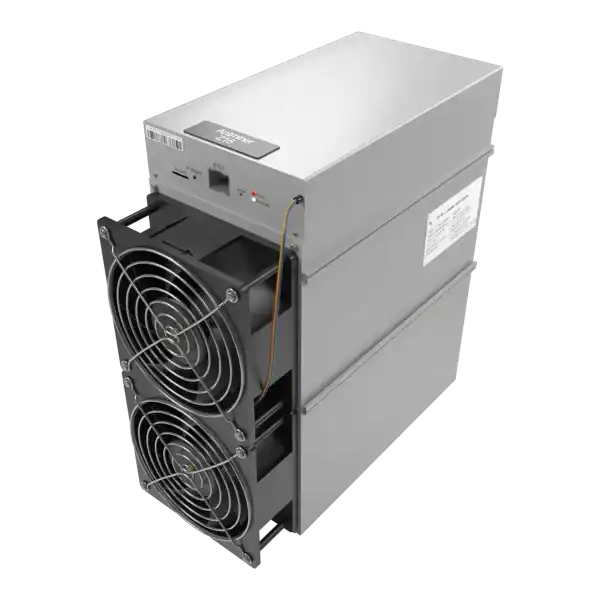

Pre-OrderFree Shipping
Hashrate
525KSOL
Efficiency
4.73W/KSOL
Power
2483W
Earns/kWh
42.2p
Understand PIC vs no-PIC Bitmain hashboards through board identification. Use the fault evidence to choose a safe fix, warranty or repair route.
PIC vs No-PIC Bitmain hashboards describes a hardware distinction that changes how some miners isolate power when a board is unsafe.
PIC and no-PIC are hardware distinctions that affect how some Bitmain miners control power to individual hashboards. They are not quality grades and they cannot be diagnosed from one log line. This guide explains the operational difference, the evidence worth collecting and the point at which a board needs professional testing.
PIC vs no-PIC Bitmain hashboards: In this context, PIC refers to a small programmable controller used within a hashboard power-and-control design.
A mining technician is checking PIC vs no-PIC Bitmain hashboards. That is the useful distinction for an operator: can the control system isolate one chain electrically, or must it remove PSU output more broadly when a board reports a dangerous fault?
In this context, PIC refers to a small programmable controller used within a hashboard power-and-control design. Braiins'. Technical explanation of supported Bitmain hardware shows the PIC working with MOSFETs placed in the board's power path. Firmware can command that switching arrangement to interrupt power to one hashboard.
In the no-PIC design it documents, those components are absent. So power is not independently interrupted at hashboard level.
That is the useful distinction for an operator: can the control system isolate one chain electrically, or must it remove PSU output more broadly when a board reports a dangerous fault?
It does not mean every function attributed to a PIC is identical across every Bitmain generation, and it does not make a no-PIC board counterfeit or automatically faulty. Board revision and firmware support decide the behaviour.

Braiins states that on the PIC architecture it documents, firmware can switch off the affected board while healthy boards remain powered. On a no-PIC machine, there is no equivalent board-level switch. So the safe default is to cut PSU output and stop all boards when one reports a condition that could cause damage.
This explains why a three-board miner can show zero total hashrate even though only one chain generated the original error.
That shutdown is evidence of protection working, not permission to force the remaining boards online. Braiins warns that overriding its no-PIC protection while the damaged board remains connected continues to feed power to the compromised hardware.
Its documented workaround requires the affected board to be electrically disconnected but physically left in place to preserve airflow, and the override remains an advanced, firmware-specific action. For most owners, repair or correct replacement is the safer route.
Use a combination of high-resolution board photographs, PCB or assembly identifiers, component layout, stock logs and firmware hardware information. Braiins notes that the manufacturer does not normally advertise PIC status as a sales specification and says the architecture or stock logs can reveal it. Record all three boards: mixed replacements or previous repairs can make a chassis-level assumption wrong.
Substrate and controller type may help describe a revision. But neither proves PIC status on its own. BITMAIN's S19 aluminium/PCB guide says its illustrated PCB version generally uses a 7007 controller and the aluminium version typically an A113D controller, then warns that updated versions may not match those examples.
Use that note to avoid careless interchange, not to convert 'aluminium'. Into an automatic no-PIC verdict.
Likewise, a PSU suffix, nominal terahash figure or marketplace description is supporting information only. The correct repair record includes the board identifier, chip count where documented, substrate, PIC/no-PIC evidence, controller and firmware version.
| Observation | Reasonable interpretation | Safe next check |
|---|---|---|
| `fail to read pic temp` | BITMAIN classifies the PIC path as abnormal; the IC alone is not proven failed | Power down, cross-check signal cables, save the log and follow correct firmware guidance |
| One chain errors and the miner stops | Consistent with no-PIC protection, but PSU, fan or thermal faults can also stop it | Read preceding log lines and confirm revision |
| Missing hashboard | Cable, controller interface, power or board fault | Inspect and reseat only while isolated |
| Missing ASIC chips | Chain-level hardware or power-integrity fault | Preserve repeatable chip count and arrange board diagnosis |
| Per-board disable is offered | Firmware recognises a supported isolation path | Confirm architecture; the menu alone is not proof |
| Recovery clears it briefly | Intermittent hardware can remain | Burn in and re-read historical logs |
BITMAIN recommends cable checks and correct firmware or SD recovery for a PIC-temperature error, then repair if it remains. Repeated flashing does not repair an electrical fault.
1. Save the complete log from startup through shutdown. 2. Record model, controller, firmware and every hashboard identifier. 3. Check whether the fault repeats on one physical chain. 4. Isolate mains and allow PSU discharge before touching connections. 5. Inspect cables, connectors, fasteners, contamination, corrosion, heatsinks and heat damage. 6.
If competent, cross-check documented signal cables or a known-good controller, changing one variable at a time. 7. Restore stock firmware only when configuration mismatch is plausible and hardware is known. 8. If the error persists, stop. Sensor, EEPROM, voltage-domain and ASIC-chain work needs board-level tools.
BITMAIN requires a model-specific test program and, for its cited S17+/S19 fixture, `Repair_Mode=1`. Otherwise board data can be cleared. The nearest-looking test file is unsafe.
A replacement board should match the supported board family, assembly identifier, ASIC generation, chip count, substrate and PIC/no-PIC behaviour expected by the complete machine. Firmware must also support that combination. A board that physically slides into the chassis can still be incompatible with the controller or the other two boards.
Ask the supplier for a readable board-ID photograph and test evidence. Avoid listings that say only 'S19j Pro hashboard'. When several revisions exist. If a mixed-board configuration is explicitly supported, record the firmware and test results that prove it. If it is not documented, do not use a customer's operating miner as the compatibility test.
For repair-versus-replacement decisions, compare the quote with the machine's verified earning power and electricity cost using the live ASIC profitability table, not a historic headline hashrate.
PIC versus no-PIC matters because it changes how power can be isolated when a hashboard fails. It does not replace diagnosis. Collect the architecture, board identifiers and complete log. Respect protective shutdowns. And treat persistent PIC, sensor, EEPROM or chain errors as board-level work rather than a reason to keep flashing firmware.
PIC vs no-PIC Bitmain hashboards: In this context, PIC refers to a small programmable controller used within a hashboard power-and-control design.
In this context, PIC refers to a small programmable controller used within a hashboard power-and-control design.
Braiins states that on the PIC architecture it documents, firmware can switch off the affected board while healthy boards remain powered.
Use a combination of high-resolution board photographs, PCB or assembly identifiers, component layout, stock logs and firmware hardware information.
A repeatable PIC, temperature, EEPROM or missing-chain error needs more than another reboot. Book a documented hashboard and PSU diagnosis with The Mining Shop's Hartlepool repair lab, or review the repair terms before sending the miner.
On the Bitmain designs documented by Braiins, a PIC-equipped board uses a controller and MOSFET switching that can isolate power to an individual hashboard. A no-PIC design lacks that board-level isolation. So firmware may stop the whole miner when one board is unsafe.
Identify the actual board architecture and logs. Do not infer PIC status from the model name, aluminium substrate or PSU alone. Never bypass a protective shutdown with the faulty board still electrically connected. Check the exact hardware, electricity, network, pool and operating assumptions before making a decision.
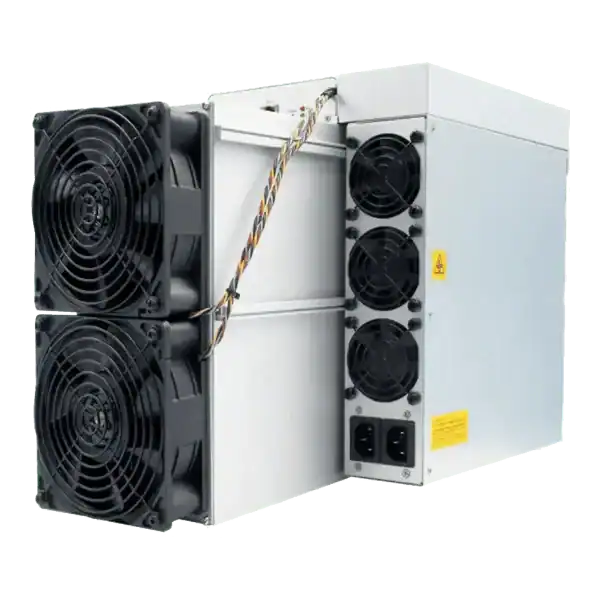
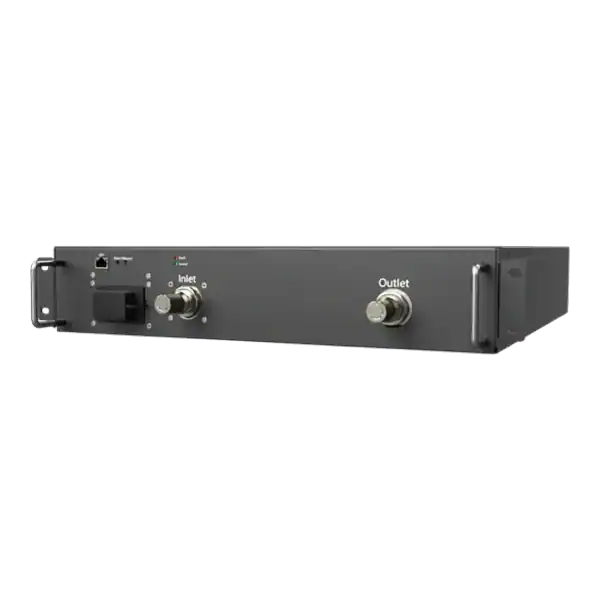
Use daily ASIC hashrate history with power, temperature, pool and change records to distinguish faults, curtailment, tuning and normal share variation.
Prepare an ASIC repair evidence pack with serial, condition, firmware, board status, logs, wall power, accepted work, photographs and safe fault history.
ASIC repair partner: Confirm capability for the exact miner, power supply, control board and hashboard rather than accepting a general claim to repair ASICs.

Join the ASIC Mining Discussion
Members can read and join the discussion
Log in to read comments from other miners. Create a free account if you would like to ask a question or share your experience.
Membership helps us protect the discussion from spam and keep answers useful.