

Sealminer A4 Ultra Hydro
Bitcoin & Bitcoin Cash ASIC Miner
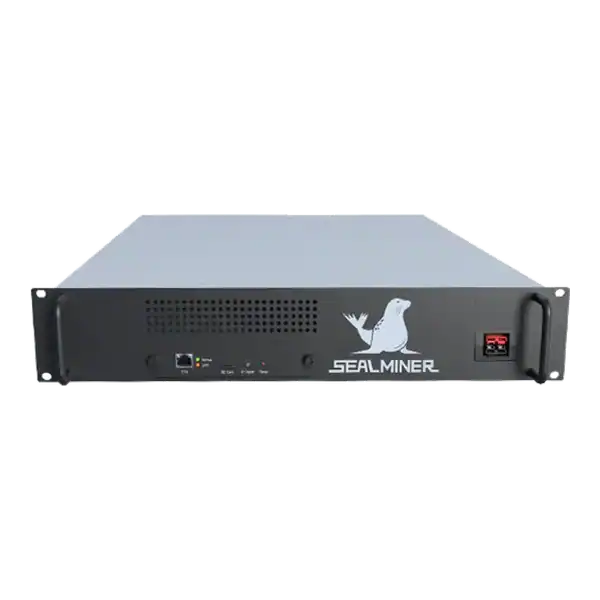

886TH
HASHRATE
9.45W/TH
EFFICIENCY
8373W
POWER
£898.19
EST. MONTHLY
NO PAYBACK
EST. ROI
Complete a safe Bitaxe Gamma 601 setup with the correct 5 V supply, active cooling, Wi-Fi, AxeOS, pool details, first-share checks and recovery plan.
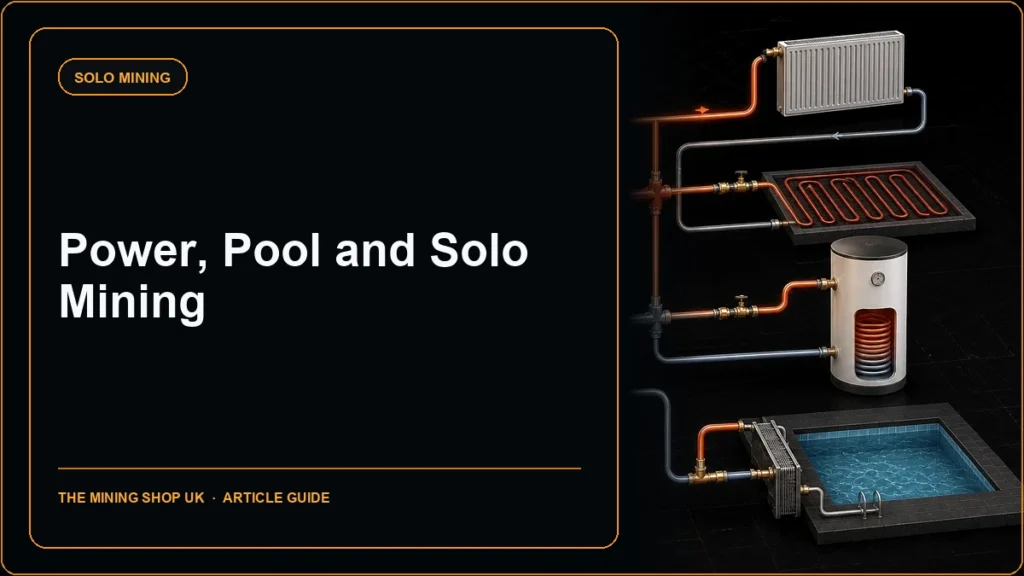
A reliable Bitaxe Gamma 601 setup begins with the exact board revision, a regulated 5 V centre-positive supply with adequate current, active cooling and the official ESP-Miner firmware path. USB-C is the programming connection described by the upstream project. Do not assume an ordinary USB-C charger powers the board.
Configure a pool or solo service in AxeOS, verify the payout identifier independently and judge the setup from accepted shares, temperature, power and stability.
Bitaxe Gamma 601 setup: The Gamma 601 can make sense for learning about Stratum, pool shares, firmware, thermal management and open hardware at a much lower power level than an industrial ASIC.
A miner is checking Bitaxe Gamma 601 setup. Choose an industrial miner when the objective requires materially greater hashrate and the site can safely provide its power, heat, noise and support.
Read the board marking and seller documentation. Bitaxe Gamma uses one BM1370 ASIC from the Antminer S21 Pro family. But Gamma boards and assemblies can have different revisions, screens, fans and power supplies. Firmware must match the hardware version.
Inspect the board, heatsink, fan connector, barrel jack, USB-C connector and any display for shipping damage or loose contact. Do not energise a board with conductive debris, a displaced heatsink or uncertain polarity.
Record the serial or MAC identifier, seller, board revision and supplied PSU. The project is open source. So assemblies from different vendors may not have identical warranty or accessories.

The upstream bitaxeGamma documentation states 5 V DC only and warns that another voltage will damage the Bitaxe. It says the supply should provide more than 4 A without dropping below 5 V and notes that a 25 to 30 W rated supply is often needed.
The documented input is a 5.5 × 2.1 mm centre-positive barrel jack. Confirm polarity and voltage from the actual PSU label. Do not choose a supply merely because the barrel plug fits. Many voltage ratings use a similar connector.
USB-C is documented for ESP32 programming on modern Bitaxe boards. Unless the exact board and seller documentation expressly provide a supported USB-C power input, use the specified barrel supply rather than an ordinary phone charger.
| Item | Expected evidence | Stop condition |
|---|---|---|
| Board | Gamma hardware 601 identified | Unknown or conflicting revision |
| Supply | Regulated 5 V, centre positive, adequate current | Wrong voltage, polarity or hot connector |
| Cooling | Heatsink and active 5 V PWM fan | Fan stopped or poor contact |
| Firmware | Official ESP-Miner build for 601 | Unverified or wrong-board image |
| Pool | Official endpoint and verified account or address | Unknown destination |
The project documentation says active cooling is required and the heatsink alone is insufficient. It specifies a four-pin 5 V PWM fan and warns that a 12 V fan can spin slowly and allow overheating when connected to the 5 V header.
Place the board on a stable non-conductive or purpose-designed stand with air around the inlet and exhaust. Keep cables out of the fan and avoid carpet, soft furnishings, moisture and direct sunlight. Do not touch the heatsink during operation without allowing it to cool.
Start with official defaults. The Gamma can overheat more easily at aggressive frequency or voltage. Observe temperature, fan speed, ASIC voltage, hashrate and errors before changing a profile.
Follow the current seller and ESP-Miner first-boot instructions to join the setup access point and enter the intended Wi-Fi network. Use a dedicated or segmented IoT network where possible rather than the same segment as business and payment systems.
ESP-Miner documents the AxeOS administration interface on the local network and supports discovery by IP address or a local hostname. Find the device from the router’s client list if name discovery is unavailable.
Do not expose the AxeOS web interface to the public internet. Apply the authentication controls available in the current firmware and use a VPN or secured management path for remote access.
get the Stratum hostname, port, username or Bitcoin address, worker format and password directly from the chosen provider. Do not copy a wallet address from a screenshot or an unrelated setup video. Verify the payout destination independently.
For a conventional pool, the 1.2 TH/s class hashrate cited by the upstream Gamma project can submit shares and build a measurable account history, subject to actual tuning and pool difficulty. Check whether the payout threshold is practical for a small miner.
For solo mining, easier shares prove the miner is working but do not represent partial block earnings. Payment normally requires the work to meet the Bitcoin network target. Treat the device as education or a very low-probability lottery, not salary.
A local hashrate display is not enough. Open the pool dashboard or solo-service worker view and confirm that the expected worker submits accepted shares. Allow for the provider’s reporting delay and assigned share difficulty.
Check rejected and stale shares, Wi-Fi strength, reconnects and pool endpoint. A spelling error in the host, port or worker can leave the board using power without credit. Configure supported failover pools deliberately.
Record firmware, frequency, core voltage, fan setting, temperature, local hashrate, pool accepted hashrate and wall power after the system stabilises. This is the baseline for later tuning.
Use the official bitaxeorg ESP-Miner releases and select the image for hardware 601. Read the release notes and known issues before updating. Do not install a file branded for another board even if the web interface accepts it.
Back up pool and Wi-Fi details without exposing credentials. Maintain uninterrupted power during flashing. The upstream repository documents Bitaxetool and factory-image recovery for compatible hardware. But tool and esptool versions matter. So follow the current project instructions rather than an old command copied from a forum.
After an update, verify board identity, fan control, temperature, pool endpoint and accepted work before restoring any custom tuning.
Change one parameter at a time in small supported steps. Allow the board to reach thermal stability and compare pool acceptance, wall power, errors and restarts. A higher local hashrate can be worse if rejects or throttling rise.
Efficiency is watts divided by accepted terahashes per second. Use the same meter and reporting interval before and after. Do not present the upstream project’s approximate 1.2 TH/s or near-15 J/TH objective as a guarantee for every assembly.
The Gamma 601 can make sense for learning about Stratum, pool shares, firmware, thermal management and open hardware at a much lower power level than an industrial ASIC.
It can also provide a deliberate solo-mining experiment when the probability and electricity cost are stated honestly.
Choose an industrial miner when the objective requires materially greater hashrate and the site can safely provide its power, heat, noise and support. Compare efficiency and total cost rather than scaling a desk miner result directly.
Do not buy a Gamma on the assumption that a small device produces dependable Bitcoin income.
Bitaxe Gamma 601 setup: The Gamma 601 can make sense for learning about Stratum, pool shares, firmware, thermal management and open hardware at a much lower power level than an industrial ASIC.
Read the board marking and seller documentation. Bitaxe Gamma uses one BM1370 ASIC from the Antminer S21 Pro family.
The upstream bitaxeGamma documentation states 5 V DC only and warns that another voltage will damage the Bitaxe.
The project documentation says active cooling is required and the heatsink alone is insufficient.
A sound Bitaxe Gamma 601 setup protects the board before chasing hashrate. Confirm hardware 601, use the correct regulated 5 V barrel supply, provide active cooling, install only matching ESP-Miner firmware and verify accepted pool work. Once the baseline is stable, tuning can be measured and reversed. The device is an excellent learning platform when its solo probability and modest scale are described honestly.
Use The Mining Shop UK’s pool, solo-mining and home-setup guidance alongside the upstream Bitaxe documentation, and contact the team if you need help choosing a larger ASIC after learning on the Gamma 601.
The upstream Bitaxe Gamma documentation specifies 5 V DC only, more than 4 A capability and a 5.5 × 2.1 mm centre-positive barrel input. The wrong voltage can damage the board. Active cooling is mandatory. Confirm the 5 V PWM fan, heatsink contact and temperature before increasing frequency or voltage.

Use a solo mining calculator correctly: enter productive hashrate, network conditions, uptime and time horizon, then read expected time and probability without.
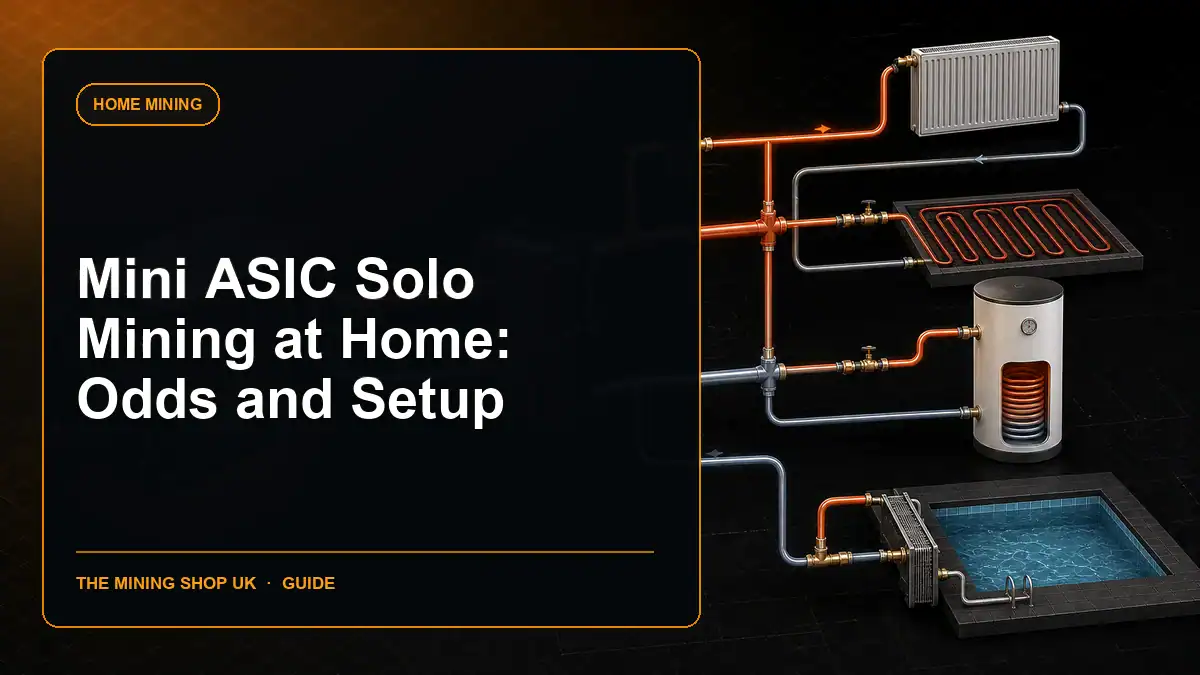
Understand mini ASIC solo mining at home through SHA 256 compatibility, block-finding probability, node and pool options, power, heat, noise and secure setup.
Trace a self-hosted solo mining template path from a validating Bitcoin node through work creation, ASIC submission, block validation and payout control.
Join the ASIC Mining Discussion
Members can read and join the discussion
Log in to read comments from other miners. Create a free account if you would like to ask a question or share your experience.
Membership helps us protect the discussion from spam and keep answers useful.