

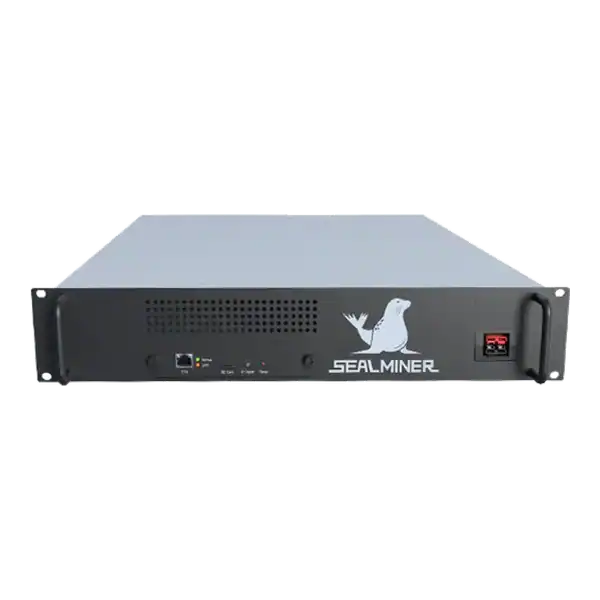
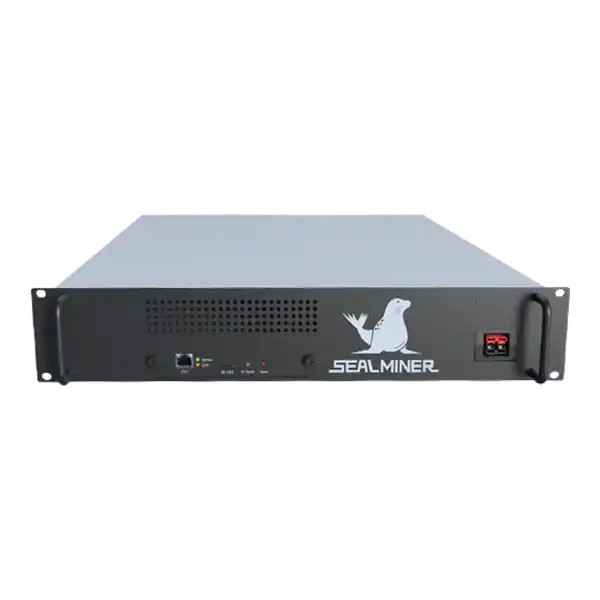
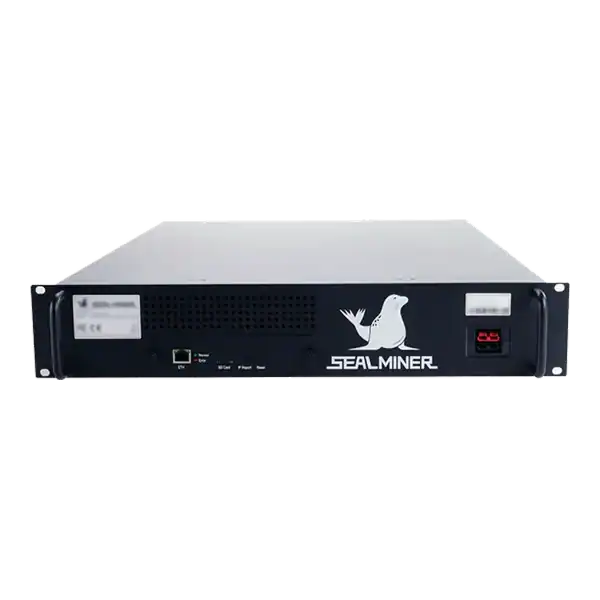
Sealminer A4 Ultra Hydro
Bitcoin & Bitcoin Cash ASIC Miner

886TH
HASHRATE
9.45W/TH
EFFICIENCY
8373W
POWER
£903.43
EST. MONTHLY
NO PAYBACK
EST. ROI
Understand ASIC Miner Troubleshooting. Use safe diagnostics, protect warranty cover and make informed repair decisions before choosing equipment.
Understand ASIC Miner Troubleshooting. Use safe diagnostics, protect warranty cover and make informed repair decisions before choosing equipment.
ASIC Miner Troubleshooting: A Safe Diagnostic Checklist uses a measured diagnostic approach. Record the fault, protect the warranty, isolate electrical risks and change one variable at a time before authorising repair work.
ASIC Miner Troubleshooting: One of the most frequent problems ASIC miners face is power-related issues. Overheating is another common issue, as mining generates significant heat.
A mining technician is checking ASIC Miner Troubleshooting. If the problem persists, test the PSU or replace it. If the basic steps don’t resolve your issues, try these advanced methods: If you’ve tried all the steps for troubleshooting common issues and your ASIC miner still doesn’t work, consider seeking professional repair services.
Troubleshooting common issues is an essential skill for anyone involved in cryptocurrency mining. If you are managing a single ASIC miner at home or running a large mining farm, understanding how to identify and solve problems is crucial to maintaining consistent performance.
In this guide, we’ll cover everything you need to know about troubleshooting common issues in ASIC miners, from beginner-friendly tips to advanced solutions.

An ASIC miner, short for Application-Specific Integrated Circuit miner, is a highly specialised device built solely for mining cryptocurrencies like Bitcoin. These devices offer unparalleled efficiency. But they are not immune to problems. Fortunately, with the right approach, troubleshooting common issues becomes manageable for both new and experienced miners.
One of the most frequent problems ASIC miners face is power-related issues.
Overheating is another common issue, as mining generates significant heat.
Without a stable internet connection, miners cannot communicate with mining pools.
Problems with mining pool connections can lead to wasted mining time.
A drop in hashrate often signals hardware or software issues.
Preventative maintenance can significantly reduce the need for troubleshooting common issues. Here are a few tips:
If the basic steps don’t resolve your issues, try these advanced methods:
Sometimes, the problem is beyond your expertise. If you’ve tried all the steps for troubleshooting common issues and your ASIC miner still doesn’t work, consider seeking professional repair services. Companies like The Mining Shop specialise in diagnosing and fixing complex mining problems.
Overheating and power supply issues are the most frequent causes. Regular maintenance and high-quality components can prevent these problems.
Clean your ASIC miner every 1, 2 months, or more frequently in dusty environments.
Basic repairs, like replacing fans or PSUs, are manageable with the right tools. However, for advanced problems like ASIC chip replacement, seek professional help.
Double-check the power supply, cables, and connections. If the problem persists, test the PSU or replace it.
Ensure your internet connection is stable and consider assigning a static IP to your miner for better reliability.
Mastering troubleshooting common issues in ASIC miners is essential for minimising downtime and maximising profitability. From power supply failures to network connectivity problems, this guide has covered solutions for all the typical challenges miners face. For professional assistance and high-quality mining equipment, visit theminingshop.co.uk. With proper care and maintenance, your ASIC miner can run smoothly for years to come.
ASIC Miner Troubleshooting: One of the most frequent problems ASIC miners face is power-related issues.
One of the most frequent problems ASIC miners face is power-related issues.
Check the exact equipment, current documentation, measured results and the main cost or safety risk before making a decision.
ASIC Repairs and Diagnostics readers should compare the article's facts with their own equipment, location and current operating conditions.
Back up configuration and record symptoms before changing firmware, tuning or hardware. Inspect power, network, cooling and pool status before assuming a hashboard has failed.
Use these pages to move from research to a product or operating decision:
Use current official guidance alongside this article because network rules, tax guidance and safety duties can change.

Use daily ASIC hashrate history with power, temperature, pool and change records to distinguish faults, curtailment, tuning and normal share variation.
Prepare an ASIC repair evidence pack with serial, condition, firmware, board status, logs, wall power, accepted work, photographs and safe fault history.
ASIC repair partner: Confirm capability for the exact miner, power supply, control board and hashboard rather than accepting a general claim to repair ASICs.
Join the ASIC Mining Discussion
Members can read and join the discussion
Log in to read comments from other miners. Create a free account if you would like to ask a question or share your experience.
Membership helps us protect the discussion from spam and keep answers useful.