

Sealminer A4 Ultra Hydro
Bitcoin & Bitcoin Cash ASIC Miner
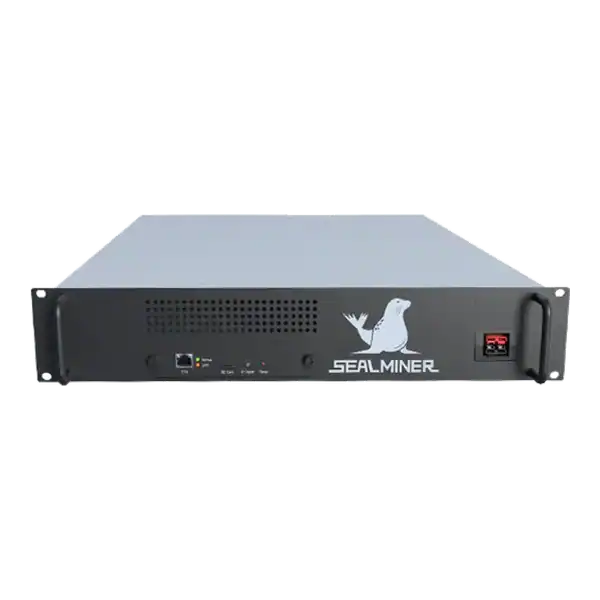

886TH
HASHRATE
9.45W/TH
EFFICIENCY
8373W
POWER
£856.08
EST. MONTHLY
NO PAYBACK
EST. ROI
Complete a NerdQaxe home site survey for safe power, placement, heat, sound, Wi-Fi, pool access, supervision and household consent before delivery.
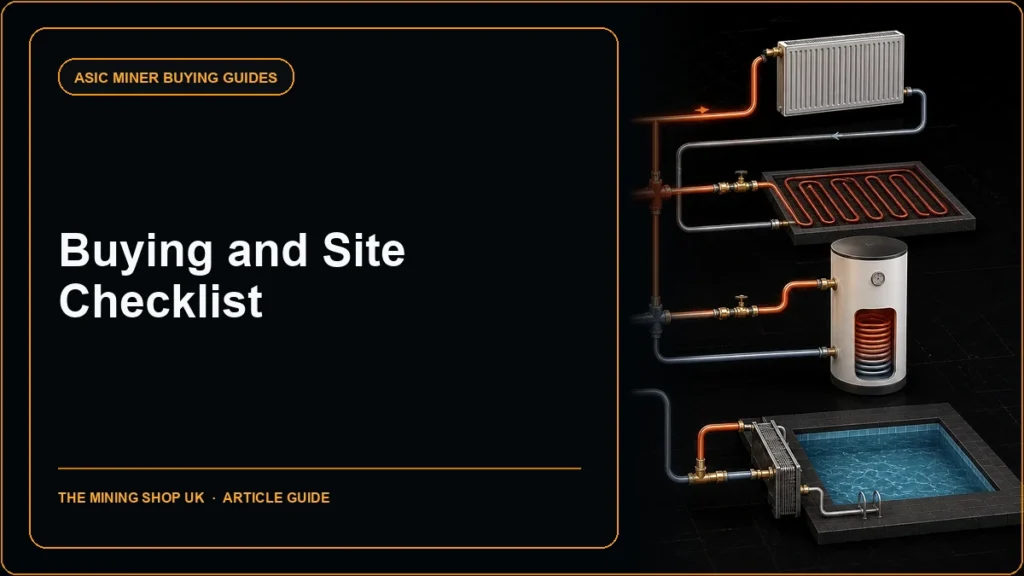
A NerdQaxe home site survey answers a different question from a buying guide: can the chosen household location operate the already specified compact miner safely and without disrupting people or networks? Check the proposed socket and power supply, clearances, heat path, sound, Wi-Fi isolation, administration route, pool access, occupants, insurance and emergency isolation before the parcel arrives.
The remapped NerdQaxe home site survey prevents a second buying guide from competing for the same query. It gives the household a specific pre-install decision on power, placement, heat, sound, Wi-Fi and supervision.
A miner is checking NerdQaxe home site survey. Pass the room before delivery, then use the separate 30-day test to approve the actual machine.
Mark the shelf, desk or enclosure, room use, nearest occupied position, ventilation openings, router coverage and safe isolation point. Photograph the area before equipment is added.
Keep the miner stable and protected from falls, liquids, conductive objects, fabric and dust. Provide the clearances required by the supplied assembly and preserve access for inspection.
Consider children, pets and visitors. A compact board can have hot surfaces, moving fans and accessible connectors even when its power is far below an industrial ASIC.
Check tenancy, household insurance and any workplace use where the device will run in a home office. Get advice rather than assuming compact equipment is exempt.

Identify the socket, circuit and other loads. Use the exact approved or supplied power unit and cable. USB-C shape alone does not prove sustained compatibility.
Inspect the socket and accessories for damage and looseness. Do not use overloaded multi-way blocks, coiled extensions or improvised adapters.
Ensure the power supply can dissipate heat and the plug can be reached for safe isolation. Do not place it under fabric or in a sealed box.
Where the equipment is used for work or any condition is uncertain, get competent electrical advice. Stop on repeated resets, hot connectors, discolouration or protective-device operation.
| Question | Pass evidence | Possible remedy |
|---|---|---|
| Air intake clear? | Unobstructed cool room air | Move or redesign placement |
| Exhaust clear? | Hot air leaves device and area | Provide safe ventilation |
| Fan audible? | Accepted at desk and night positions | Relocate; do not block fan |
| Summer margin? | Temperature plan for warm days | Lower supported power or stop |
| Surface safe? | Stable non-combustible placement | Suitable enclosure or mount |
| Supervision available? | Alerts and isolation owner | Change room or schedule |
A compact miner still converts most electrical input to heat. Decide whether that heat is useful in winter and how it will be removed in summer.
Listen at occupied and sleeping locations, not just beside the device. Continuous fan tone can be intrusive even where hearing risk is low.
Confirm reliable 2.4GHz coverage at the chosen location and create a genuinely isolated guest or IoT zone. Test that it cannot reach personal computers, storage or business systems.
Plan local administration from one controlled device or through an appropriate router rule. Do not use internet port forwarding or place the miner in a DMZ.
Record the router owner, DHCP assignment, expected pool destinations and recovery method. The person who can restart Wi-Fi should know that mining work will pause.
If reliable isolated coverage is unavailable, improve the access point or choose another location rather than sharing an unsafe trusted network.
Choose a compatible SHA-256 pool or solo route and read current endpoint, worker and threshold instructions. Create the account and security controls before delivery where appropriate.
Verify the payout identity from a controlled wallet record. Do not store seed phrases or private keys on the miner or in the site survey.
Decide who may change pools, firmware and tuning and who receives alerts. Separate viewing performance from authority over payouts.
Prepare a wall-energy and daily log for the first 30 days. The survey passes the location; post-install testing passes the operating result.
Explain that mining income is uncertain and the device may run continuously. Agree energy budget, schedule, sound, heat and who may switch it off.
Show occupants how to isolate power safely without touching boards or blocking fans. Post the responsible person’s contact where the device runs in a shared area.
Do not operate unattended until the initial stock test confirms stable power, cooling and network. Use available alerts but never treat telemetry as a substitute for safe installation.
If the room becomes too hot, noisy or insecure, stop and relocate. Continuing because the hardware was purchased is a sunk-cost error.
Agree what happens during holidays, router replacement and warm-weather alerts so the device is not left running without a responsible response route.
The remapped NerdQaxe home site survey prevents a second buying guide from competing for the same query.
Mark the shelf, desk or enclosure, room use, nearest occupied position, ventilation openings, router coverage and safe isolation point.
Identify the socket, circuit and other loads. Use the exact approved or supplied power unit and cable.
A compact miner still converts most electrical input to heat. Decide whether that heat is useful in winter and how it will be removed in summer.
The remapped NerdQaxe home site survey prevents a second buying guide from competing for the same query. It gives the household a specific pre-install decision on power, placement, heat, sound, Wi-Fi and supervision. Pass the room before delivery, then use the separate 30-day test to approve the actual machine.
If the proposed room also contains work equipment or confidential information, include a business-security owner in the survey. A miner placed in a home office can create network, noise and insurer questions beyond the household check. Record whether business policy permits the device before relying on physical separation alone.
Use The Mining Shop UK home setup, safety and compact-miner resources to resolve any survey exception before installation.
Survey the exact intended position, circuit, ventilation and Wi-Fi zone rather than assuming any desk or spare socket is suitable. Agree household sound, heat, supervision and access rules and keep the device away from children, pets, liquids and combustible clutter.
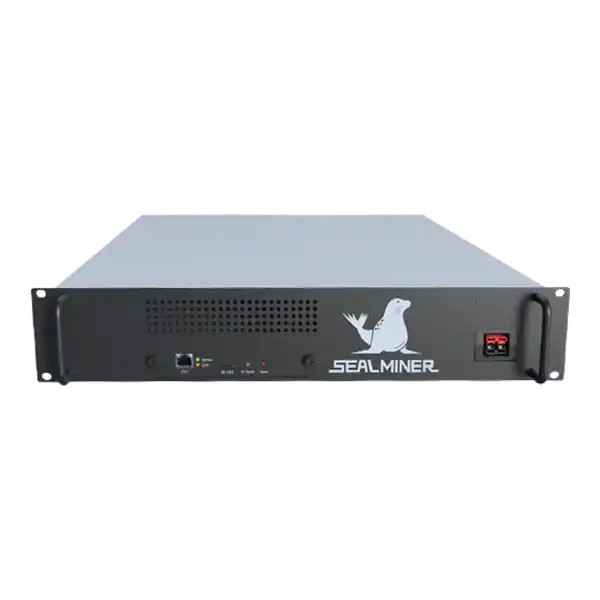

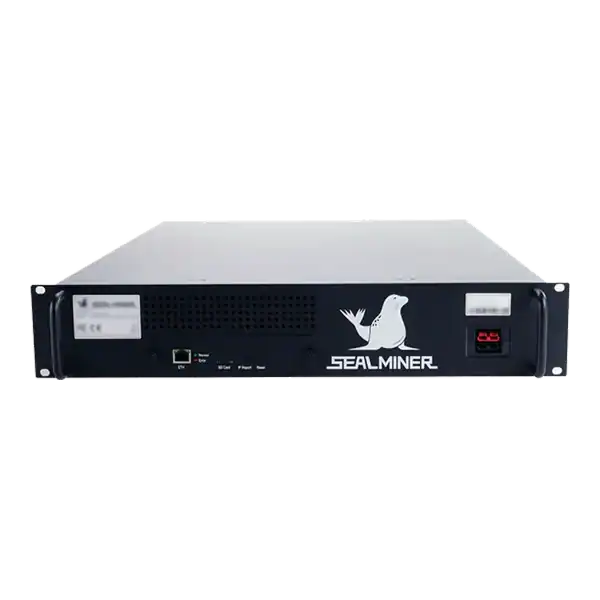
Bitcoin ASIC Compatibility made simple. Compare performance, power, cooling, noise and practical risks before choosing or operating mining hardware.
Practical guide to SEALMINER A4 review, covering efficiency and wall power. Compare costs, measured performance and site fit before buying hardware.
Unproven home ASIC launch review: assess an unproven home ASIC launch through manufacturer identity, samples, specifications, certification, firmware, delivery.
Join the ASIC Mining Discussion
Members can read and join the discussion
Log in to read comments from other miners. Create a free account if you would like to ask a question or share your experience.
Membership helps us protect the discussion from spam and keep answers useful.