

Sealminer A4 Ultra Hydro
Bitcoin & Bitcoin Cash ASIC Miner
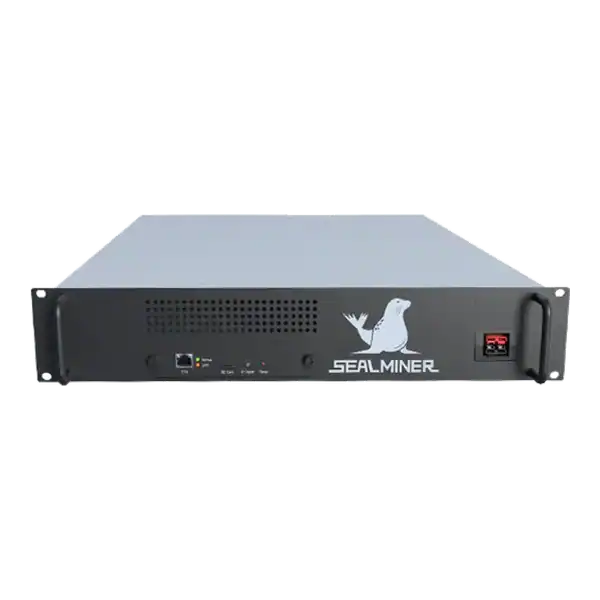

886TH
HASHRATE
9.45W/TH
EFFICIENCY
8373W
POWER
£898.19
EST. MONTHLY
NO PAYBACK
EST. ROI
BTC Tools vs Braiins Toolbox: compare BTC Tools and Braiins Toolbox for local miner discovery, monitoring, pool changes, batch commands, model support.
BTC Tools vs Braiins Toolbox is a comparison of local batch utilities, not complete hosted fleet-management platforms. The BTC.com libbtctools project documents scanning, configuration and reboot functions. At the same time, the current BTC Tools repository describes local monitoring and batch configuration for supported Antminer and some Avalon models.
Braiins Toolbox provides a documented graphical and command-line utility with discovery, miner controls, pool changes and model-specific firmware or operating-mode functions. The right choice depends on supported hardware, trusted download provenance, required command, credential handling and a safe one-device trial.
Neither tool should be granted broad public-network reach merely because it can scan an address range.
BTC Tools vs Braiins Toolbox: Choose BTC Tools or Braiins Toolbox from a defined local task, exact support matrix and verified software source.
A mining technician is checking BTC Tools vs Braiins Toolbox. Protect the maintenance workstation, test discovery and each write command separately, and change one device before a batch.
Define the task first. Finding unknown addresses, exporting an inventory, changing pools, restarting machines and installing firmware have very different consequences. The simplest tool that performs the approved task may be safer than a broad management platform.
BTC Tools documentation focuses on scanning miners across local ranges, displaying operational fields and applying supported batch configuration or reboot actions. Its core libbtctools repository is public. But operators must still verify the binary source and current model support.
Braiins Toolbox documents GUI and CLI use, address-range scanning and commands such as start, stop, restart, pool URL and operating-mode changes. Some commands are limited by firmware or manufacturer. So a visible button does not prove support for every miner.
Write the intended outcome before looking at a headline hashrate. A learning device, a useful room heater, a quiet home miner and a commercially productive machine are different purchases. The correct comparison changes when the available circuit, sound limit, heat demand, pool route or expected ownership period changes.
Use a dated decision sheet and keep manufacturer claims separate from measured results. Record the exact model, variant, power supply, firmware and operating mode. Similar product names do not make accessories, voltage, firmware or thermal limits interchangeable.

Create a table with exact model, current firmware, command, operating system and required credential. Test discovery separately from a state-changing function. A tool may read a device that it cannot safely configure.
Record the download page, version, file hash where provided, release notes and licence. Avoid similarly named third-party download sites when an official repository or vendor documentation route exists.
Confirm whether credentials are held in memory, configuration files, command history or logs. Use a maintenance account where the miner supports it and protect the workstation as an administrative endpoint.
Prefer the manufacturer specification, manual and firmware portal for identity and limits. But treat them as the starting point rather than a promise of site performance. Keep a copy of the pages and files used because support pages, downloads and product revisions can change.
Ask the seller for a serial photograph, condition statement, included accessories and a recent operating record for the actual unit. A generic product image cannot prove board revision, power supply condition, repair history or whether the miner reaches stable accepted work.
Run the utility from a managed workstation on the miner-management network or through a controlled VPN. Limit scan ranges to approved private subnets and do not use a public-IP option without a documented security review.
Export miner configuration and record worker mappings before a batch pool change. For firmware, use the manufacturer’s or firmware project’s verified image and supported recovery method rather than treating the management utility as the source of truth.
Disable unnecessary network services on the workstation, apply current operating-system updates and retain logs without storing plain production credentials in shared folders or shell history.
A competent person should confirm the electrical route for the real continuous load. Check voltage, protective device, earthing, cable, connector, socket, isolation and ventilation together. Do not assume that a plug physically fitting a socket proves that the circuit is suitable for sustained operation.
Place the miner on a trusted network segment with no unnecessary inbound exposure. Change supplied credentials, use a documented wallet and pool account, set approved backup endpoints and confirm that every endpoint belongs to the intended operator before power is applied.
Test inventory accuracy against the asset register. Count missed miners, duplicate identities, wrong models and stale responses. A fast scan is not useful when it silently omits another subnet or misidentifies a device.
For a state change, apply it to one selected miner, verify the exact pool or mode in the miner interface and confirm accepted work. Expand in small groups with a stop point rather than changing an entire live site at once.
Measure operator time, error rate and recovery rather than only feature count. A repeatable CLI may suit a controlled engineering workflow. At the same time, a GUI can be clearer for an occasional task if selection and confirmation are unambiguous.
Measure power at the wall and compare local hashrate with accepted pool work over a representative period. Local display figures can look healthy while stale shares, invalid work, reconnects or a wrong payout address reduce useful output.
Calculate revenue and cost over a range, not one favourable day. Include electricity, pool fees, auxiliary cooling, maintenance, downtime, conversion costs and hardware value. For a heat-use case, credit only heat that replaces a cost the owner would otherwise incur.
| Risk | Evidence to get | Control |
|---|---|---|
| Untrusted binary | Official route, version and hash | Reject lookalike download sources |
| Unsupported model command | Exact support and one-device trial | Separate discovery from write capability |
| Wrong batch selection | Export and selected-device review | Change small groups with a stop point |
| Credential leakage | Workstation and log inspection | Use protected maintenance credentials |
| Firmware recovery failure | Verified image and recovery test | Keep firmware rollout outside casual batch work |
Rank each risk by consequence and by the practical ability to detect it before purchase. A low-priced machine with uncertain firmware, exhausted cooling or a weak algorithm market can require more working capital and attention than a newer unit with a higher invoice price.
Set written stop conditions. Examples include an unsafe supply, unavailable official firmware, rejected work above the approved limit, repeated thermal shutdown, no lawful payout route or an energy break-even price below the contracted rate. A stop condition prevents sunk cost from becoming the reason to continue.
Use a non-critical device on a controlled network. Scan the smallest address range, reconcile the identity, export state and perform only one reversible command such as a restart or test pool change. Confirm accepted work and restoration.
If the tool passes, document the supported command matrix, version, workstation, credential owner and rollback. Repeat the trial after major tool, firmware or model changes rather than assuming previous compatibility remains.
Begin with one unit or the smallest sensible batch. Photograph labels and connections, export the original configuration, note ambient conditions and record the start time. Watch the kernel or system log, board detection, fan behaviour, temperatures, local hashrate, pool connection and accepted work.
Do not declare acceptance from a short dashboard snapshot. Run long enough to expose heat soak, intermittent network faults and pool variance. Retain the test record with the invoice, serial number, firmware file and any seller correspondence so a later repair or warranty question has a clear baseline.
The checklist is deliberately evidence based. Marketing language such as home friendly, efficient or profitable has no fixed meaning without a measured operating mode and a real site boundary. The record should make it possible for another competent person to reproduce the decision.
BTC Tools vs Braiins Toolbox: Choose BTC Tools or Braiins Toolbox from a defined local task, exact support matrix and verified software source.
Define the task first. Finding unknown addresses, exporting an inventory, changing pools, restarting machines and installing firmware have very different consequences.
Create a table with exact model, current firmware, command, operating system and required credential.
Run the utility from a managed workstation on the miner-management network or through a controlled VPN.
Choose BTC Tools or Braiins Toolbox from a defined local task, exact support matrix and verified software source. Protect the maintenance workstation, test discovery and each write command separately, and change one device before a batch. These utilities can reduce repetitive work. But disciplined selection, identity and rollback are what make them safe.
Use The Mining Shop UK tools and support pages to compare the exact hardware against your real electricity, installation, pool and operating constraints before ordering or commissioning it.
Use these tools for controlled local discovery and batch work. Do not confuse them with a persistent multi-site dashboard and ticketing system. Build a model-by-command support matrix because scanning, reboot, pool change, mode change and firmware functions do not have identical coverage.

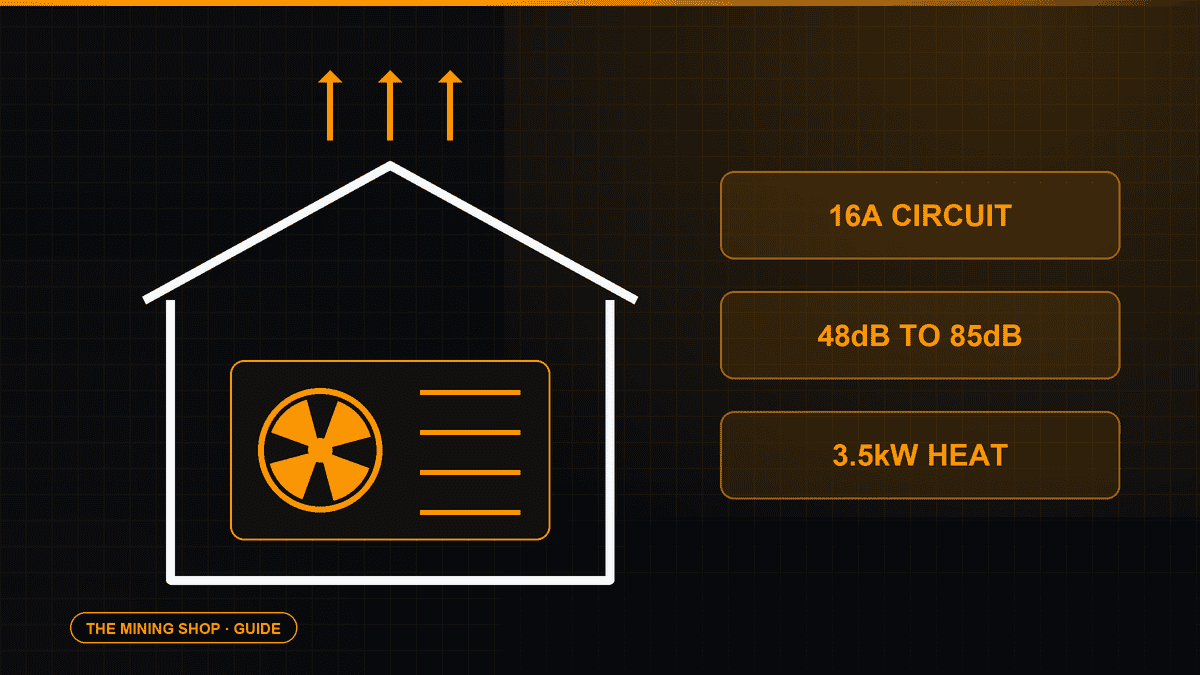
Home Bitcoin mining: A home ASIC needs a suitable dedicated circuit, competent electrical assessment and a safe route for continuous heat and noise.
ASIC fleet management software: Create an exact model-by-function matrix because reading telemetry, changing pools, tuning and updating firmware can have.
Complete an IceRiver AE0 setup with the correct 19 to 20 V supply, Ethernet, private interface, Aleo pool, accepted-proof checks and official firmware controls.
Join the ASIC Mining Discussion
Members can read and join the discussion
Log in to read comments from other miners. Create a free account if you would like to ask a question or share your experience.
Membership helps us protect the discussion from spam and keep answers useful.