
Pre-order
Overall ranking

Equihash
·
ZEC
Overall rank#1of 100AvailableAll: #3 / 831
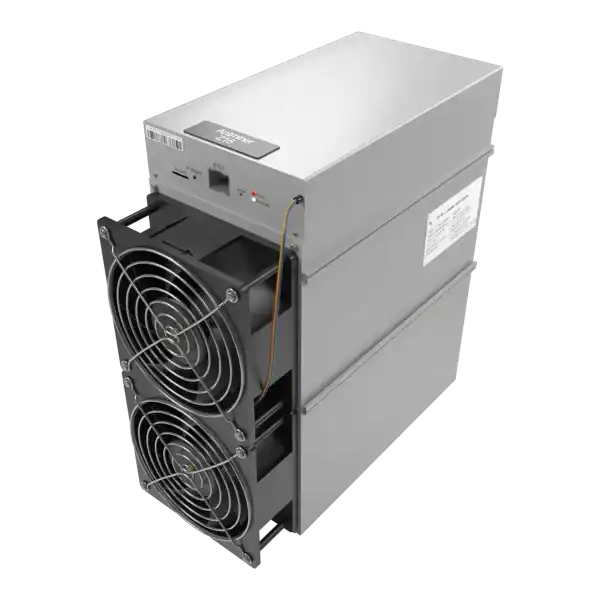

Pre-OrderFree Shipping
Hashrate
525KSOL
Efficiency
4.73W/KSOL
Power
2483W
Earns/kWh
42.1p
Learn about ASIC control board identification, including board families. Use the fault evidence to choose a safe fix, warranty or repair route.
ASIC control board identification must be based on the controller fitted inside the machine, not just the model printed on its chassis. An Antminer control board recovery image must match the controller inside the machine, not merely the product name on the chassis.
The badge on an ASIC chassis does not always identify the control board inside it. This guide separates the miner model, controller family and hashboard identity, then gives a conservative workflow for selecting a manufacturer recovery package without guessing from the product name alone.
ASIC control board identification: Do not proceed when the controller type cannot be proven, the official table directs you to support, the package origin is unknown, the board has liquid or burn damage, or the miner entered recovery with an unresolved PSU or power-distribution fault.
A mining technician is checking ASIC control board identification. If recovery completes but the miner reports the wrong model, factory workers, missing chains or repeated hardware-version errors, preserve the log.
An S19-family label does not prove which controller, storage layout or recovery image is fitted. Hardware can change during a production run. So a miner that accepts one normal web package may still require a controller-specific SD image.
BITMAIN's factory-firmware table lists CV and AML routes for S19 XP. BB and AML for S19, S19 Pro, S19j and S19j Pro. AML in its listed S19j Pro case. And 7007, CV or AML for S19j Pro, where it directs customers to support. This proves the chassis name can be insufficient. It is not a permanent chart for every later batch.

| Identity | Typical evidence | What it controls |
|---|---|---|
| Miner model | Chassis label, serial record, purchase specification | Product firmware family and rated configuration |
| Control-board family | Controller label, web endpoint, logs, PCB features | Boot image, storage layout and supported installer |
| Hashboard identity | BHB or other board marking, chip count, substrate and logs | Test program, calibration and hardware compatibility |
A BHB code reported by firmware is not a substitute for the control-board type. Equally, a controller sold as compatible with several miners is not ready for each model until it has the correct software and, in some replacement-board cases, model-specific provisioning. Record all three identities in the job sheet.
If two sources disagree, investigate the mismatch instead of choosing whichever supports the file already downloaded.
Photograph the chassis label and controller, record the IP and save the kernel log. For machines showing factory firmware, BITMAIN documents `http://MINER-IP/cgi-bin/miner_type.cgi`. Its returned value can begin with BB, 7007, AML or CV. Use it only where that interface supports it.
Check physical markings and ports. BITMAIN says its illustrated S19 PCB version generally uses a 7007 controller with a slot opening. At the same time, the illustrated aluminium version typically uses A113D with micro-USB. It warns later revisions may differ. So ports are corroboration, not proof.
If markings are obscured, get clear photos or a supplier record. Never rely only on PCB colour, PSU suffix or a marketplace listing.
| Miner family in BITMAIN's documented factory-firmware case | Listed controller route | Safe interpretation |
|---|---|---|
| S19 XP | CV or AML | Select the independent package for the identified controller |
| S19 / S19 Pro / S19j / S19j Pro | BB or AML | Same commercial family, different package files |
| S19j Pro | AML in the published table | Do not extrapolate this row to every production revision |
| S19j Pro | 7007, CV or AML | BITMAIN directs the operator to customer support for the required file |
Package availability and support instructions change. Recheck the manufacturer's live download page or support ticket on the day of the repair. Where a checksum is published, verify it. Keep the original filename and download URL in the repair record rather than renaming a folder simply 'S19 firmware'.
A normal `.bmu` web package is uploaded through a running miner interface. An SD recovery package rebuilds or boots a lower-level system when the controller cannot start correctly. Some manufacturer instructions use extracted files on a FAT32 card. Some vendor images must be written as a disk image. The method belongs to the package, not to the memory card.
This distinction also applies to third-party systems. Braiins explicitly says its supported SD image must be flashed with a tool such as Balena Etcher, Rufus or `dd`. A simple file copy will not work. That statement describes Braiins'. Listed image, not every BITMAIN recovery archive. Read the included instructions before formatting or writing the card.
Do not mix an image for AML with one for CV, BB or 7007 because the miner model appears in both filenames. A wrong image may fail cleanly. But the safe plan cannot depend on that.
1. Record model, serial, controller evidence and hashboard code. 2. Save logs and configuration if reachable. 3. Get the controller-specific package from the official channel or support case. 4. Confirm whether it uses extracted files or a disk image. 5. Follow the specified card, filesystem, tool and boot-selector instructions. 6.
Isolate before inserting the card or changing jumpers unless instructed otherwise. 7. Protect power throughout the write and use only the documented completion signal. 8. Restore the boot selector, rediscover the IP and confirm model and firmware. 9. Install current normal firmware if instructed, restore pools and burn in under load.
BITMAIN documents OTP enablement for certain official replacement S19 boards and warns that lost power during that process can damage the controller. This is not a generic OTP instruction. Follow the exact replacement-board procedure.
Do not proceed when the controller type cannot be proven, the official table directs you to support, the package origin is unknown, the board has liquid or burn damage, or the miner entered recovery with an unresolved PSU or power-distribution fault. Firmware cannot repair a failed regulator, damaged storage device or broken Ethernet interface.
If recovery completes but the miner reports the wrong model, factory workers, missing chains or repeated hardware-version errors, preserve the log. More flashing is not diagnosis. The ASIC miner repair service can compare the controller, hashboards and firmware as one system.
Correct recovery starts with identity, not download speed. Treat the chassis model, controller family and hashboard revision as separate fields, require two consistent pieces of evidence where possible, and use the package instructions that belong to that hardware. When BITMAIN says contact support, that is the correct next step and not an invitation to try the nearest-looking image.
ASIC control board identification: Do not proceed when the controller type cannot be proven, the official table directs you to support, the package origin is unknown, the board has liquid or burn damage, or the miner entered recovery with an unresolved PSU or power-distribution fault.
An S19-family label does not prove which controller, storage layout or recovery image is fitted.
A BHB code reported by firmware is not a substitute for the control-board type.
Photograph the chassis label and controller, record the IP and save the kernel log.
If the miner is unreachable or the controller markings do not match the download table, do not guess. Send clear label and controller photographs to The Mining Shop repair lab for identification before recovery, or contact the team for setup support.
Before an SD recovery, collect four identities: exact chassis model, control-board family, hashboard code and current firmware state. If the web interface works, BITMAIN documents `http://MINER-IP/cgi-bin/miner_type.cgi` as one way to expose controller information on relevant models. Confirm it against physical labels and the manufacturer's package table.
AML, CV, BB and 7007 images are not interchangeable merely because they support the same miner name. Check the exact hardware, electricity, network, pool and operating assumptions before making a decision.
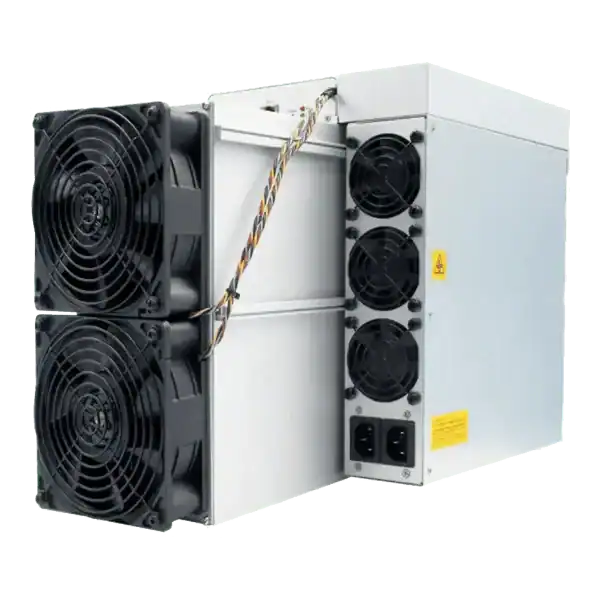
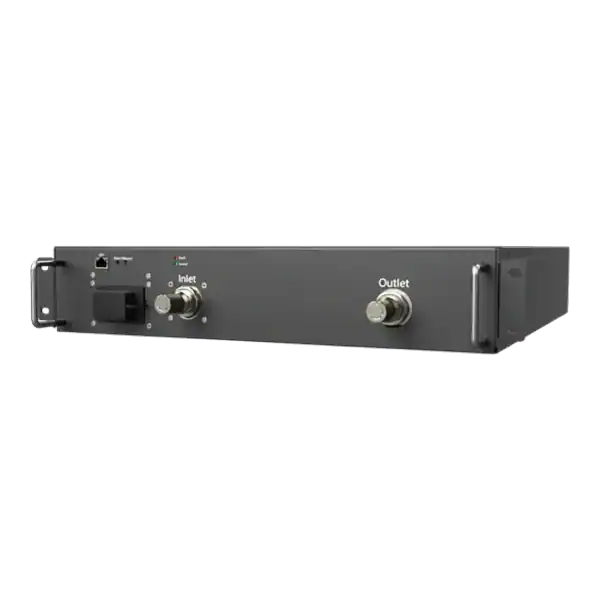
Use daily ASIC hashrate history with power, temperature, pool and change records to distinguish faults, curtailment, tuning and normal share variation.
Prepare an ASIC repair evidence pack with serial, condition, firmware, board status, logs, wall power, accepted work, photographs and safe fault history.
ASIC repair partner: Confirm capability for the exact miner, power supply, control board and hashboard rather than accepting a general claim to repair ASICs.

Join the ASIC Mining Discussion
Members can read and join the discussion
Log in to read comments from other miners. Create a free account if you would like to ask a question or share your experience.
Membership helps us protect the discussion from spam and keep answers useful.