

Sealminer A4 Ultra Hydro
Bitcoin & Bitcoin Cash ASIC Miner
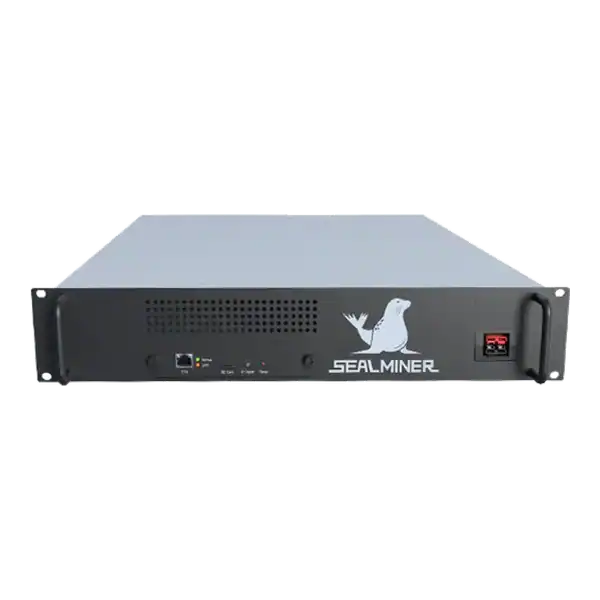

886TH
HASHRATE
9.45W/TH
EFFICIENCY
8373W
POWER
£898.19
EST. MONTHLY
NO PAYBACK
EST. ROI
Setting up an ASIC miner made simple. Compare performance, power, cooling, noise and practical risks before choosing or operating mining hardware.
Setting up an ASIC miner: How to Set Up an ASIC Miner Safely focuses on the practical decision behind set up an ASIC miner, including hardware, power, safety.
How to Set Up an ASIC Miner Safely focuses on the practical decision behind set up an ASIC miner, including hardware, power, safety, cost and the checks a UK operator should complete.
Setting up an ASIC miner: ASIC miners produce heat and noise, so location matters. Look for a place with: Correct placement is a key factor in successful ASIC miner setup .
A miner wants to understand setting up an ASIC miner. Wi-Fi (if available): Some miners have Wi-Fi functionality, but it’s not always as reliable.
ASIC miner setup is a crucial step for anyone looking to mine cryptocurrency efficiently. While it might seem intimidating at first, this guide simplifies the process, walking you through everything from unboxing your miner to mining like a pro. With the right approach, you’ll have your ASIC miner up and running in no time.

ASIC miners are built for one purpose: mining cryptocurrencies. Unlike your regular computer, these machines are highly optimised for specific algorithms, making them much faster and more energy-efficient. That’s why mastering ASIC miner setup is crucial to maximising your mining potential.
Unboxing your ASIC miner feels like unwrapping a gift. But there are a few things you need to check first.
ASIC miners produce heat and noise, so location matters. Look for a place with:
Correct placement is a key factor in successful ASIC miner setup.
ASIC miners need to be connected to the internet. Choose either:
Once the hardware is ready, it’s time to set up the software:
Congratulations, you’re halfway through your ASIC miner setup process.
After setup, monitor your miner using:
Monitoring is an essential part of maintaining a successful ASIC miner setup.
ASIC miners run hot and loud. To manage these:
Effective troubleshooting ensures your ASIC miner setup stays operational.
These advanced strategies can take your ASIC miner setup to the next level.
Yes, many ASIC miners require high-wattage power. A standard 110V outlet may not be enough, check your miner’s power specifications.
Mining doesn’t consume much data, about 500MB to 1GB per month, but a stable connection is critical for a smooth ASIC miner setup.
Keep your miner below 80°C. Optimal performance is achieved around 60°C to 70°C.
Most ASIC miners are designed for specific algorithms (e.g., SHA-256 for Bitcoin). Check your miner’s specs for compatibility.
Visit trusted suppliers like The Mining Shop for high-quality miners and expert advice.

Setting up an ASIC miner may seem complicated at first. But with the right tools and guidance, you’ll be mining efficiently in no time. Remember to prioritise proper setup, cooling, and maintenance to ensure a profitable mining experience.
For more tips and equipment, check out The Mining Shop.
Happy Mining.
Mining networks, pool support, firmware, exchange access and hardware availability can change. Verify the current network documentation, test with a small controlled configuration and do not rely on a historical profitability figure when purchasing equipment.
Setting up an ASIC miner: ASIC miners produce heat and noise, so location matters. Look for a place with: Correct placement is a key factor in successful ASIC miner setup .
Unboxing your ASIC miner feels like unwrapping a gift. But there are a few things you need to check first.
ASIC miners produce heat and noise, so location matters. Look for a place with: Correct placement is a key factor in successful ASIC miner setup .
After setup, monitor your miner using: Monitoring is an essential part of maintaining a successful ASIC miner setup .
Start with the real operating requirement behind set up an ASIC miner, not a headline hashrate or revenue figure. Measure wall power, heat, noise, rejected shares and uptime under the conditions in which the miner will run.
For setting up an, check current official guidance and retain the evidence used for the decision. Check current official documentation alongside this article because network rules, product ranges and legal guidance can change.
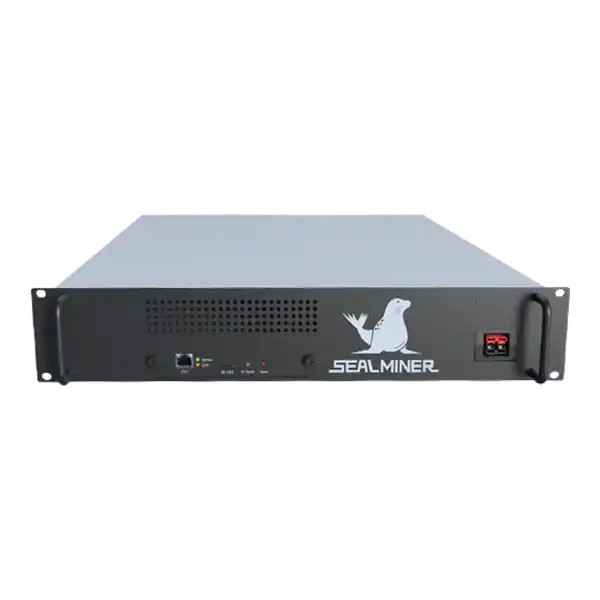

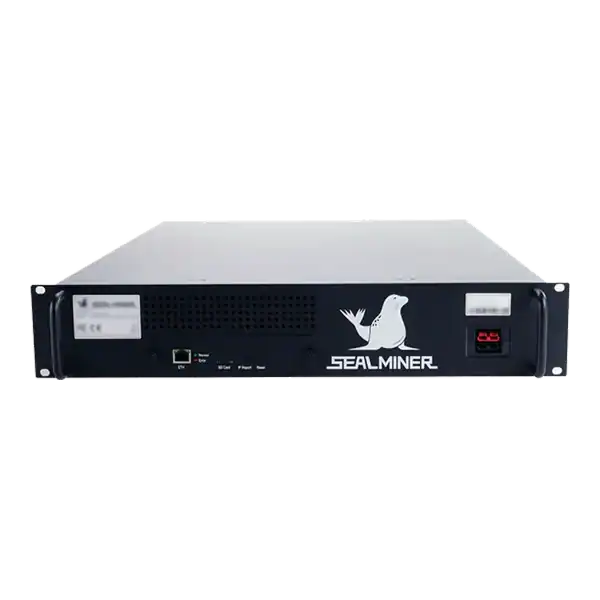
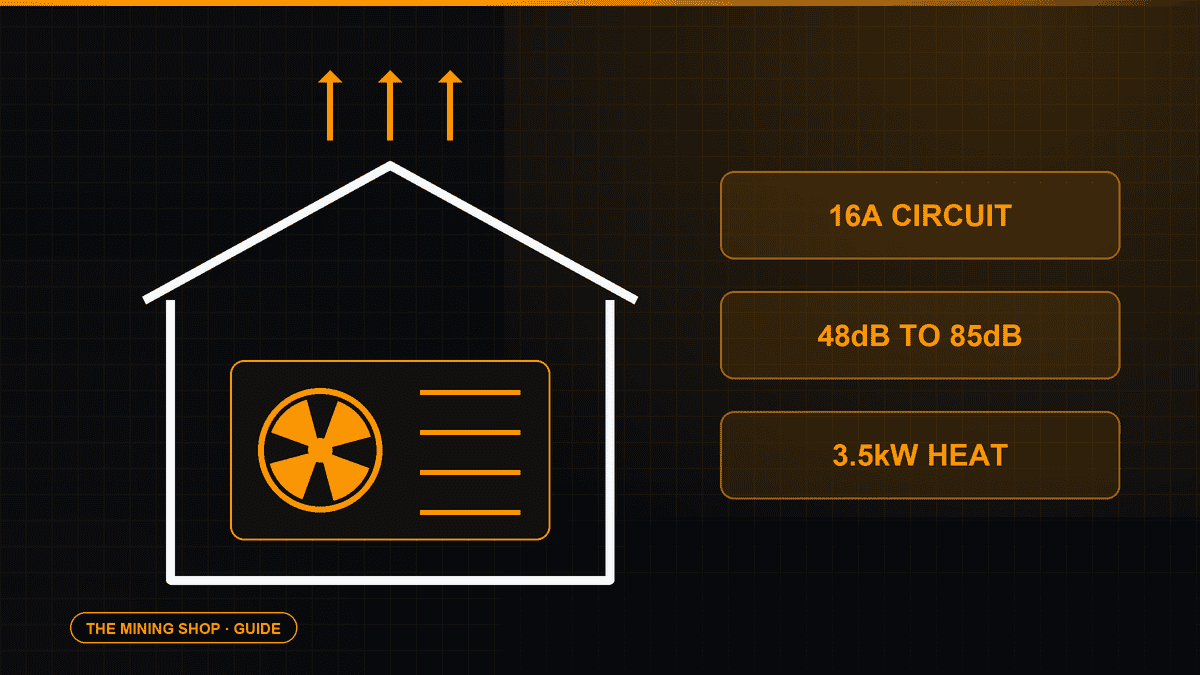
Home Bitcoin mining: A home ASIC needs a suitable dedicated circuit, competent electrical assessment and a safe route for continuous heat and noise.
ASIC fleet management software: Create an exact model-by-function matrix because reading telemetry, changing pools, tuning and updating firmware can have.
Complete an IceRiver AE0 setup with the correct 19 to 20 V supply, Ethernet, private interface, Aleo pool, accepted-proof checks and official firmware controls.
Join the ASIC Mining Discussion
Members can read and join the discussion
Log in to read comments from other miners. Create a free account if you would like to ask a question or share your experience.
Membership helps us protect the discussion from spam and keep answers useful.