

Sealminer A4 Ultra Hydro
Bitcoin & Bitcoin Cash ASIC Miner
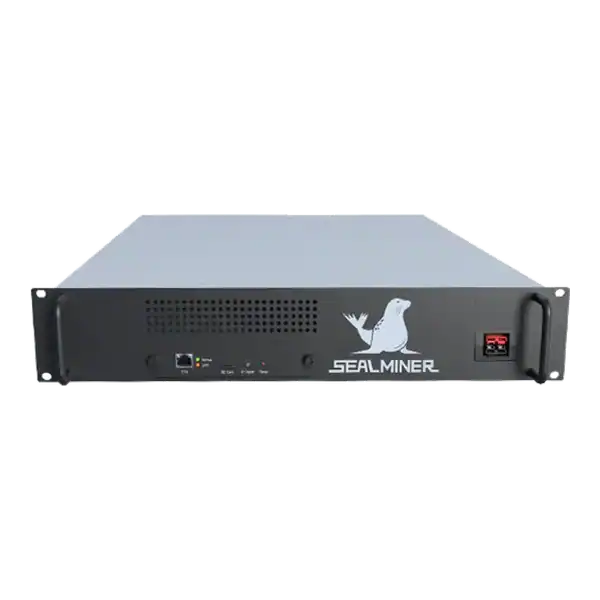

886TH
HASHRATE
9.45W/TH
EFFICIENCY
8373W
POWER
£857.66
EST. MONTHLY
NO PAYBACK
EST. ROI
NerdMiner guest network: place a NerdMiner on guest Wi-Fi, understand client isolation, confirm pool access and troubleshoot captive portals or blocked Stratum.
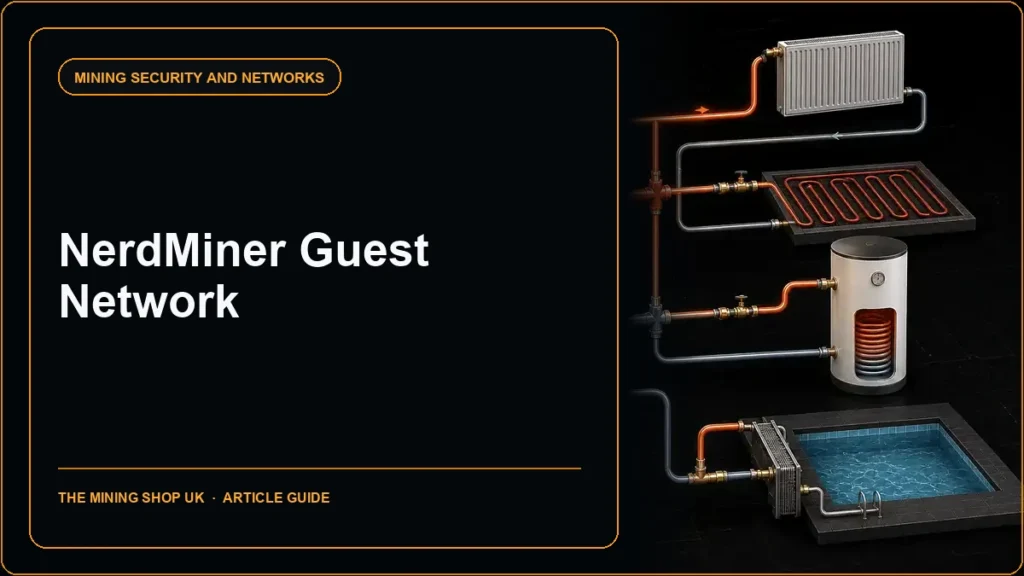
A NerdMiner guest network can isolate a learning device from trusted home systems while retaining the outbound internet access needed for a compatible pool. The main complication is that guest networks often block local client-to-client or trusted-LAN access. This can make configuration and local dashboards appear unavailable.
Captive portals, DNS filtering and blocked Stratum ports can also prevent mining. This guide focuses on guest-network topology and troubleshooting rather than repeating the main-router security checklist.
NerdMiner guest network: A guest network normally uses a separate address range and firewall policy. It allows clients to reach the internet while blocking connections to the main household network.
A miner is checking NerdMiner guest network. Flash and pre-check the device before moving it to the guest SSID. Read the manufacturer documentation and record whether guests can communicate with each other, reach the router interface or use only web ports.
A guest network normally uses a separate address range and firewall policy. It allows clients to reach the internet while blocking connections to the main household network. Some routers also isolate one guest client from another.
That is helpful for a NerdMiner because the ESP32 device does not need access to laptops, file shares or business systems. It does, however, need DNS, time where used and outbound access to the selected Stratum pool.
Router implementations differ. Read the manufacturer documentation and record whether guests can communicate with each other, reach the router interface or use only web ports.

Flash and pre-check the device before moving it to the guest SSID. During the NerdMiner setup-access-point stage, the configuring phone connects directly to the board rather than through the guest network.
Enter the guest SSID and strong password, a compatible pool endpoint, receive address and unique worker name. After saving, reconnect the phone to a trusted network unless local guest-client access is deliberately needed.
Do not enable main-LAN access or public port forwarding simply to view the miner. Pool dashboards and the device display can provide read-only evidence without opening a path into trusted systems.
If guest-to-guest isolation is enabled, a phone on the same guest SSID may still be unable to reach the NerdMiner’s local address. This is a security feature, not proof that the device failed to join.
Use the router client list, the board display and pool last-share data to confirm operation. If a local firmware page is required, move both devices temporarily to a dedicated maintenance network or use a router rule that grants access from one management device without exposing the entire main LAN.
Document and remove temporary access after maintenance. Avoid leaving a broad allow rule because the original troubleshooting need has passed.
First confirm the guest device received an IP address, gateway and DNS server. If the pool hostname cannot resolve, check guest DNS policy. If the device resolves but cannot connect, test whether the router or upstream provider blocks the selected outbound port.
Try another official endpoint or port offered by the same pool rather than opening inbound access. Keep the worker and receive address unchanged so the test isolates the route.
Captive portals are a poor fit because the ESP32 may not complete a browser-based acceptance page. Use a normal private guest SSID or a mobile hotspot instead of weakening portal controls.
| Symptom | Likely explanation | Safe next check |
|---|---|---|
| Miner absent from pool | DNS, port, credential or compatibility | Router lease, logs and official endpoint |
| Phone cannot open local page | Client isolation | Pool data or controlled maintenance network |
| Works on main Wi-Fi only | Guest firewall or captive portal | Guest DNS and outbound-port policy |
| Frequent reconnects | Weak signal or lease behaviour | Signal, channel and router event log |
| Unknown worker | Address or suffix error | Re-enter exact pool identity |
Give the NerdMiner a recognisable router label and unique pool worker. Set a pool alert if supported. At the same time, recognising that very low hashrate can make short-window monitoring noisy.
Review the router for unexpected traffic destinations and repeated connection failures. Guest isolation reduces lateral access. But it does not prove firmware integrity or make all outbound communication safe.
Keep the board, firmware, SSID, pool and owner in an asset note. When the device leaves, delete its worker, reservation and special rules.
Test the isolation itself rather than assuming the guest label is enough. From the guest device or a controlled test client, confirm that trusted local addresses and router administration are unavailable while DNS and the required pool route still work. Record the result after router firmware changes because vendors can alter guest behaviour.
Do not use the production wallet, seed phrase or any confidential account to perform this test.
Where several learning devices share the guest network, keep unique worker names and compare their last-share times. One aggregated identity can hide a disconnected unit and may tempt an operator to relax isolation unnecessarily when the real issue is a single board or credential.
Retain the router export or screenshots needed to rebuild the guest policy after a replacement. Store them securely without publishing the SSID, password, public address or administration details. Recreate the isolation first, then reconnect the miner and confirm one accepted share before restoring any optional monitoring access.
Guest Wi-Fi is appropriate when the router provides predictable outbound access and useful isolation. If it implements an inflexible portal or blocks all required outbound ports, a dedicated IoT VLAN or controlled hotspot may be the cleaner solution.
NerdMiner guest network: A guest network normally uses a separate address range and firewall policy.
A guest network normally uses a separate address range and firewall policy.
Flash and pre-check the device before moving it to the guest SSID.
If guest-to-guest isolation is enabled, a phone on the same guest SSID may still be unable to reach the NerdMiner's local address.
A guest network is useful precisely because it limits what a NerdMiner can reach. Expect local-management restrictions, keep isolation intact and diagnose the outbound path through leases, DNS, official pool ports and accepted shares. Use controlled maintenance access rather than turning the guest network into a second trusted LAN.
Follow the main router guide for the initial hardening controls, or use the mobile-hotspot guide when a guest portal prevents unattended access.
Guest isolation is useful when the miner needs internet access but should not reach trusted home devices. Local management may fail by design because guest clients cannot reach each other or the main LAN.

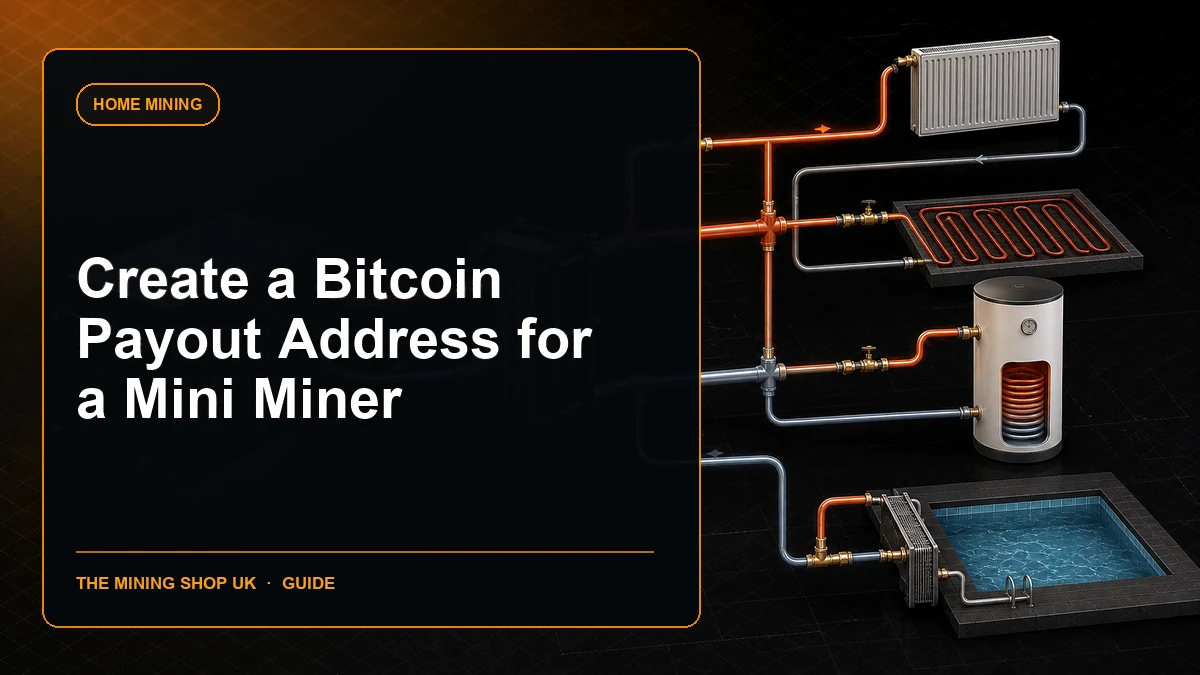
Bitcoin payout address for miner: create and verify a Bitcoin payout address for a miner, choose the correct network, protect keys, understand pool thresholds.

Bitcoin majority attack economics: Define the exact objective and duration before estimating resources because censorship, a short reorganisation.
ASIC Miner Security: Protecting a Mining Operation focuses on a safe, supportable setup. Read the practical UK guide before deciding.
Join the ASIC Mining Discussion
Members can read and join the discussion
Log in to read comments from other miners. Create a free account if you would like to ask a question or share your experience.
Membership helps us protect the discussion from spam and keep answers useful.