

Sealminer A4 Ultra Hydro
Bitcoin & Bitcoin Cash ASIC Miner
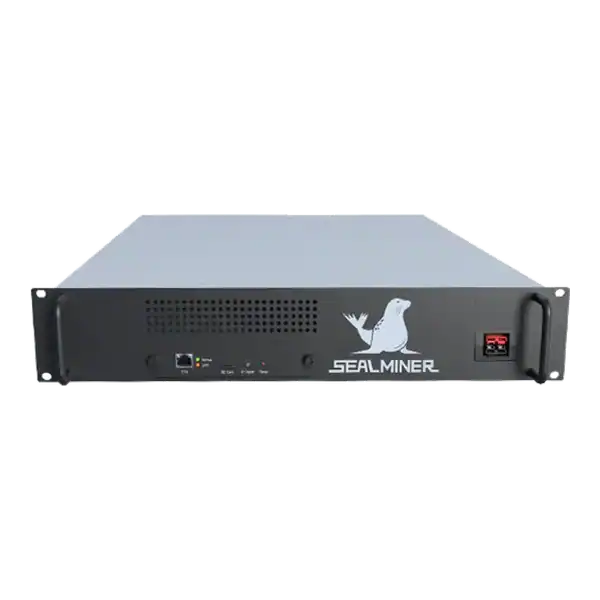

886TH
HASHRATE
9.45W/TH
EFFICIENCY
8373W
POWER
£856.08
EST. MONTHLY
NO PAYBACK
EST. ROI
Learn about ASIC firmware tuning, including power profiles and autotuning. Verify compatibility, stability and recovery before changing a miner.
This guide explains ASIC firmware tuning for UK ASIC buyers and operators. It covers power profiles, autotuning, stability and warranty exposure, identifies the checks that change the decision and separates useful operating evidence from headline claims. Verify current specifications, prices and service terms before acting, then apply your own electricity cost, site limits and risk tolerance.
ASIC firmware tuning changes the relationship between frequency, voltage, hashrate, power and temperature. The first question is not how far a miner can be pushed.
A mining technician is checking ASIC firmware tuning. Where the publisher provides a checksum or signature, verify it before the package reaches the miner. If the machine is still under warranty, read both the manufacturer terms and the seller's policy before changing anything.
ASIC firmware tuning changes the relationship between frequency, voltage, hashrate, power and temperature. The first question is not how far a miner can be pushed. It is whether the proposed firmware supports the exact machine, control-board family and hashboard revision.
Two miners sold under the same commercial model can contain different controllers or board generations, and a package intended for one is not automatically safe for the other.
Record the full model and variant, serial numbers, control-board identity, present firmware version, PSU, voltage range and cooling method. Check the firmware publisher’s current compatibility list and installation instructions. If the machine is still under warranty, read both the manufacturer terms and the seller’s policy before changing anything.
Bitmain warns that firmware must be used in accordance with its instructions and that improper use can affect warranty support.
Do not rely on a filename copied from a forum, chat or old fleet folder. Download from the official vendor or verified project site over a trusted connection. Where the publisher provides a checksum or signature, verify it before the package reaches the miner.

A tuning result is meaningless without a baseline. Run the miner on a known stable profile long enough to reach thermal equilibrium. Record wall power, local hashrate, accepted pool hashrate, rejects, chip or board temperatures, fan speed, inlet temperature, firmware version and any kernel warnings. Export pool and network settings or capture them securely so that recovery does not depend on memory.
Use wall power rather than a PSU label. Use sustained pool-side hashrate rather than a brief local peak. Calculate efficiency as measured watts divided by accepted TH/s for SHA-256 hardware, or the equivalent unit for another algorithm. Also note environmental conditions. A profile tested in cool intake air may not remain stable in summer.
| Field | Before change | After change |
|---|---|---|
| Firmware and profile | Version and settings | Version and settings |
| Wall power | Stable measured watts | Stable measured watts |
| Accepted hashrate | Pool average and period | Same pool and period |
| Efficiency | Measured W ÷ accepted hash | Recalculate |
| Thermal evidence | Inlet, board and fan data | Same conditions where possible |
| Fault evidence | Logs and restart count | Logs and restart count |
A lower-power profile aims to reduce watts, often by reducing voltage and frequency. If power falls faster than hashrate, J/TH improves. An overclock seeks more hashrate and usually increases power and heat. Autotuning software tests chips or chains and selects settings intended to meet a target. None of these labels guarantees a better commercial result.
Consider an illustrative miner producing 200 TH/s at 3,500 W, or 17.5 J/TH. A tuned profile that produces 190 TH/s at 3,100 W reaches about 16.3 J/TH. It gives up 5% of hashrate while cutting power by about 11.4%.
That can improve margin at an expensive tariff. A different unit may not achieve the same relationship, and the accepted pool result must be checked.
Set an operating objective before changing the profile: lowest cash electricity cost, best J/TH, maximum hashrate within a fixed power allocation, quieter operation or recovery of an unstable board. One profile cannot optimise every goal. Keep manufacturer protections active and do not defeat thermal or fan shutdowns to hold an arbitrary target.
Protect power and network during a firmware write. Bitmain manuals warn that power loss during an upgrade can require repair. Work on one representative miner first. Do not launch an untested package across a fleet simply because the model names match. Keep a current stock image and a documented recovery method for the actual control board.
After installation, confirm that pool, wallet, worker and network details are correct before the miner begins sustained testing. Start from a conservative profile. Change one controlled variable at a time and allow the machine to reach stable temperature. If logs show repeated board loss, voltage faults, overheating, fan problems or reboots, stop and return to the last known safe state.
Do not expose a miner management interface directly to the public internet. Change default credentials, restrict access to trusted administration paths and keep the firmware source under change control. Third-party firmware can add remote services or developer fees. Understand what data and hashrate leave the machine.
A higher local hashrate is not the result. The result is stable accepted work after electricity, pool fees, firmware fees and downtime. Measure over an equivalent period on the same pool. Compare rejects and reconnects. A 3% hashrate increase that adds 8% power and frequent restarts is not an improvement for most tariffs.
Translate the measured difference into cash. Daily energy is measured kW multiplied by 24. Multiply by the all-in tariff, then compare the power saving or increase with the change in expected revenue. Include any firmware developer fee in revenue. Use current estimates as snapshots and stress-test weaker conditions.
Keep an eye on long-term effects. More heat and voltage can increase stress on chips, solder, power stages, connectors and fans. An efficient underclock may reduce thermal load. But poor settings can also create instability. Continue monitoring after the initial test rather than declaring success after one hour.
Tuning can make sense where the exact hardware is supported, the operator has a verified recovery route and the site benefits from a clear power or efficiency target. It is especially useful when a fixed electrical allocation can earn more through a stable efficiency profile, or when an underclock keeps older equipment above its energy break-even point.
A controlled pilot with measured before-and-after evidence is the right way to decide.
Stay with the approved stock package when warranty support is valuable, compatibility is uncertain, the control board cannot be positively identified or there is no safe recovery method. Tuning is also a poor response to damaged connectors, cooling faults, unstable mains power or a failing hashboard.
Do not use firmware to conceal a hardware fault. Diagnose the fault first.
Preserve the complete change record. It helps with rollback, repair diagnosis and warranty discussions, and prevents the same failed experiment being repeated on another machine.
ASIC firmware tuning changes the relationship between frequency, voltage, hashrate, power and temperature. The first question is not how far a miner can be pushed.
ASIC firmware tuning changes the relationship between frequency, voltage, hashrate, power and temperature.
A tuning result is meaningless without a baseline. Run the miner on a known stable profile long enough to reach thermal equilibrium.
A lower-power profile aims to reduce watts, often by reducing voltage and frequency.
ASIC firmware tuning is worthwhile only when it solves a defined operating problem and the result is measured honestly. Confirm the exact hardware, preserve a baseline, verify the image, protect the upgrade and keep a rollback route. Judge the outcome by stable accepted hashrate, wall power, temperature, rejects, fees and downtime.
If compatibility or recovery is uncertain, stock firmware and a proper diagnosis are safer than an unsupported change.
If you are unsure which control board or firmware package is fitted, send The Mining Shop UK the exact model, controller details and logs before you flash or tune the miner.
Assess ASIC firmware tuning against the actual site, tariff and operating objective. Back up settings, verify exact compatibility and keep a tested rollback route.
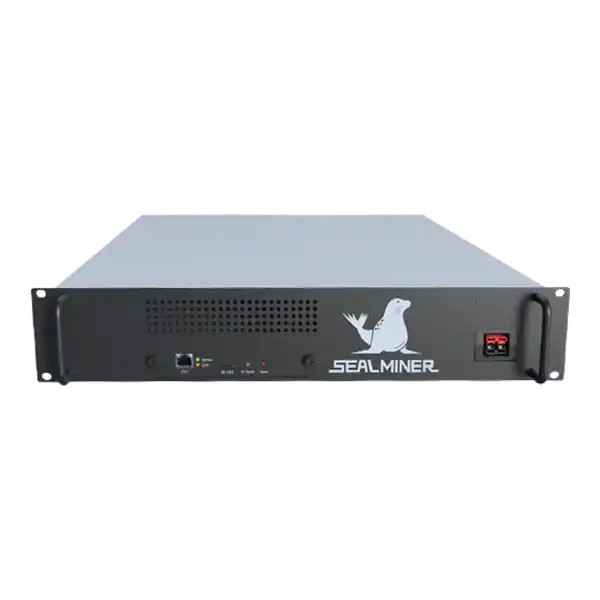

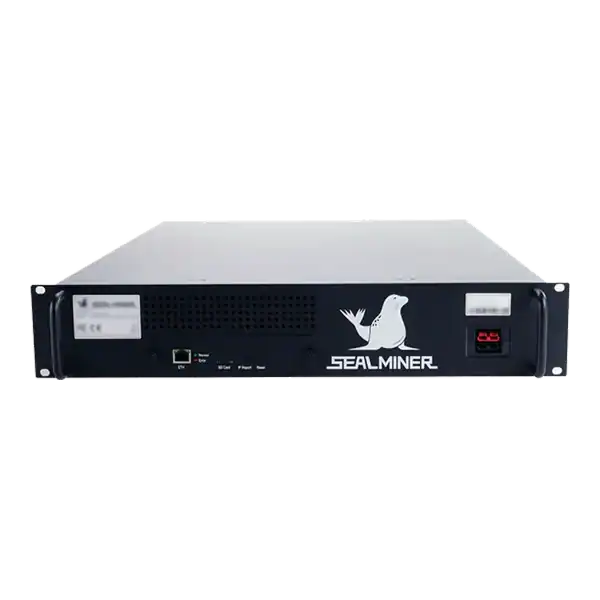
Stock firmware provenance restoration: restore stock firmware provenance before ASIC resale using exact hardware identity, official files, configuration.
Plan a WhatsMiner batch firmware rollout using model cohorts, WhatsMinerTool, pilot gates, configuration evidence, monitoring and a tested rollback route.
ASICBoost compatibility check: Verify explicit model, firmware and pool support for overt ASICBoost before enabling it. Verify the current evidence.
Join the ASIC Mining Discussion
Members can read and join the discussion
Log in to read comments from other miners. Create a free account if you would like to ask a question or share your experience.
Membership helps us protect the discussion from spam and keep answers useful.