

Sealminer A4 Ultra Hydro
Bitcoin & Bitcoin Cash ASIC Miner
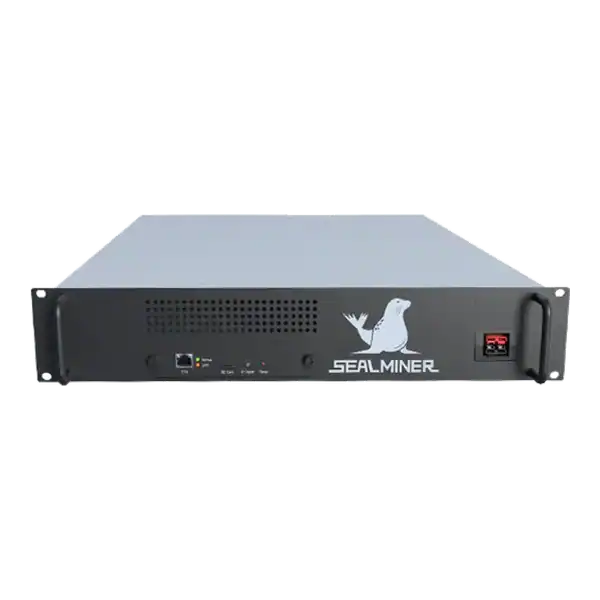

886TH
HASHRATE
9.45W/TH
EFFICIENCY
8373W
POWER
£903.43
EST. MONTHLY
NO PAYBACK
EST. ROI
ASICBoost compatibility check: Verify explicit model, firmware and pool support for overt ASICBoost before enabling it. Verify the current evidence.
ASICBoost compatibility check depends on a clear operating boundary and evidence that can be checked before money or equipment is committed. ASICBoost is a method for reducing part of the computation needed for Bitcoin SHA 256 mining by constructing related block headers. Overt ASICBoost uses the block version field and is visible.
BIP320 describes version bits available for general purpose use. Compatibility depends on hardware, firmware and the pool or template path. A setting labelled ASICBoost does not guarantee a benefit or universal support. This article focuses on owner configuration and evidence, not the wider history or political debate.
ASICBoost compatibility check: The checklist is deliberately evidence based. Marketing language such as home friendly, efficient or profitable has no fixed meaning without a measured operating mode and a real site boundary.
A mining technician is checking ASICBoost compatibility check. Record exact SHA 256 model, control board, firmware release, pool and stratum implementation. Write the intended outcome before looking at a headline hashrate.
Record exact SHA 256 model, control board, firmware release, pool and stratum implementation. Similar machine families can differ.
Separate overt ASICBoost, covert ASICBoost and ordinary use of version bits as extra nonce space. They are related technical topics but not interchangeable labels.
Define the objective as lower joules per accepted terahash or equivalent stable output, not a dashboard switch being on.
Write the intended outcome before looking at a headline hashrate. A learning device, a useful room heater, a quiet home miner and a commercially productive machine are different purchases. The correct comparison changes when the available circuit, sound limit, heat demand, pool route or expected ownership period changes.
Use a dated decision sheet and keep manufacturer claims separate from measured results. Record the exact model, variant, power supply, firmware and operating mode. Similar product names do not make accessories, voltage, firmware or thermal limits interchangeable.

Use manufacturer release notes and pool documentation. Bitcoin Optech and BIP320 provide protocol context, while the actual product path determines support.
Preserve firmware checksum or signature evidence, configuration and stock recovery. Avoid files from anonymous links.
Ask the pool to confirm any required version-rolling or protocol setting and observe assigned work and rejects.
Prefer the manufacturer specification, manual and firmware portal for identity and limits. But treat them as the starting point rather than a promise of site performance. Keep a copy of the pages and files used because support pages, downloads and product revisions can change.
Ask the seller for a serial photograph, condition statement, included accessories and a recent operating record for the actual unit. A generic product image cannot prove board revision, power supply condition, repair history or whether the miner reaches stable accepted work.
Test one machine at a time on a segmented network. Keep credentials and payout destinations unchanged during the comparison.
Do not combine ASICBoost enablement with overclock, voltage, fan or pool changes. Otherwise the cause of any difference is unclear.
Set rollback thresholds for rejects, hardware errors, restarts, temperatures and accepted efficiency.
A competent person should confirm the electrical route for the real continuous load. Check voltage, protective device, earthing, cable, connector, socket, isolation and ventilation together. Do not assume that a plug physically fitting a socket proves that the circuit is suitable for sustained operation.
Place the miner on a trusted network segment with no unnecessary inbound exposure. Change supplied credentials, use a documented wallet and pool account, set approved backup endpoints and confirm that every endpoint belongs to the intended operator before power is applied.
Measure complete wall power and pool accepted work over matched representative periods before and after the single change.
Compare reject reasons and pool-side rate. A local efficiency claim can be cancelled by incompatible templates or unstable work.
Include any firmware developer fee and operational impact in the complete result.
Measure power at the wall and compare local hashrate with accepted pool work over a representative period. Local display figures can look healthy while stale shares, invalid work, reconnects or a wrong payout address reduce useful output.
Calculate revenue and cost over a range, not one favourable day. Include electricity, pool fees, auxiliary cooling, maintenance, downtime, conversion costs and hardware value. For a heat-use case, credit only heat that replaces a cost the owner would otherwise incur.
| Risk | Evidence to get | Control |
|---|---|---|
| Hardware not supported | Model-specific documentation | Do not enable |
| Pool path incompatible | Pool support and reject log | Test endpoint |
| Unknown firmware installed | Official provenance | Preserve stock recovery |
| Multiple settings change | Controlled test plan | Change one variable |
| Dashboard gain not accepted | Matched pool evidence | Use useful work |
Rank each risk by consequence and by the practical ability to detect it before purchase. A low-priced machine with uncertain firmware, exhausted cooling or a weak algorithm market can require more working capital and attention than a newer unit with a higher invoice price.
Set written stop conditions. Examples include an unsafe supply, unavailable official firmware, rejected work above the approved limit, repeated thermal shutdown, no lawful payout route or an energy break-even price below the contracted rate. A stop condition prevents sunk cost from becoming the reason to continue.
Run a stock baseline through heat soak, then enable only the supported overt ASICBoost setting and repeat the same interval.
Rollback immediately if accepted efficiency, rejects or stability worsen. Archive firmware, pool, configuration, meter and result.
Begin with one unit or the smallest sensible batch. Photograph labels and connections, export the original configuration, note ambient conditions and record the start time. Watch the kernel or system log, board detection, fan behaviour, temperatures, local hashrate, pool connection and accepted work.
Do not declare acceptance from a short dashboard snapshot. Run long enough to expose heat soak, intermittent network faults and pool variance. Retain the test record with the invoice, serial number, firmware file and any seller correspondence so a later repair or warranty question has a clear baseline.
The checklist is deliberately evidence based. Marketing language such as home friendly, efficient or profitable has no fixed meaning without a measured operating mode and a real site boundary. The record should make it possible for another competent person to reproduce the decision.
ASICBoost compatibility check: The checklist is deliberately evidence based. Marketing language such as home friendly, efficient or profitable has no fixed meaning without a measured operating mode and a real site boundary.
Record exact SHA 256 model, control board, firmware release, pool and stratum implementation.
Use manufacturer release notes and pool documentation. Bitcoin Optech and BIP320 provide protocol context, while the actual product path determines support.
Test one machine at a time on a segmented network. Keep credentials and payout destinations unchanged during the comparison.
ASICBoost compatibility is an end-to-end property of model, firmware and pool work. Use overt support that is documented, change one setting and measure the result at the wall and pool. A reversible controlled test turns a protocol feature into useful operating evidence.
Use The Mining Shop UK tools and support pages to compare the exact hardware against your real electricity, installation, pool and operating constraints before ordering or commissioning it.
Verify explicit model, firmware and pool support for overt ASICBoost before enabling it. Establish a stock baseline and compare wall power with accepted work, rejects and stability.
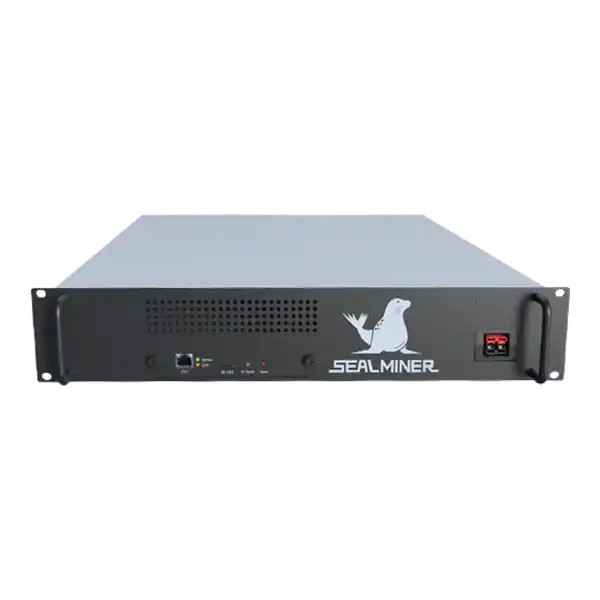

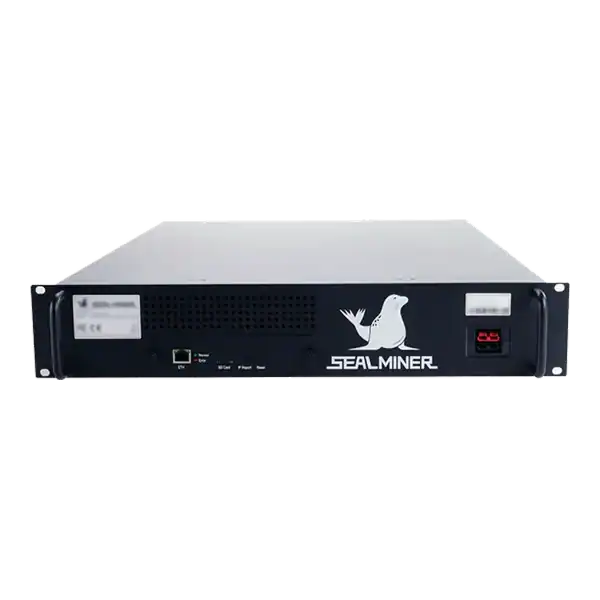
Stock firmware provenance restoration: restore stock firmware provenance before ASIC resale using exact hardware identity, official files, configuration.
Plan a WhatsMiner batch firmware rollout using model cohorts, WhatsMinerTool, pilot gates, configuration evidence, monitoring and a tested rollback route.
Validate ASIC firmware efficiency claims by defining watts and accepted hashrate, checking model and conditions, measuring complete wall energy, fees, rejects.
Join the ASIC Mining Discussion
Members can read and join the discussion
Log in to read comments from other miners. Create a free account if you would like to ask a question or share your experience.
Membership helps us protect the discussion from spam and keep answers useful.