

Sealminer A4 Ultra Hydro
Bitcoin & Bitcoin Cash ASIC Miner
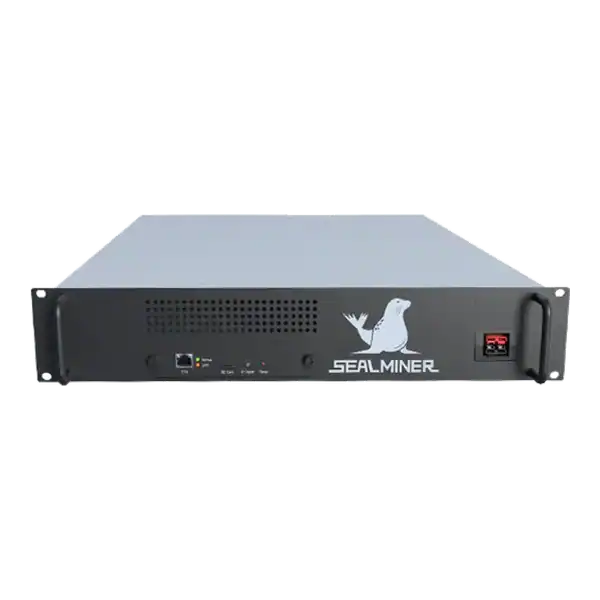

886TH
HASHRATE
9.45W/TH
EFFICIENCY
8373W
POWER
£853.03
EST. MONTHLY
NO PAYBACK
EST. ROI
Check ASIC firmware compatibility by model, control board, hardware revision, image source, warranty, settings and rollback before updating a miner.
ASIC firmware compatibility is exact: a file for the right product family can still be wrong for a control board, hardware revision or cooling variant. Before any update, record the full model and current build, get the image from a verified source, read prerequisites and release notes, export settings, preserve a recovery route and test one miner at a supported stock profile.
ASIC firmware compatibility should be proven through exact hardware identity, verified source, documented upgrade path and a tested recovery route.
A miner is checking ASIC firmware compatibility. If compatibility or rollback is uncertain, stop and get model-specific support. A one-miner stock comparison exposes wrong images, fees, instability and security changes before they reach the fleet.
Photograph the nameplate and record model, nominal hashrate, serial, cooling type, PSU, controller board, hashboard revision and current firmware. Use the web interface and physical labels because either source can be incomplete.
Manufacturers can ship different controller platforms within a series. An image for one platform can fail or damage configuration on another. Do not infer the controller only from the case.
Record previous repairs and non-standard boards. A mixed machine may not follow the ordinary upgrade path and should be assessed by a competent repair or firmware specialist.
Confirm the machine is stable at stock settings before updating. Firmware cannot be evaluated cleanly while power, cooling or hashboards already have an unresolved fault.
Build a machine-readable inventory where the fleet is large. Link every serial number to its controller, revision and approved image so a bulk tool cannot silently apply one family file to incompatible hardware. Review the export manually before each campaign.

Start from the manufacturer’s official support page or a trusted vendor with an independently verified identity. Avoid files linked through unsolicited messages, mirrored drives and unverified video descriptions.
Read model list, controller notes, minimum starting version, upgrade or recovery method, known issues and whether settings are retained. Some releases require an intermediate build or a different image for SD-card recovery.
Where the publisher supplies a checksum or signature, verify it before upload. A matching filename is not an integrity check.
Archive the approved file, source URL, checksum, release notes and approval date. Do not let each technician download a fresh unidentified copy.
Check manufacturer and seller warranty before installing third-party firmware. Some modifications can exclude related faults or require restoration to a supported build.
Custom firmware may charge a developer fee by redirecting a portion of work. Record the stated rate and measure accepted output. A hidden or misunderstood fee changes economics and governance.
Review remote services, telemetry, automatic updates and licence terms. Decide which outbound destinations are permitted and who can manage the account.
A performance feature does not override electrical, fan or temperature limits. Do not disable protection or exceed site and connector ratings.
| Item | Purpose | Verification |
|---|---|---|
| Configuration export | Restore pools and network | Open and label securely |
| Stock firmware | Return to supported baseline | Source and checksum retained |
| Recovery image | Recover failed web upgrade | Exact controller confirmed |
| Local access | Reach miner without cloud | Known IP and credentials |
| Power procedure | Avoid interruption during flash | Stable supply and safe isolation |
| Approval record | Control change and rollback | Owner and window assigned |
Protect exports because they can contain pool usernames and network information. Store them in controlled systems and remove secrets before sharing with support where possible.
Do not update during unstable power or a remote-only window without competent hands on site. An interrupted write can require physical recovery.
Choose a representative non-critical miner and record at least a stock baseline for local and pool accepted hashrate, wall power, rejects, temperatures, fan or pump behaviour and restarts.
Install only through the documented method. Do not power-cycle during the stated write and restart period. After boot, change default credentials if the process reset them and confirm network restrictions.
Restore or re-enter pool details from a verified record. Check payout-related destinations independently. A successful login does not prove the miner is working for the intended account.
Observe through a representative thermal and pool window. Compare accepted J/TH or the algorithm-appropriate efficiency, not a brief local peak.
Do not proceed when the controller, revision, file source or recovery method cannot be confirmed. Get model-specific support first.
A machine with mixed repaired boards deserves specialist assessment rather than a guessed family image.
Do not accept security, warranty and stability exposure for an unverified efficiency claim. Measure the current baseline and proposed outcome.
If the existing build is supported and stable, an update still needs a defined security, compatibility or performance reason.
ASIC firmware compatibility should be proven through exact hardware identity, verified source, documented upgrade path and a tested recovery route.
Photograph the nameplate and record model, nominal hashrate, serial, cooling type, PSU, controller board, hashboard revision and current firmware.
Start from the manufacturer's official support page or a trusted vendor with an independently verified identity.
Check manufacturer and seller warranty before installing third-party firmware. Some modifications can exclude related faults or require restoration to a supported build.
ASIC firmware compatibility should be proven through exact hardware identity, verified source, documented upgrade path and a tested recovery route. A one-miner stock comparison exposes wrong images, fees, instability and security changes before they reach the fleet. If compatibility or rollback is uncertain, stop and get model-specific support.
Include the web interface language and configuration schema in the test. A release can hash correctly while changing field names, remote-management behaviour or backup format. Confirm that the monitoring platform, alert parser and recovery export still work before declaring the firmware compatible with the fleet.
Use The Mining Shop UK repair and safety resources if a miner has mixed hardware, a failed update or an unresolved stock fault.
Match model, hashrate or cooling variant, controller, hardware revision and current upgrade path. Similar names do not prove compatibility. Verify download source and integrity, read warranty and release notes, back up configuration and prepare the documented recovery method.
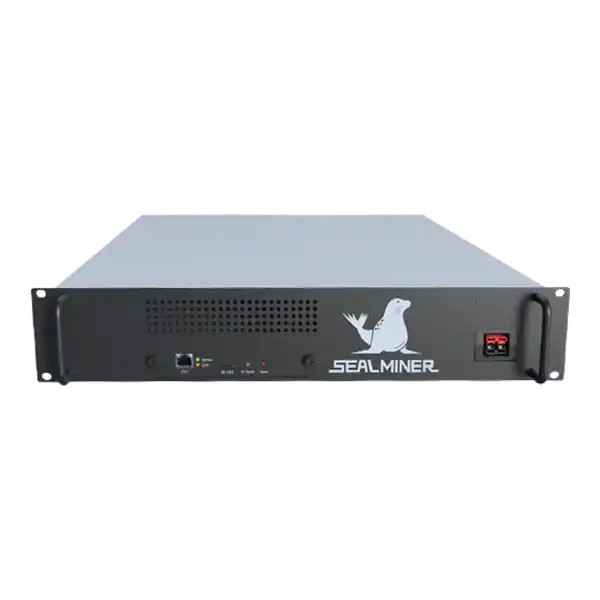

Bitcoin ASIC Compatibility made simple. Compare performance, power, cooling, noise and practical risks before choosing or operating mining hardware.
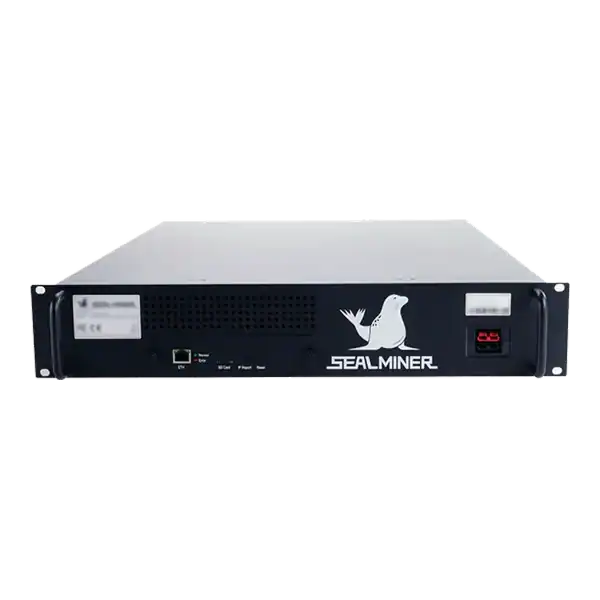
Practical guide to SEALMINER A4 review, covering efficiency and wall power. Compare costs, measured performance and site fit before buying hardware.

Unproven home ASIC launch review: assess an unproven home ASIC launch through manufacturer identity, samples, specifications, certification, firmware, delivery.
Join the ASIC Mining Discussion
Members can read and join the discussion
Log in to read comments from other miners. Create a free account if you would like to ask a question or share your experience.
Membership helps us protect the discussion from spam and keep answers useful.