

Sealminer A4 Ultra Hydro
Bitcoin & Bitcoin Cash ASIC Miner
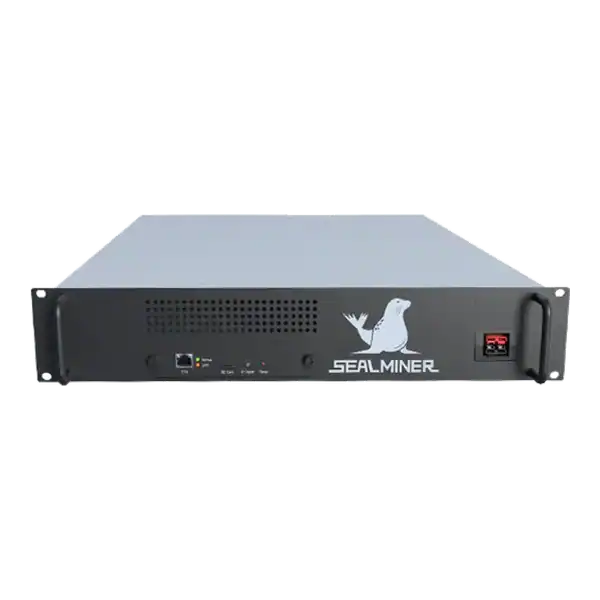

886TH
HASHRATE
9.45W/TH
EFFICIENCY
8373W
POWER
£916.50
EST. MONTHLY
NO PAYBACK
EST. ROI
Understand WhatsMiner rejected shares through stale shares and invalid work. Use the fault evidence to choose a safe fix, warranty or repair route.
WhatsMiner rejected shares are best diagnosed by separating stale work from invalid, duplicate, authorisation and connection failures. Rejected and stale ASIC shares reduce the useful work credited by a mining pool. But the two terms do not describe every rejection.
Rejected shares are work a pool did not credit. Stale shares normally arrived after the job changed. Above-target, duplicate, authorisation and other rejects point elsewhere. The fastest repair is to identify the reason first, compare miner and pool evidence, then isolate network, configuration, tuning, firmware or hardware causes in order.
WhatsMiner rejected shares: Rejected shares are symptoms, not a diagnosis. Read the reason, establish the scope and preserve logs. Stales point towards delayed delivery.
A miner is checking WhatsMiner rejected shares. Compare stable local and pool-side hashrate over the same period before declaring a fault. Record the fault before changing anything: model, firmware, profile, pool URL, reject type, times, share counts, local and pool hashrate, temperatures and uptime.
A pool gives your ASIC work and an easier share target. A qualifying hash is submitted as proof of contribution, then accepted or rejected. A reject consumed power but was not normally credited. Timing, an invalid result, duplication, credentials or incompatibility may be responsible.
Compare stable local and pool-side hashrate over the same period before declaring a fault. The miner reports chip work while the pool sees valid work it receives.

| Pool message | What it generally means | First area to inspect |
|---|---|---|
| Stale / job not found | The work referred to an old or no-longer-valid job | Latency, packet loss, reconnects, endpoint |
| Above target / low difficulty / invalid | The submitted result did not meet the pool's required target or could not be validated | Tuning, firmware, algorithm and protocol compatibility |
| Duplicate | The same share was submitted more than once | Miner software, proxy, reconnect or firmware behaviour |
| Unauthorised / bad worker | The pool rejected the account or worker identity | Username, wallet format, worker name and pool instructions |
| Other / malformed | The request did not meet the pool's expected format | Logs, firmware compatibility and pool support |
Pools use different wording. 'Stale'. At the share level is also different from a stale Bitcoin block. Start with the exact message shown by the pool and miner, then use that provider's current documentation.
Record the fault before changing anything: model, firmware, profile, pool URL, reject type, times, share counts, local and pool hashrate, temperatures and uptime. Preserve the relevant log. Determine the scope. One tuned miner producing invalid work points towards that unit. An entire site becoming stale points towards the WAN, router, endpoint or pool.
Several affected units on one switch narrow it further. Check pool status and its current guide. Confirm algorithm, regional Stratum address, port and worker syntax. Use provider-supplied backups, not an unverified forum address. Change one variable and observe it properly.
A stale share was completed for work that had changed by the time the pool processed it. Distance adds latency. At the same time, jitter, loss, congestion and repeated reconnects can be worse than a stable route with a higher average time. Choose the correct regional endpoint and test from the mining network.
Ping can expose basic loss but does not prove Stratum health. Combine it with accepted-share data and logs. Prefer wired Ethernet. Test without an unnecessary VPN or proxy, inspect cables and ports, and check uplink saturation. Use provider-supplied backups.
If the site looks clean, compare another nearby endpoint or reputable compatible pool long enough to separate a local fault from route-specific behaviour.
If rejects followed aggressive tuning, return to a known-stable stock or approved profile. Watch temperatures, voltage-related logs, chip counts and hardware errors. Attractive headline hashrate can hide unstable calculations. Confirm firmware support for the exact control board, variant, algorithm and protocol. Similar names do not make firmware interchangeable.
Above-target errors can reflect incompatibility as well as tuning. So more voltage is not a default fix.
For duplicates, remove an unnecessary Stratum proxy in a controlled test and use an approved stable update where the vendor documents a fix. Check whether the pattern follows one miner or every proxy client. For authorisation failures, copy current worker syntax from the pool. Never put a pool password, wallet private key or seed phrase into the miner.
Hardware errors and pool rejects are different counters, although an unstable machine can cause both. Investigate rising errors, falling hashrate, missing chips or invalid shares that track temperature and tuning. Check logs for missing chips, board resets, temperature protection, fan or PSU events. Verify power, data cables, airflow and contamination. Do not open energised equipment.
If abnormal behaviour survives approved stock settings, use controlled bench diagnosis instead of more voltage or unknown firmware.
Good evidence turns 'my shares are bad' into a fault somebody can reproduce. Send the minimum information needed and remove secrets.
Do not send a seed phrase, private key or reusable account password. A legitimate repair or hosting team can diagnose share behaviour without taking control of your funds.
Rejected shares are symptoms, not a diagnosis. Read the reason, establish the scope and preserve logs. Stales point towards delayed delivery. Invalid work towards stability or compatibility. Duplicates towards software. And authorisation failures towards pool syntax. Test one change at a time against accepted pool-side work.
If correct settings, a clean network and an approved stock profile do not fix it, move to bench diagnosis.
WhatsMiner rejected shares: Rejected shares are symptoms, not a diagnosis. Read the reason, establish the scope and preserve logs.
A pool gives your ASIC work and an easier share target. A qualifying hash is submitted as proof of contribution, then accepted or rejected.
Pools use different wording. 'Stale'. At the share level is also different from a stale Bitcoin block.
Record the fault before changing anything: model, firmware, profile, pool URL, reject type, times, share counts, local and pool hashrate, temperatures and uptime.
If abnormal rejects, missing chips or unstable hashrate persist after pool, network and stock-profile checks, send The Mining Shop UK the model, logs and test history. Our Hartlepool lab diagnoses hashboards, PSUs, control boards and firmware.
A stale share can be valid work delivered too late. Not every rejection is a stale share. Read the pool's reason code before changing firmware, frequency or network settings.
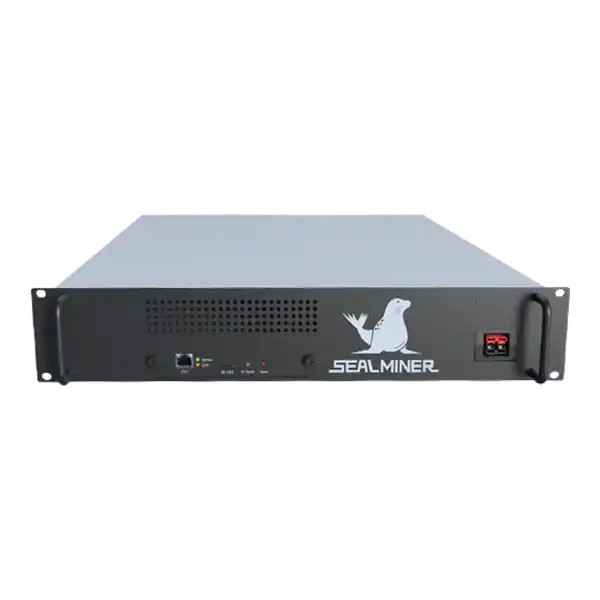

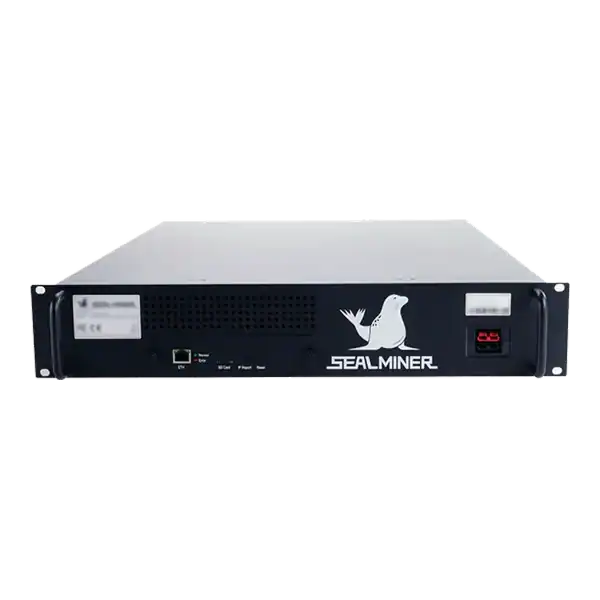
Mining pool ownership due diligence: check mining pool ownership, legal entity, beneficial control, infrastructure, payout custody, related services, sanctions.

Plan a solo mining variance reserve around fixed costs, expected block intervals, uptime, liquidity, accounting and a documented stop or pool-switch rule.
Verify a mining pool Bitcoin chain policy made simple. See how the network works, which hardware matters and what to check before using electricity.
Join the ASIC Mining Discussion
Members can read and join the discussion
Log in to read comments from other miners. Create a free account if you would like to ask a question or share your experience.
Membership helps us protect the discussion from spam and keep answers useful.