

Sealminer A4 Ultra Hydro
Bitcoin & Bitcoin Cash ASIC Miner
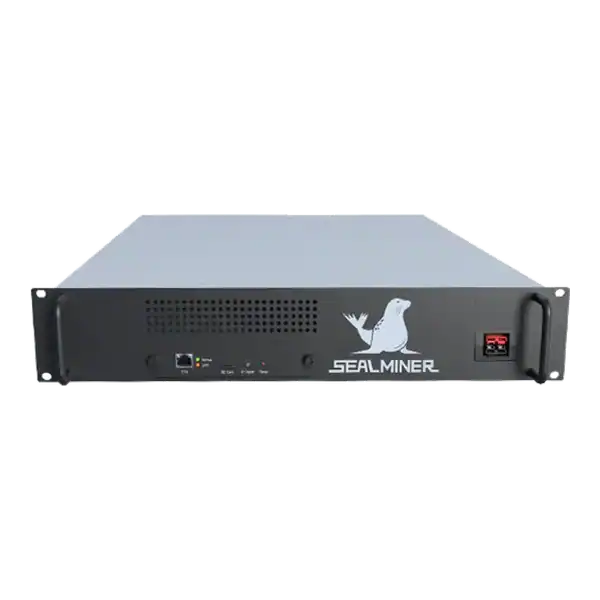

886TH
HASHRATE
9.45W/TH
EFFICIENCY
8373W
POWER
£846.49
EST. MONTHLY
NO PAYBACK
EST. ROI
Improve ASIC firmware security by verifying files, access and changes while weighing tuning gains against malware, instability, pool fees and warranty risks.
ASIC firmware security affects pool destinations, power limits, temperatures, remote access and warranty evidence. This guide explains how to verify firmware sources and hashes, isolate management access, test updates and assess whether performance tuning justifies malware, stability, fee and warranty risk.
ASIC firmware security is part software supply chain, part network design and part operating discipline. Verify the exact image and board, segment administration, retain a baseline and test one machine before a fleet.
A mining technician is checking ASIC firmware security. If the source publishes a checksum or signed release, verify it before upload. Performance claims must be proved with wall power and accepted hashrate after fees.
ASIC firmware controls where work is sent, how boards are powered, how fans and pumps respond and which administrative services are available. A malicious or unsuitable image can redirect hashrate, change payout settings, expose credentials, disable protection or damage hardware. The file should therefore receive the same change control as other privileged infrastructure software.
The risk is not limited to deliberate malware. A genuine image for the wrong model or control board can fail during installation or leave parts unsupported. An interrupted write, unstable power or incompatible retained configuration can produce a boot failure. Even a successful update can change API fields, tuning behaviour or fan control in ways that affect monitoring.
Record model, serial, control-board type, current firmware, source URL, downloaded filename, cryptographic hash, checked date, reason for change and rollback route. If the source publishes a checksum or signed release, verify it before upload. A filename containing a model name is not proof of authenticity.

Manufacturer firmware is designed around the manufacturer’s supported configuration and warranty policy. Bitmain directs users to its official download route and warns that unauthorised firmware or improper overclocking can lead to malfunction and warranty loss. Check the current policy for the exact product and sales contract rather than applying an old statement universally.
Open-source firmware can provide inspectable code and community review. But the downloadable binary still needs a traceable release and the correct build target. Review maintainers, release status, known issues and recovery instructions. A repository fork with a similar name is not automatically the authoritative project.
Commercial tuning firmware can offer profiles, fleet management and support. Identify developer fees, pool switching, remote services, licence binding, data sent externally and what happens when the licence server is unavailable. The expected electricity saving or hashrate gain must be measured after all fees and ancillary power.
Change default credentials before production and use unique passwords. Keep management interfaces on a segmented network accessible only from approved administration devices or a secured management path. Do not expose HTTP, SSH, APIs or discovery ports directly to the internet. Restrict outbound traffic where the operational model allows and monitor unexpected pool or DNS destinations.
Bitmain’s security-firmware guidance describes disabling SSH as one defence against remote attack and virus transmission. Whether SSH is enabled or not, network isolation remains necessary. A hidden service, old web component or compromised administration computer can still become an entry point. Protect the systems used to download and upload firmware as well as the miners.
Maintain an inventory of expected MAC, IP, firmware and pool destinations. Alert on worker-name changes, unknown pools, unusual DNS queries, repeated logins or a hashrate gap between local and authorised pool accounts. Do not keep API tokens or wallet keys in general screenshots or support tickets.
| Stage | Required evidence | Stop condition |
|---|---|---|
| Before | Model, board, current version, config backup and known-good baseline | Identity or recovery route unclear |
| File | Official release URL, filename, hash and instructions | Checksum or model mismatch |
| Change | Stable power, authorised operator and preserved log | Power or network instability |
| Restart | Expected version, pools, credentials and network | Unexpected reset or destination |
| Acceptance | Wall watts, accepted hashrate, temperatures, errors and fees | Protection, stability or warranty concern |
Test one machine or a small controlled group before a fleet. Keep the baseline long enough to compare temperature, wall power, accepted hashrate, rejects and restarts. Do not change firmware, pool, voltage and cooling at the same time. A result is not attributable if several variables moved together.
Bitmain’s online-upgrade guidance notes that retaining configuration can preserve pool and network settings. At the same time, not retaining it may restore defaults. Decide deliberately and keep a secure record of values needed afterwards. Wait for the documented process to finish. Do not reboot simply because the browser loses contact while the controller restarts.
A profile named efficient or turbo is a starting point, not evidence. Measure suitable wall power and sustained accepted pool hashrate under recorded inlet conditions. Divide watts by TH/s to calculate J/TH. Include any developer fee, rejected shares, auxiliary fans or pumps and instability during the test window.
An overclock can increase headline hashrate while reducing net value if power, errors, fan load and downtime rise faster. An underclock can reduce total watts but worsen efficiency if hashrate falls disproportionately. Compare net revenue after electricity using current, dated inputs. Do not extrapolate one strong hour across a year.
Respect voltage, temperature and current limits. Protective thresholds are not tuning targets. Stop when connectors heat, boards disappear, thermal control becomes unstable, errors rise materially or the machine cycles. Restore a known-good supported configuration before deciding that hardware has failed.
Unexpected pool destinations, unknown accounts, settings that revert, disabled security controls or unexplained traffic justify quarantine. Disconnect the affected miner from production management and pool networks without destroying logs. Check other miners and the administration computer because a common credential or workstation can spread the problem.
Bitmain advises network quarantine when an ANTMINER infection is suspected. Follow the current vendor recovery instructions for the exact model, reset credentials and verify payout settings independently. Do not return the device to production until firmware provenance, network behaviour and pool credits are clean.
Preserve dates, hashes, logs and actions for supplier, insurer or security review. Rotate exposed passwords and API keys from a known-clean system. A factory reset alone is not a complete incident process if the download source, administrator computer or network path remains compromised.
A controlled tuning platform can make sense where the operator has many similar machines, measured energy constraints, a tested rollback and a commercial benefit that remains after fees. Start conservatively and use staged deployment.
It is strongest when the hardware is outside a restrictive warranty position or the supplier has confirmed the chosen firmware and settings in writing.
Do not install third-party firmware during fault diagnosis, on an unknown control board, from an unverified source or merely to chase a screenshot hashrate. It is a poor decision when warranty, recovery or remote-service terms are unclear.
Remain on a supported profile when the site lacks electrical, thermal or security monitoring. Stable accepted work is more valuable than a nominal gain that creates repeated intervention.
A simple firmware register and staged process provide more protection than repeated emergency resets. Review the inventory after supplier updates, site migrations and staff changes.
ASIC firmware security is part software supply chain, part network design and part operating discipline.
ASIC firmware controls where work is sent, how boards are powered, how fans and pumps respond and which administrative services are available.
Manufacturer firmware is designed around the manufacturer's supported configuration and warranty policy.
Change default credentials before production and use unique passwords. Keep management interfaces on a segmented network accessible only from approved administration devices or a secured management path.
ASIC firmware security is part software supply chain, part network design and part operating discipline. Verify the exact image and board, segment administration, retain a baseline and test one machine before a fleet. Performance claims must be proved with wall power and accepted hashrate after fees. When compromise is suspected, quarantine first and preserve evidence rather than repeatedly reflashing into the same unsafe environment.
Review The Mining Shop UK’s repair and firmware guidance before changing a production miner, or ask the repair team to establish a safe baseline and recovery plan.
Use the exact manufacturer or verified project release for the exact control board and retain its hash and version. Never expose miner administration directly to the public internet. Change credentials and segment management traffic.
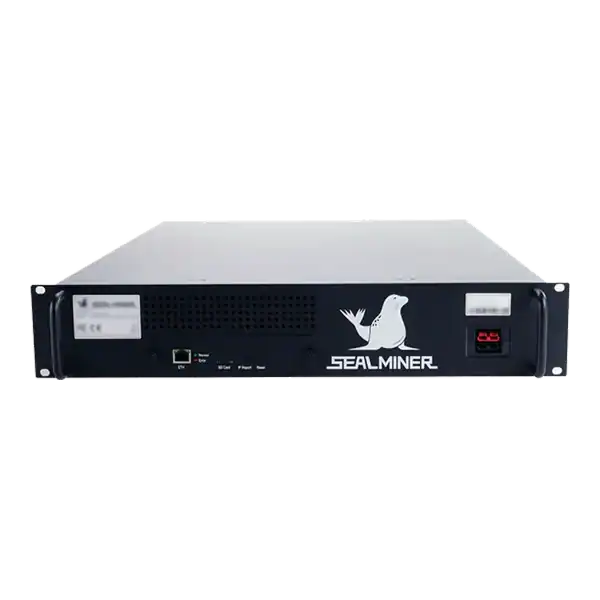
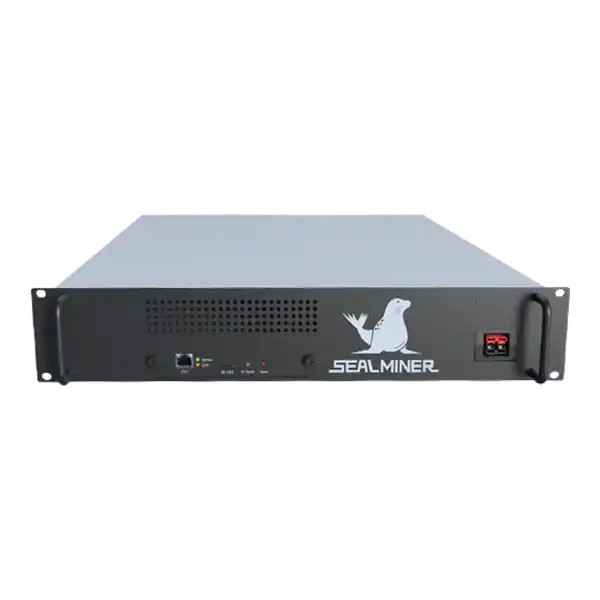

Stock firmware provenance restoration: restore stock firmware provenance before ASIC resale using exact hardware identity, official files, configuration.
Plan a WhatsMiner batch firmware rollout using model cohorts, WhatsMinerTool, pilot gates, configuration evidence, monitoring and a tested rollback route.
ASICBoost compatibility check: Verify explicit model, firmware and pool support for overt ASICBoost before enabling it. Verify the current evidence.
Join the ASIC Mining Discussion
Members can read and join the discussion
Log in to read comments from other miners. Create a free account if you would like to ask a question or share your experience.
Membership helps us protect the discussion from spam and keep answers useful.